Home / Templates / Lifestyle / Ancient Egypt
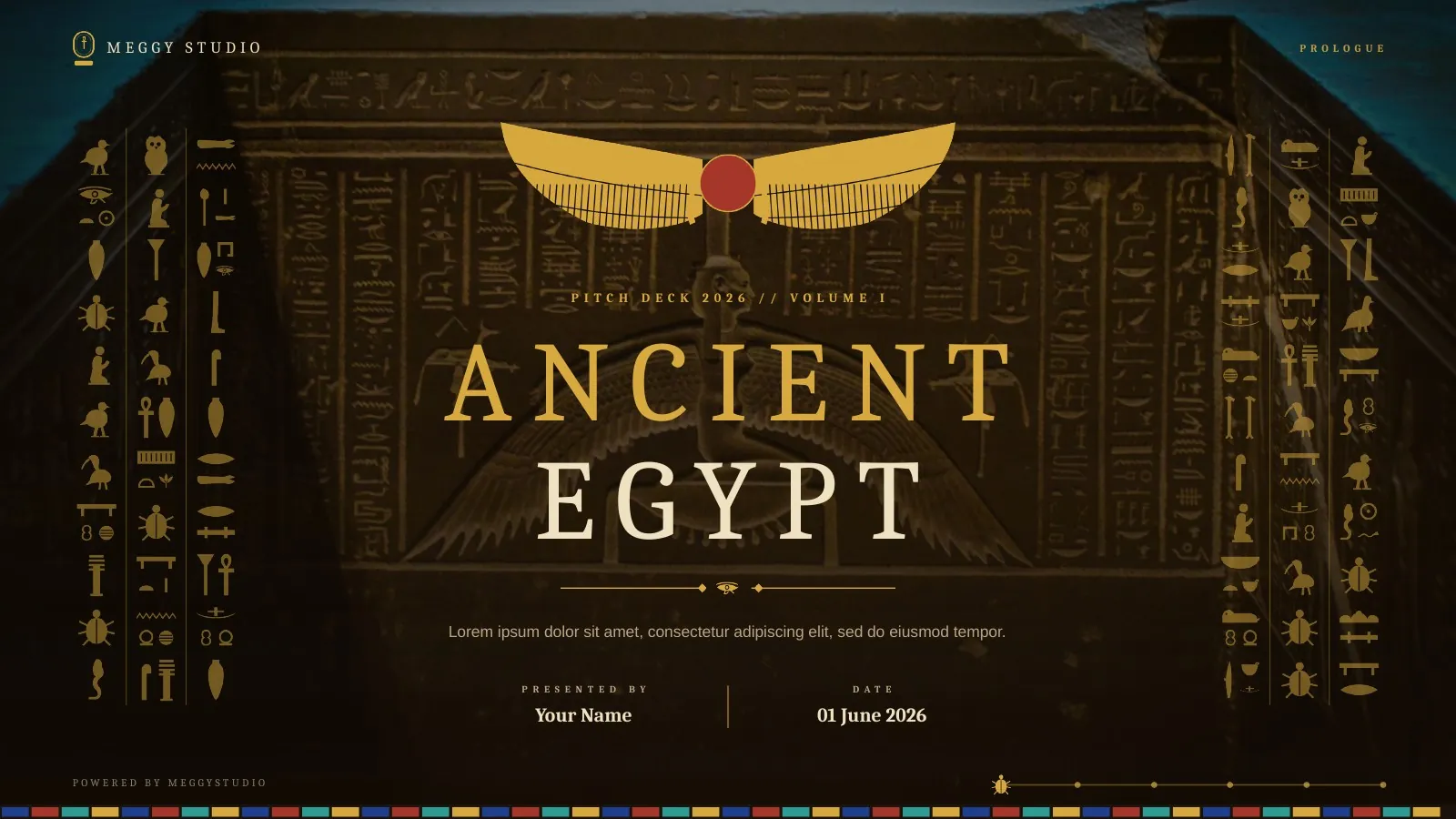
Ancient Egypt Pitch Deck PowerPoint Template
Ancient Egypt is a 50-slide PowerPoint template built around sand-gold papyrus textures, hieroglyph borders, temple photography and golden 3D artifacts. It looks bold on screen while your content stays clear and easy to read.
- Slides50 unique layouts
- FormatPPTX, 16:9 widescreen
- TransitionsMorph, PowerPoint 2019+
- FontsOffice fonts, no installs
Cheaper than a coffee. Instant download after payment. One-time payment.
Preview the slides
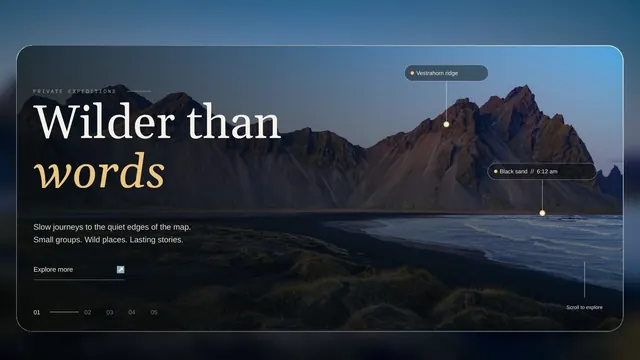
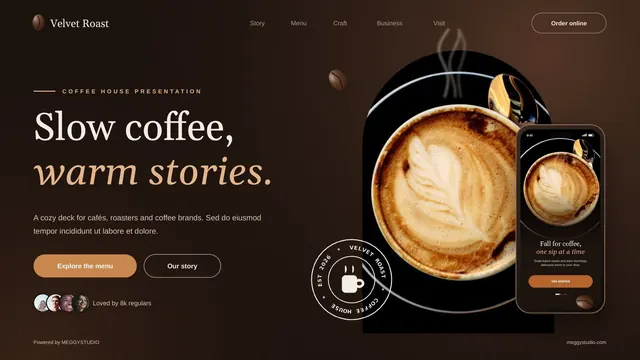
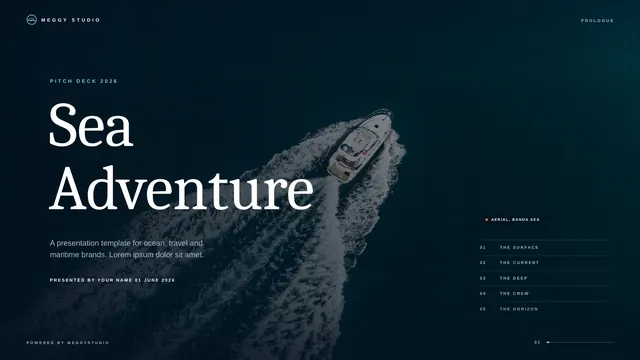
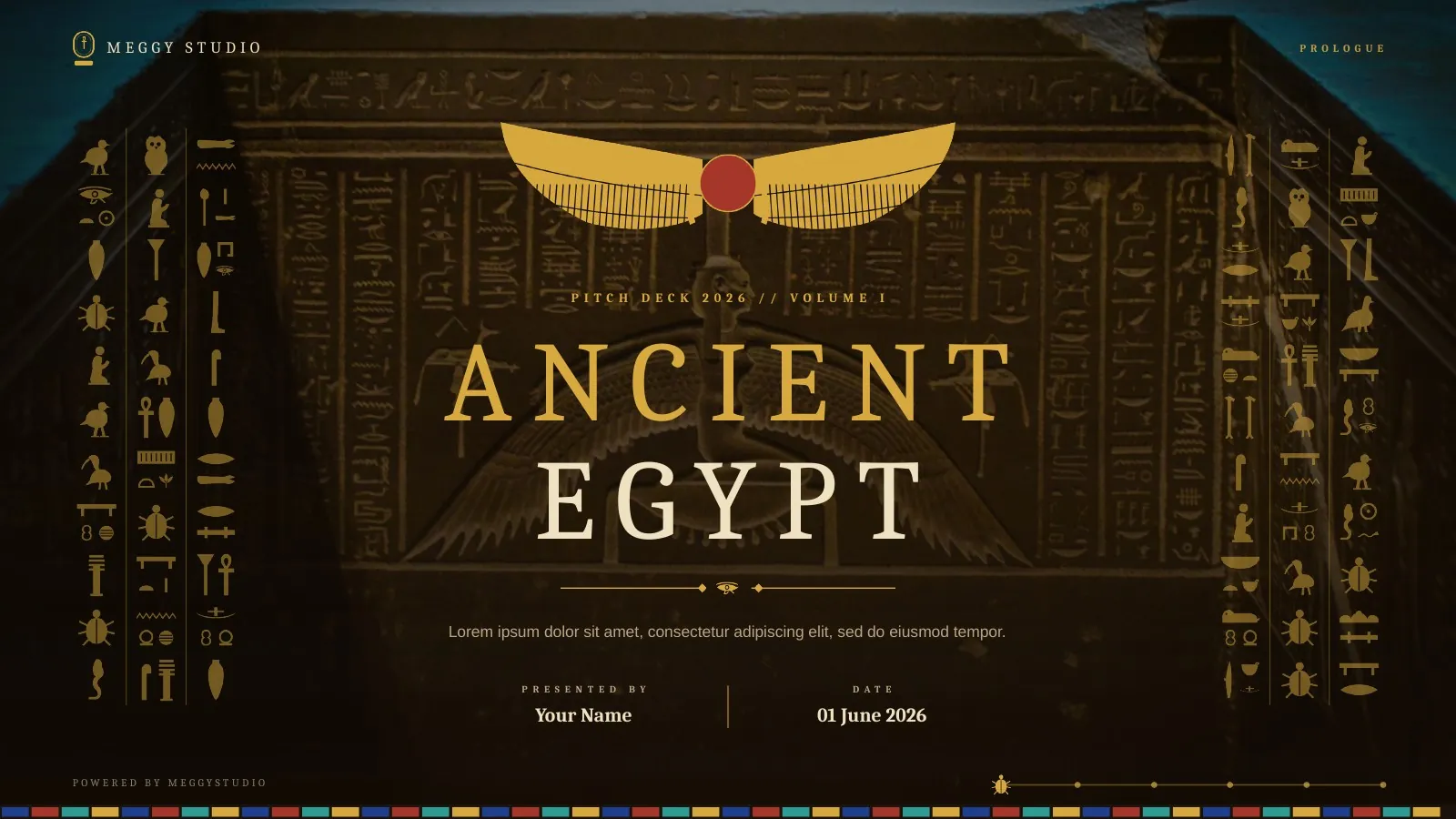
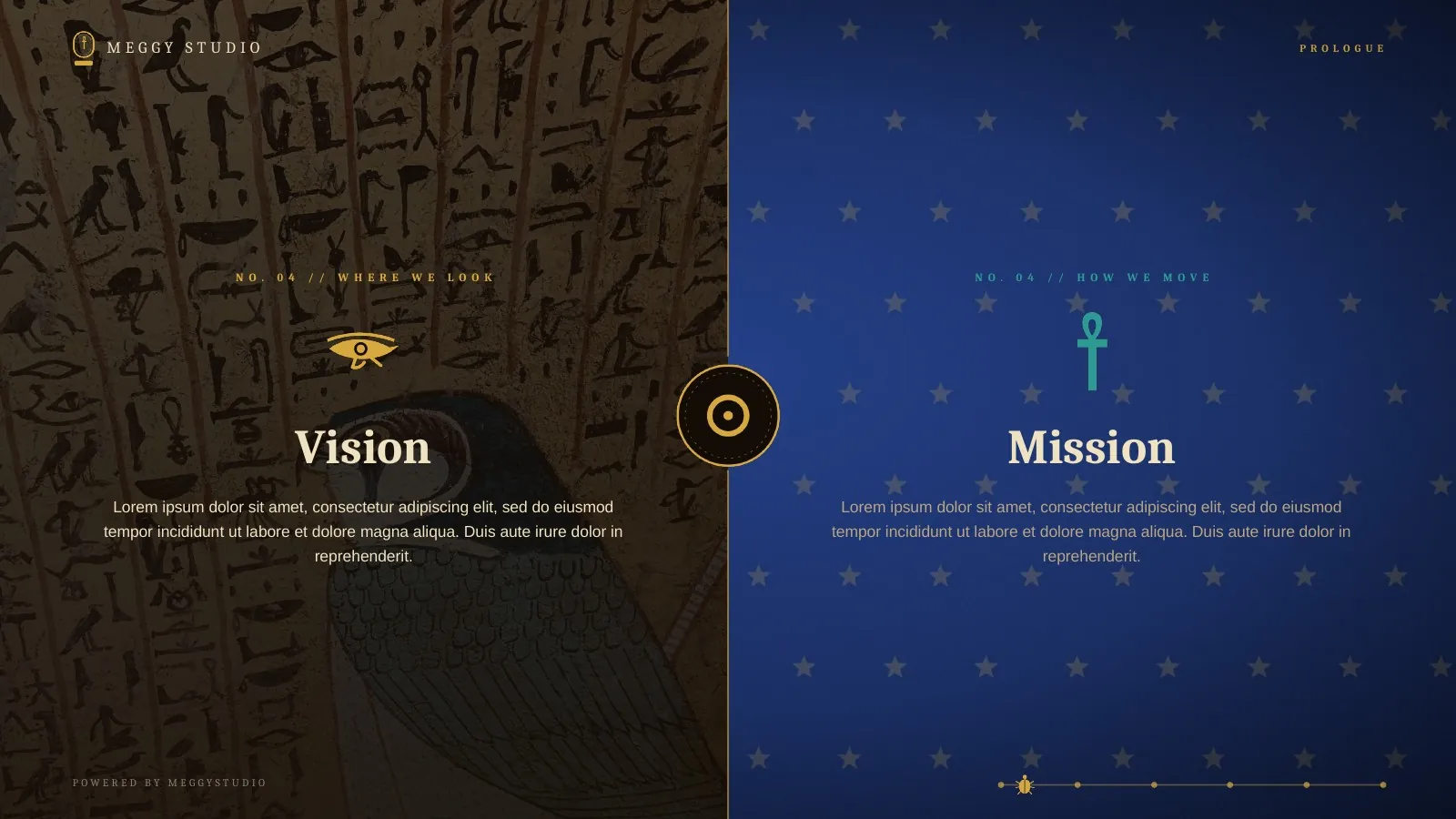
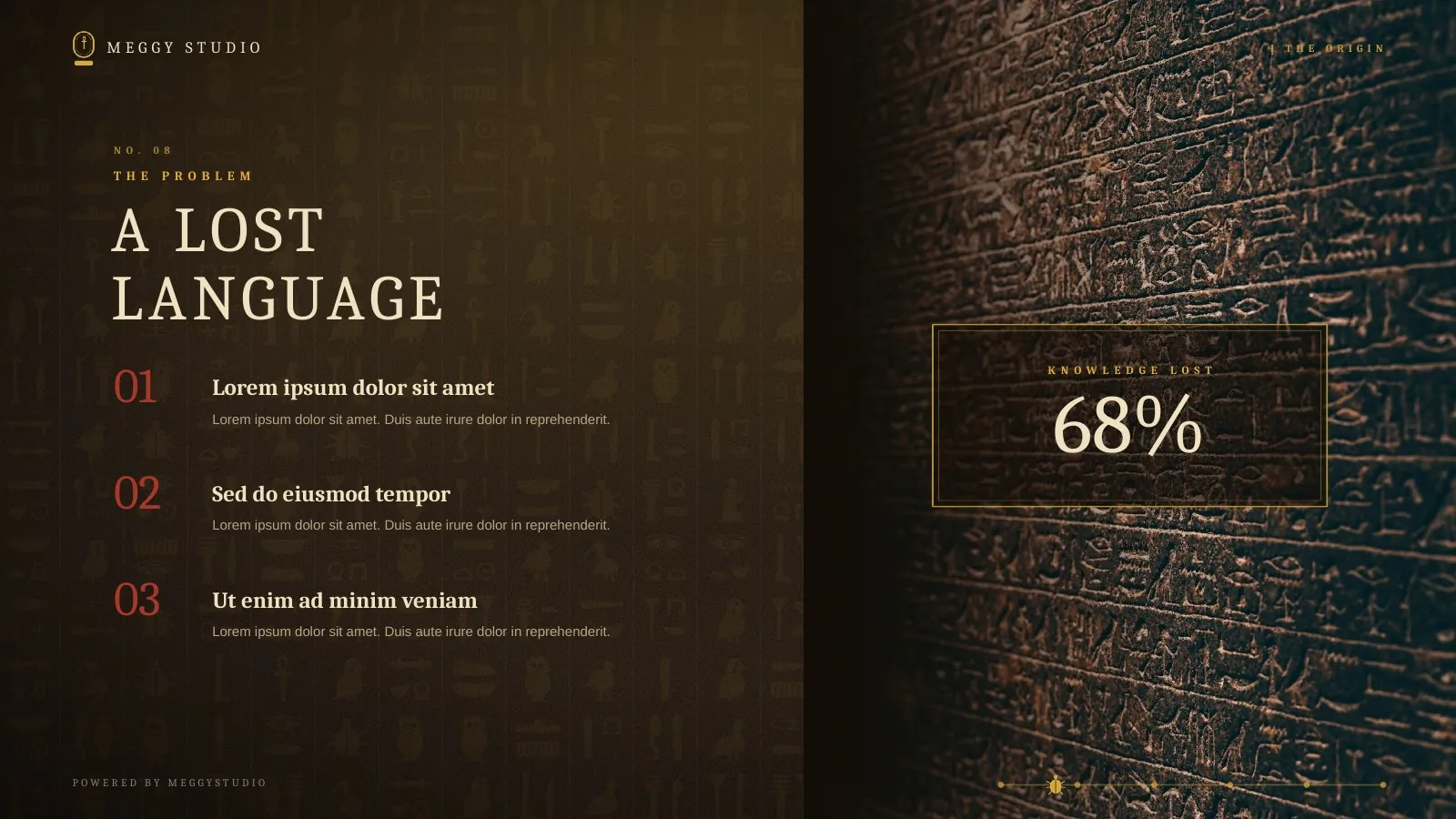
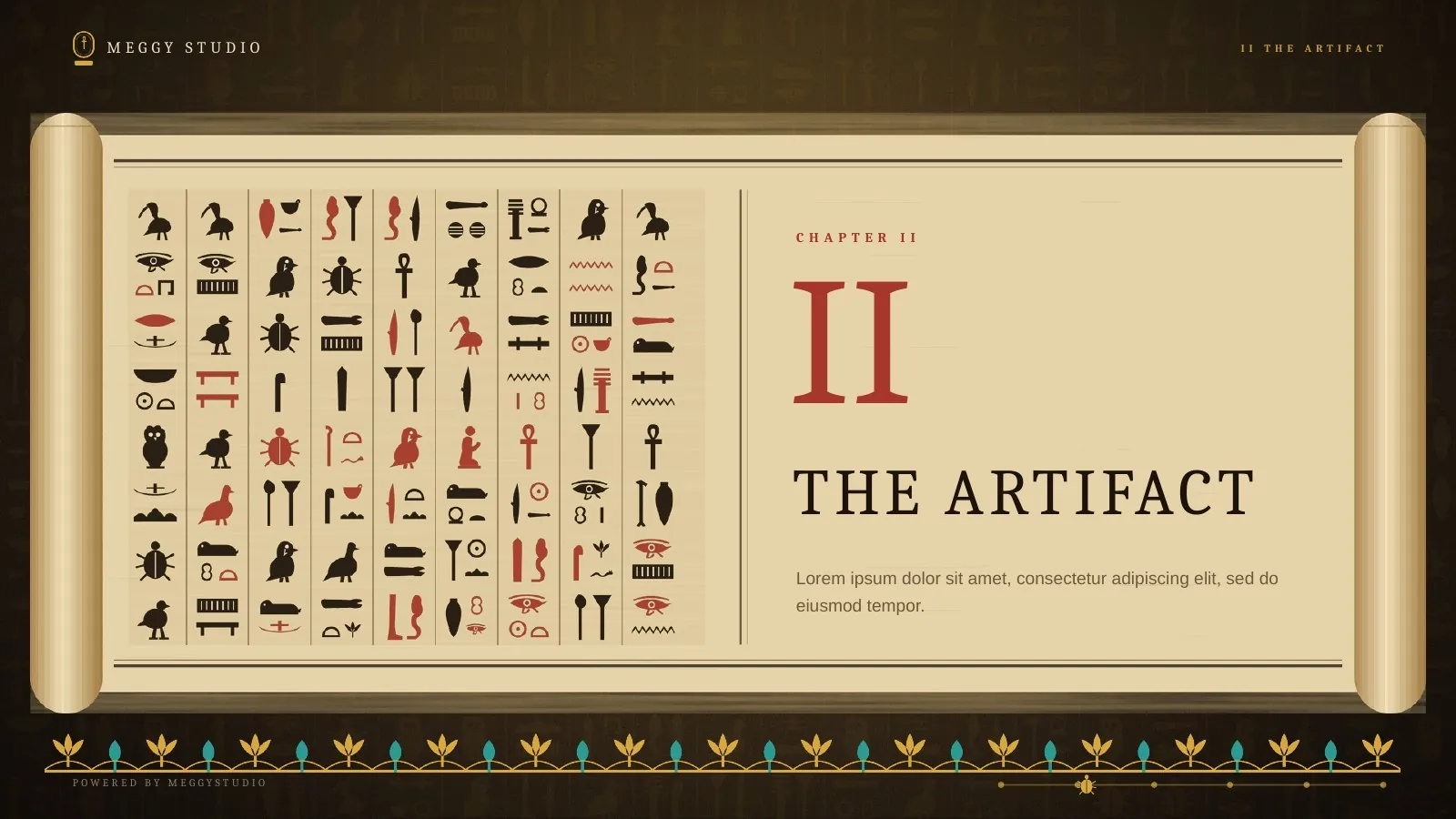
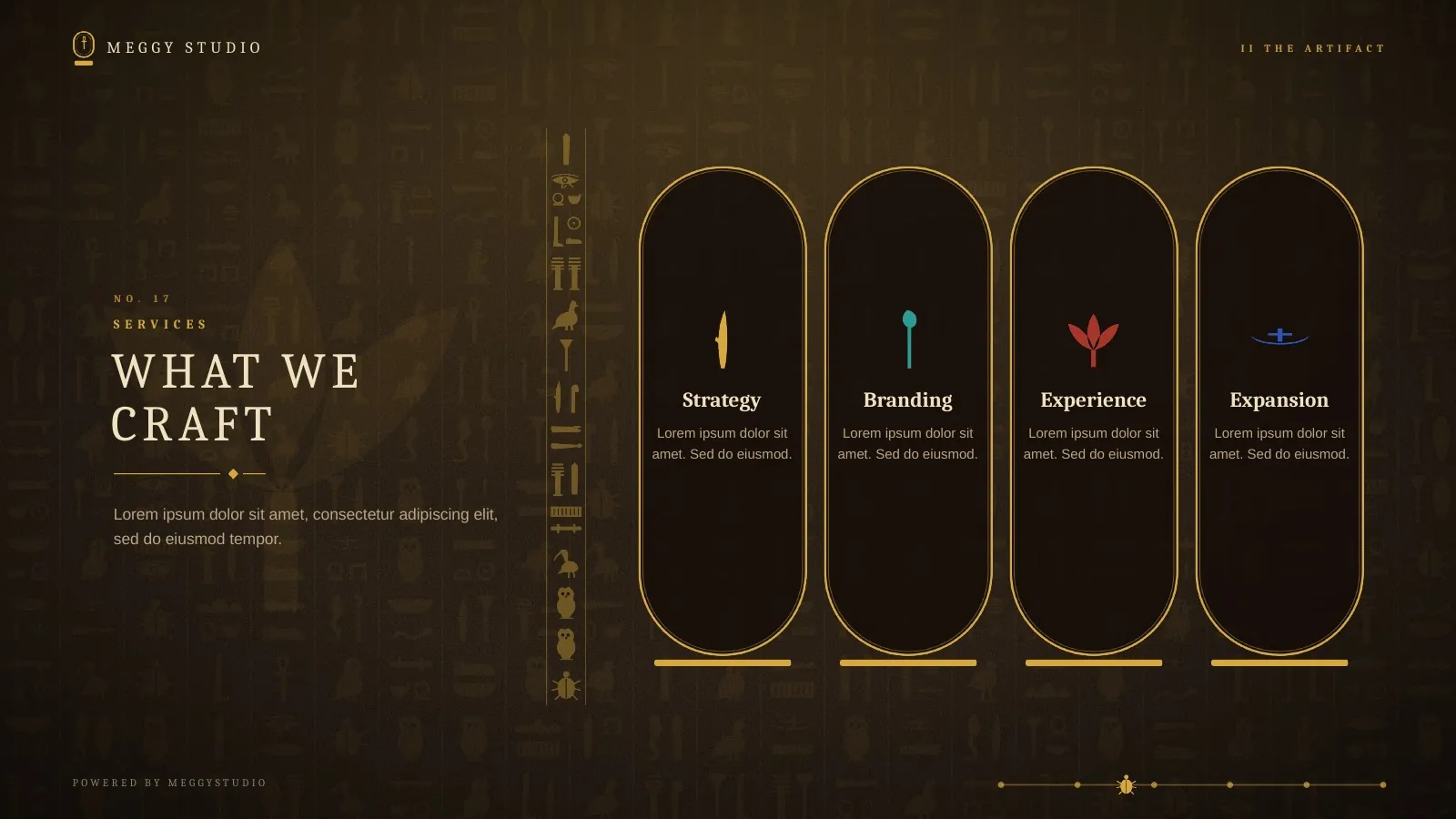
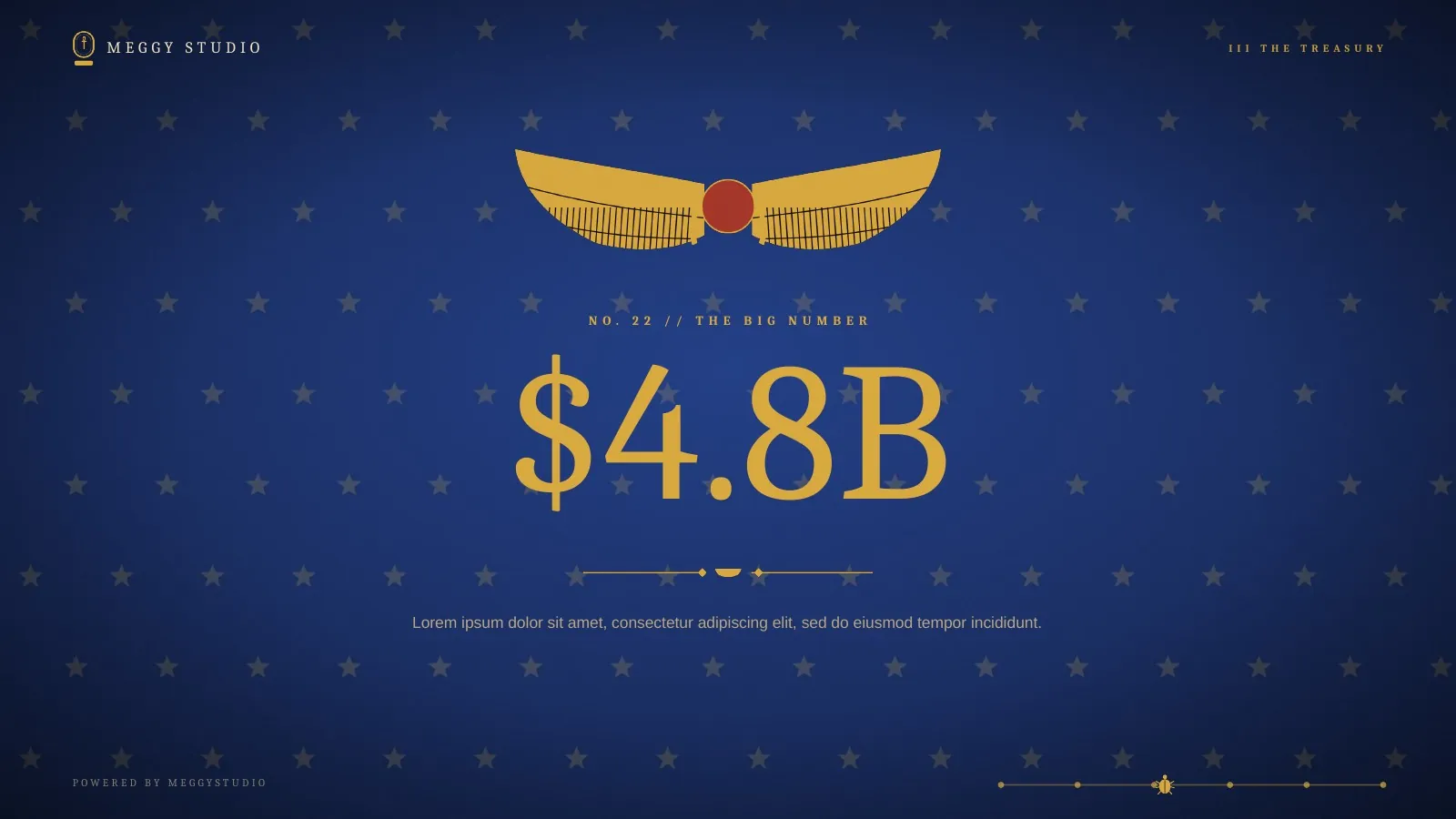
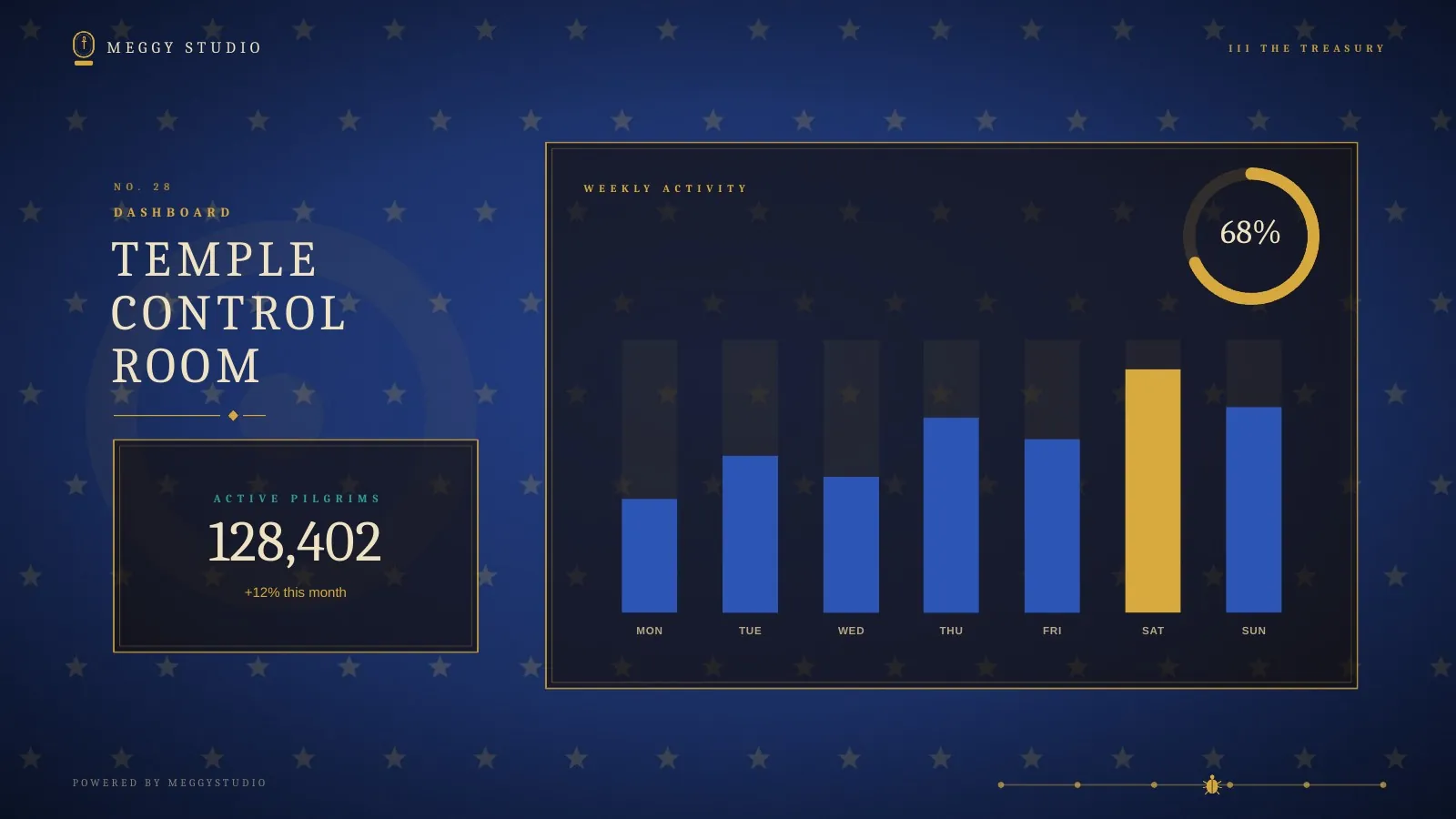
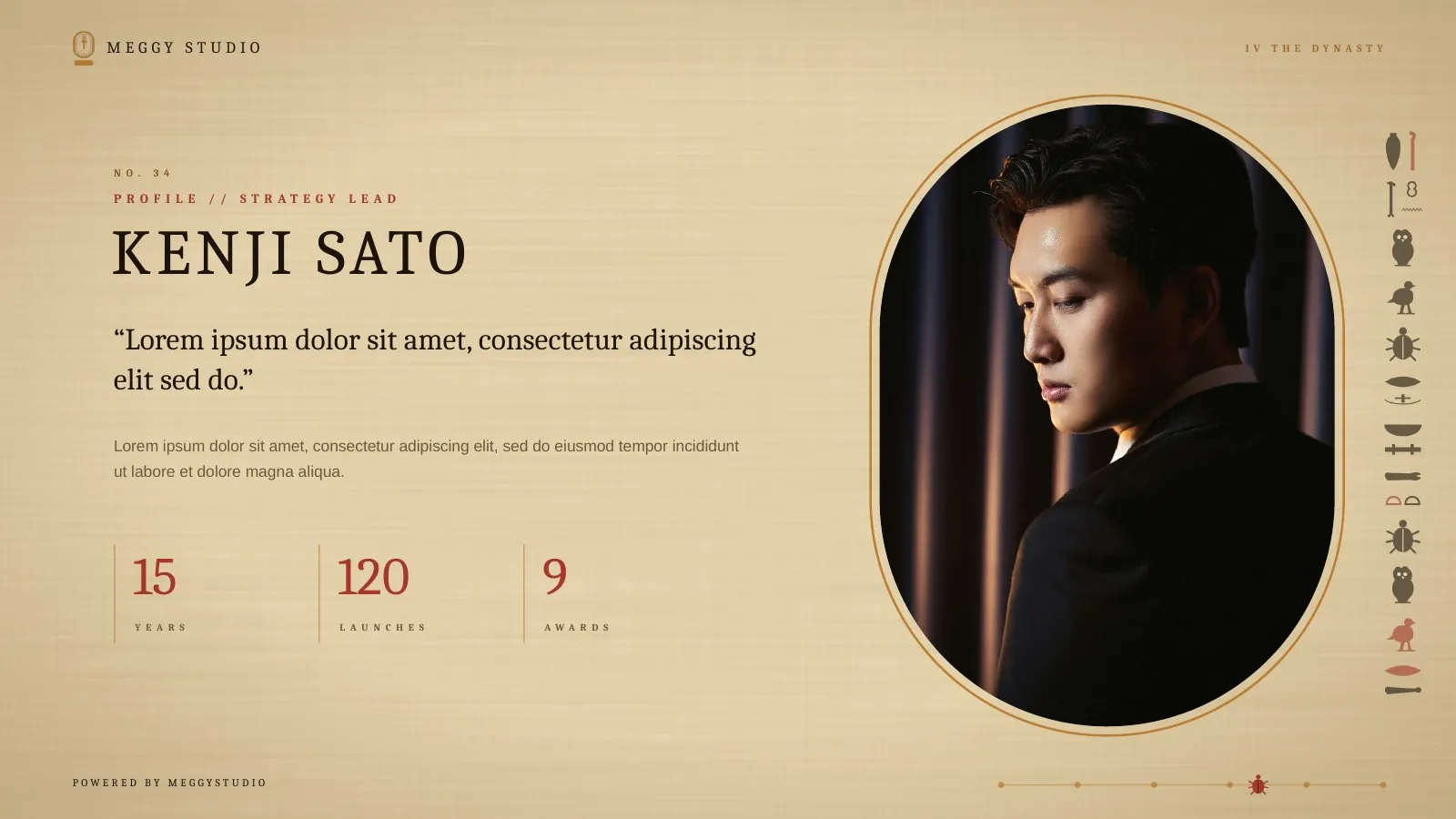
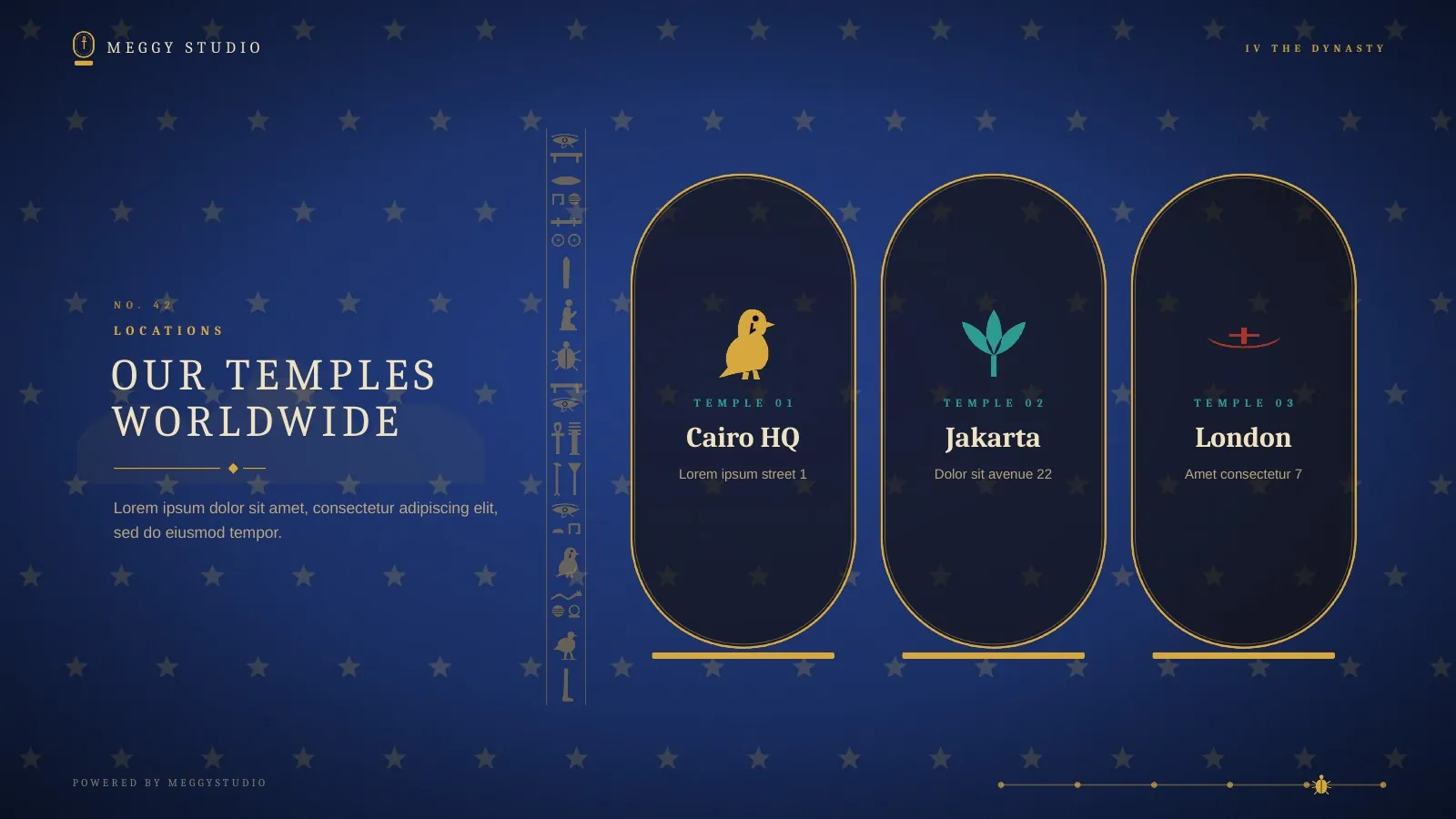
Pitch like a pharaoh. A few of the 50 layouts inside Ancient Egypt.
What's inside
- 50 unique slides in one 16:9 PPTX file
- 5 bold section dividers that keep your story organized
- Opening slides: Agenda, about, vision mission, values
- Part 1: History, problem, solution, big statement, key message
- Part 2: Product, features, phone mockup, process, services, gallery, comparison, use cases
- Part 3: Big number, stats, bar chart, line chart, donut chart, table, dashboard, market, SWOT, competitors
- Part 4: Team, profile, testimonials, partners, roadmap, milestones, pricing, business model, case study, locations
- Part 5: Funding, use of funds, FAQ, takeaways, call to action, contact, thank you
- Laptop and phone mockups ready for your own screenshots
Why you'll like it
- Morph-ready: smooth, cinematic transitions in PowerPoint 2019, 2021 and Microsoft 365
- No font installs: uses Cambria and Arial, which come with Microsoft Office, so your layout looks the same on any PC
- Fully editable: text, shapes, colors, charts and icons are native PowerPoint objects
- Photo-ready: royalty-free photos are already placed; right-click any image and choose Change Picture to use your own
- Easy to rebrand: change shape colors to match your brand in a few clicks
Perfect for
History and culture projects, museums and exhibitions, travel agencies, education and lectures, luxury brands, Egypt-themed events, storytelling pitches.
Where to buy Ancient Egypt
Same file on every marketplace. Pick the one that suits your payment method.
Want to try first? Download the free 5-slide sample.
FAQ
Do I need to install any fonts?
No. Ancient Egypt uses fonts that come with Microsoft Office, so the layout looks the same on any PC.
Which PowerPoint version do I need?
Morph transitions play in PowerPoint 2019, 2021 and Microsoft 365. Older versions can open the file, but the transitions may not play.
Can I use it for client work?
Yes. You can use it for your own presentations and for client projects. Reselling or redistributing the template file is not allowed.
Can I change the colors and photos?
Yes. Everything is native PowerPoint: recolor shapes in a few clicks and right-click any photo, then choose Change Picture.
More templates you might like