Home / Templates / Tech / Blueprint Engineer
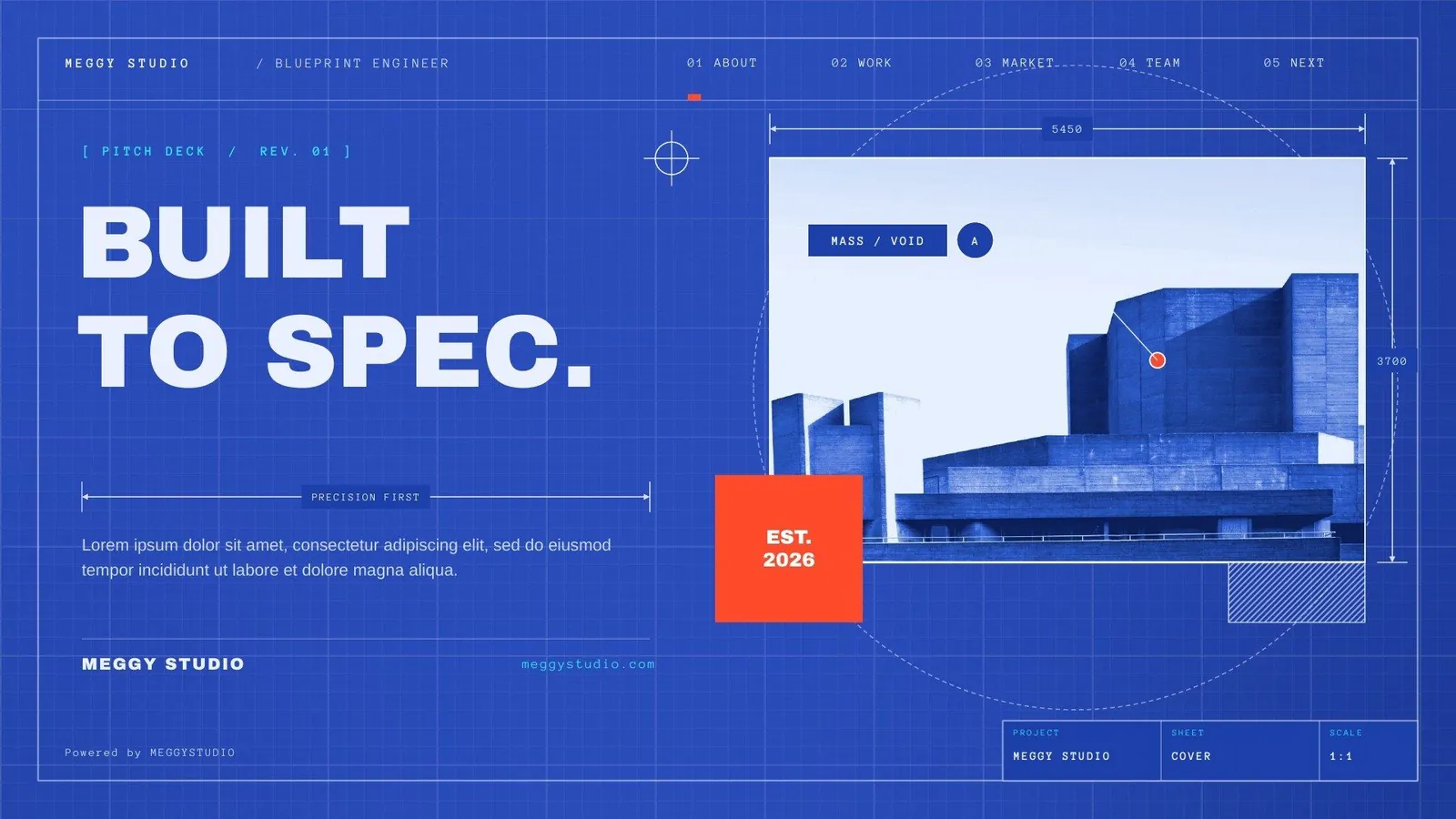
Blueprint Engineer Pitch Deck PowerPoint Template
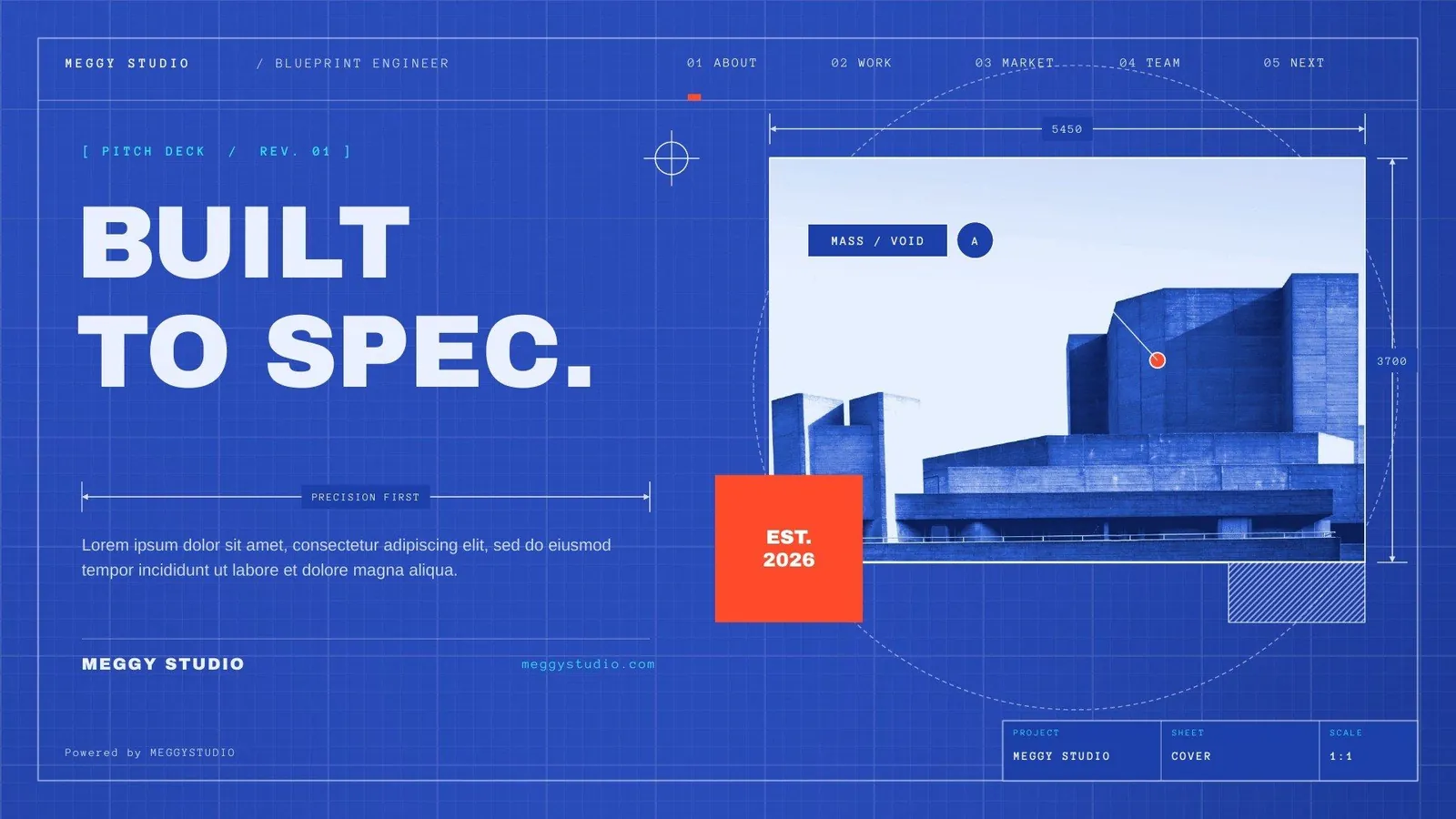
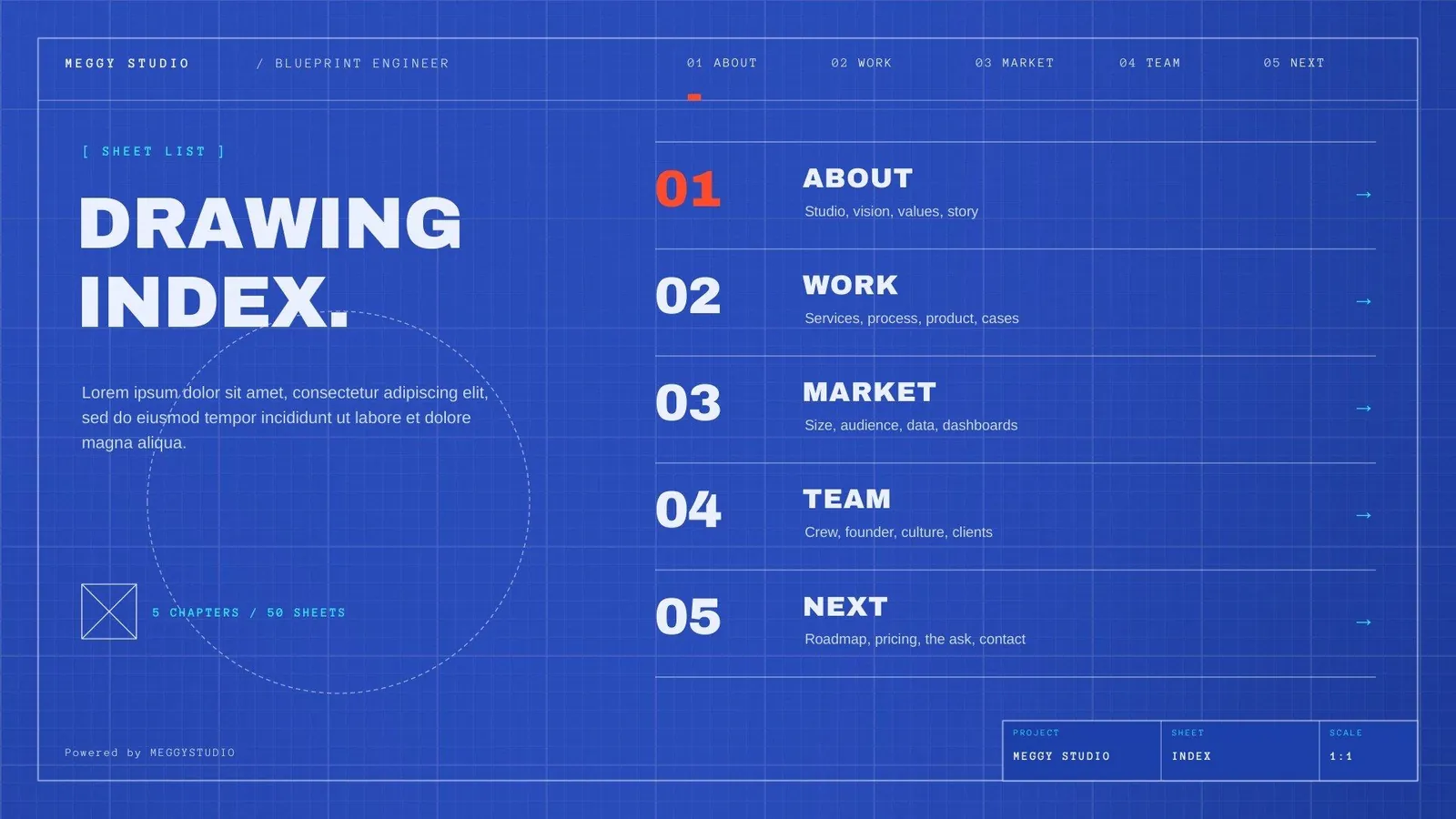
Blueprint Engineer is a blueprint-style deck with technical grids, drafting lines and engineering photos, in 50 slides. Great for engineering firms, architects and hardware startups. Every slide has its own layout, and Morph transitions are already applied, so the deck glides from one slide to the next.
- Slides50 unique layouts
- FormatPPTX, 16:9 widescreen
- TransitionsMorph, PowerPoint 2019+
- FontsOffice fonts, no installs
Cheaper than a coffee. Instant download after payment. One-time payment.
Preview the slides
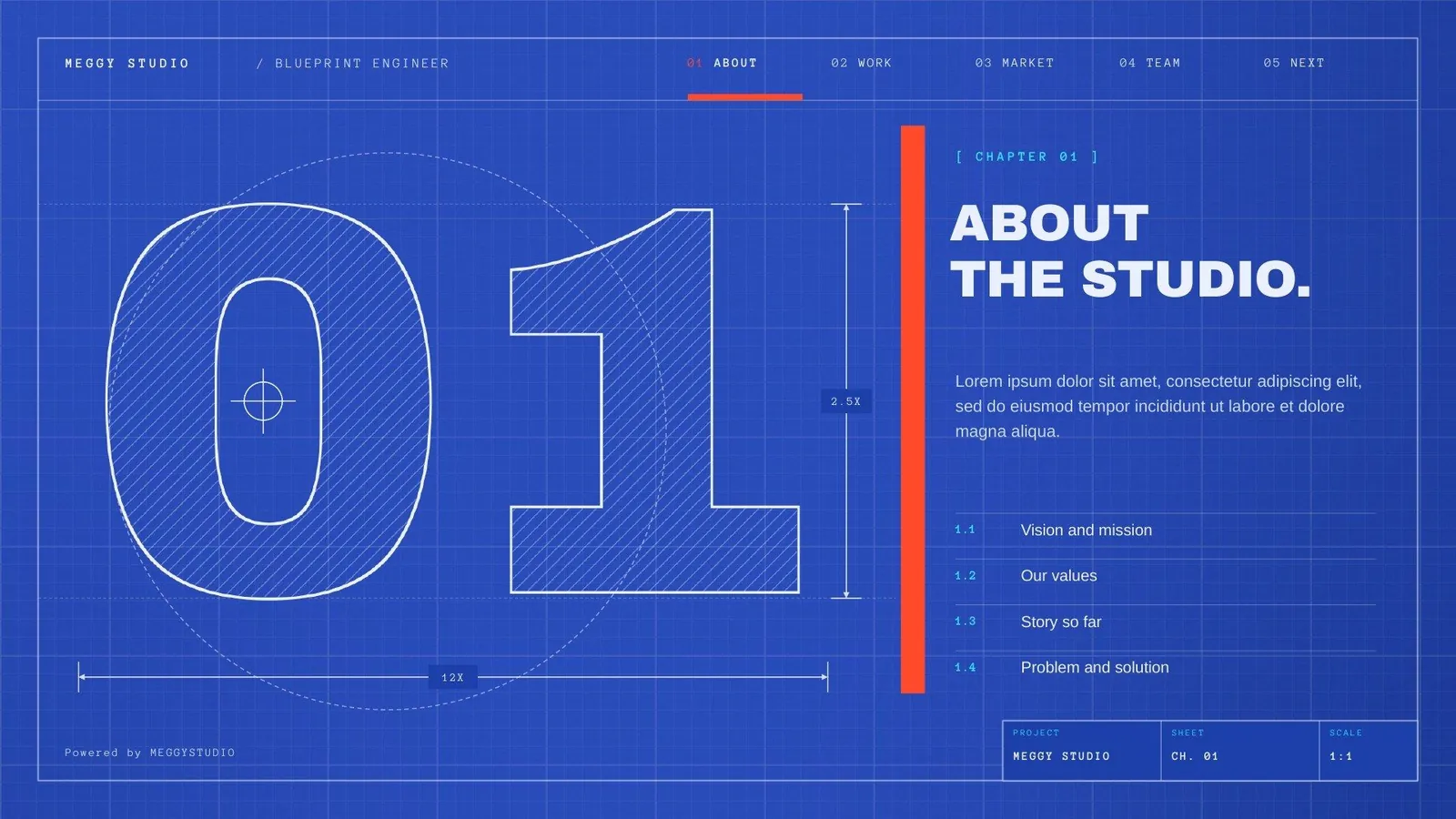
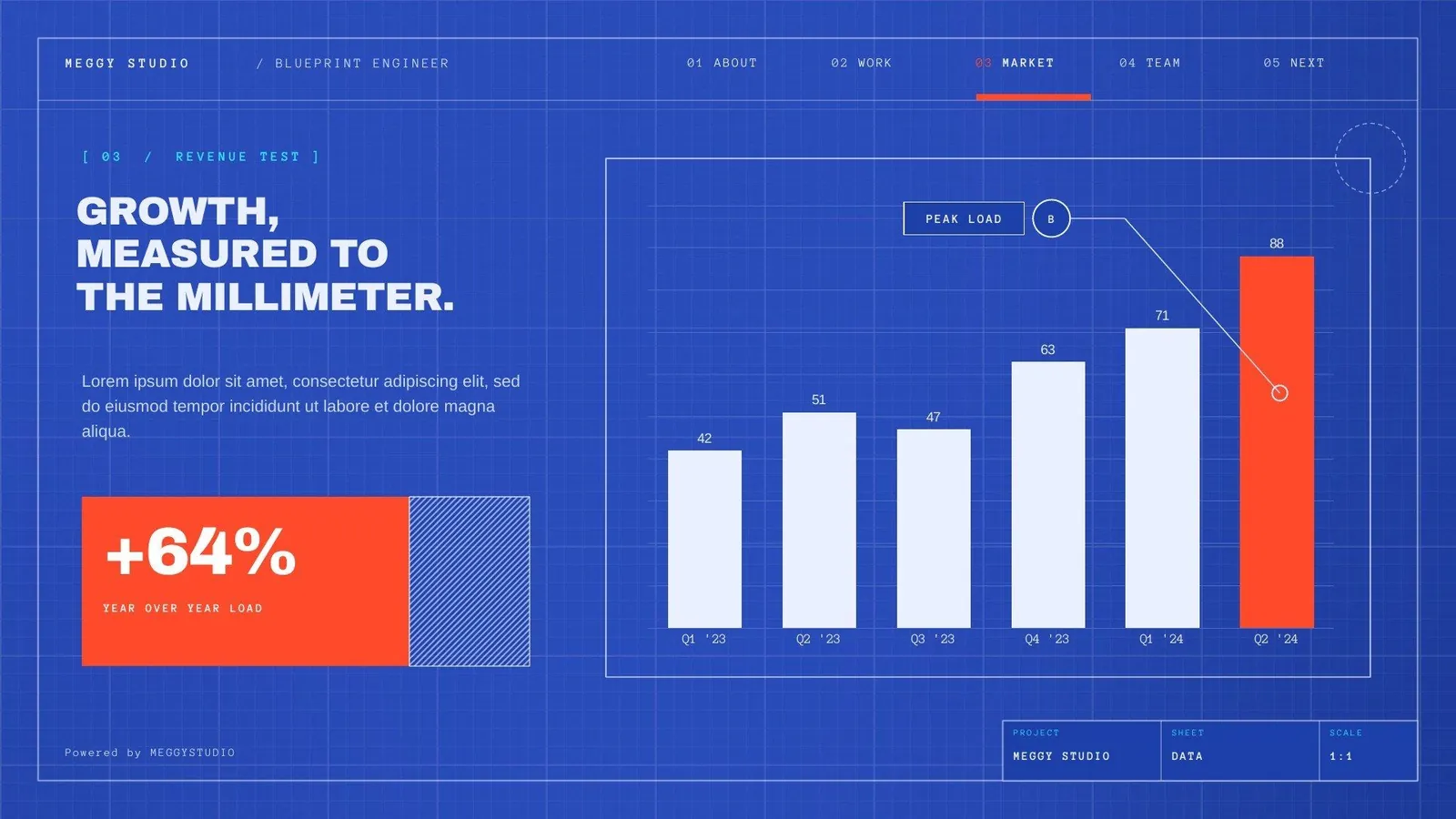
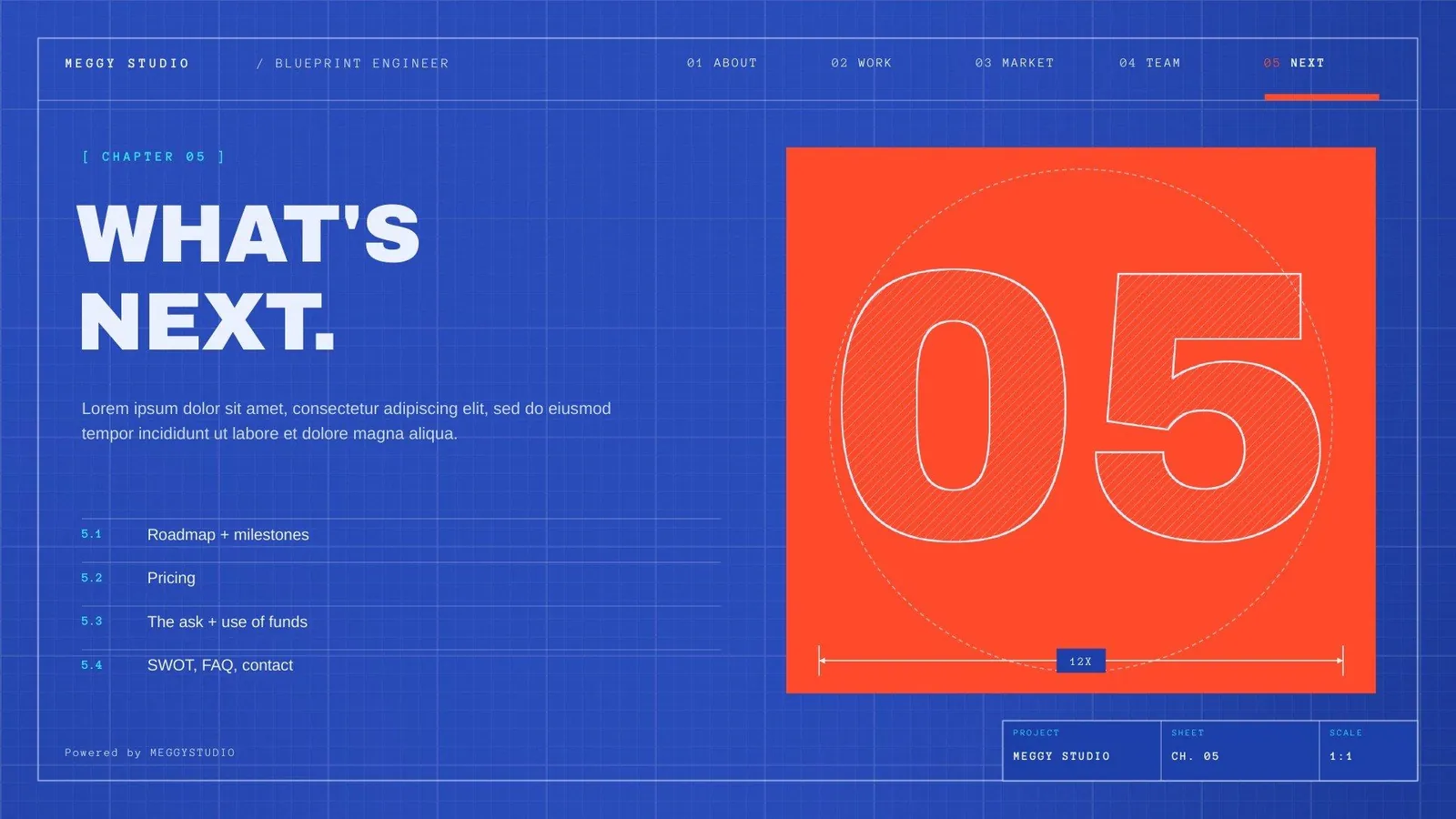
Built to spec. A few of the 50 layouts inside Blueprint Engineer.
What's inside
- 50 unique slides in one 16:9 PPTX file
- 5 section dividers that keep your story organized
- About the studio: where we're headed next, four load-bearing values, from sketch to structure, cracks in the system and the fix, drawn to scale
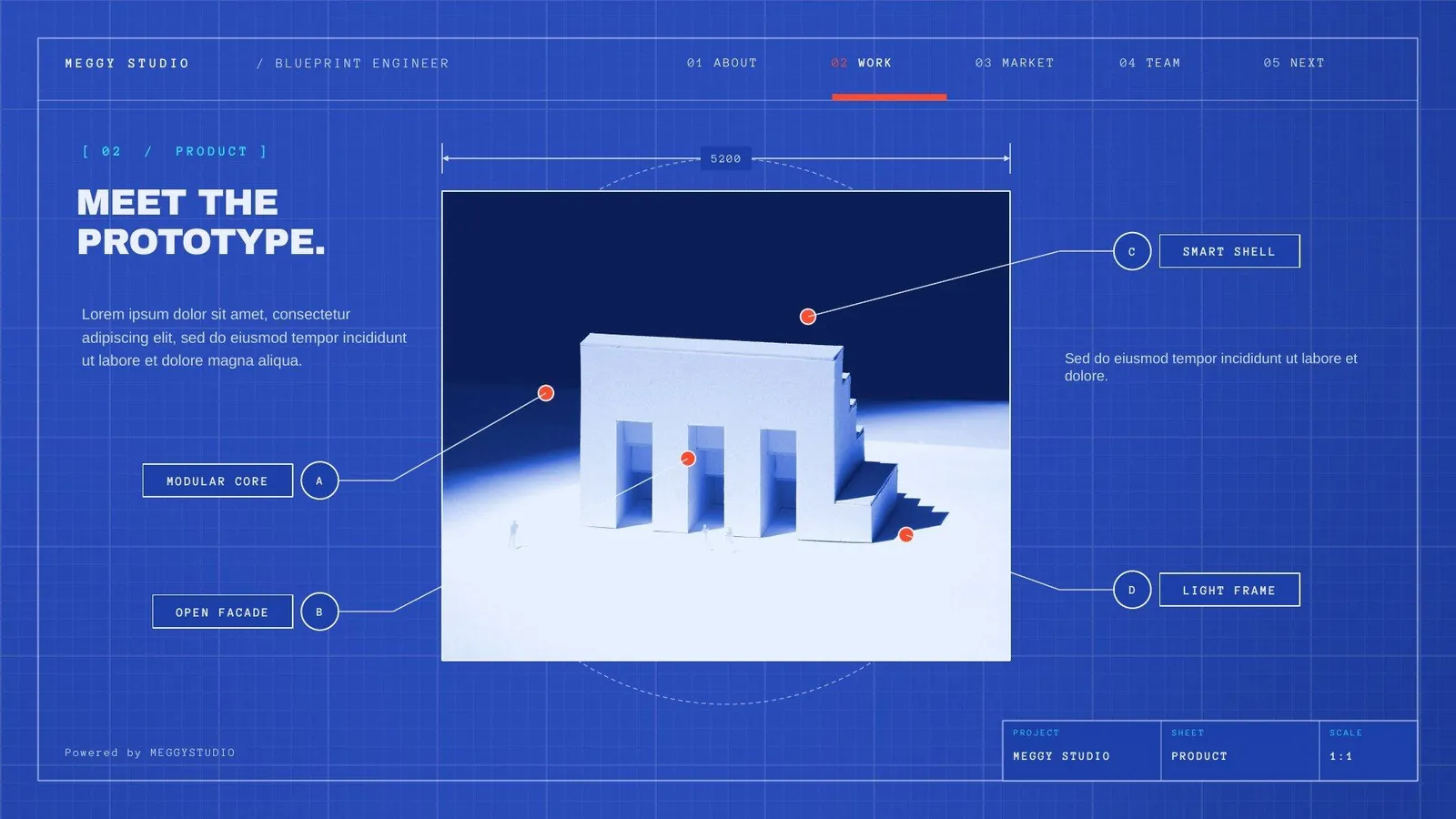
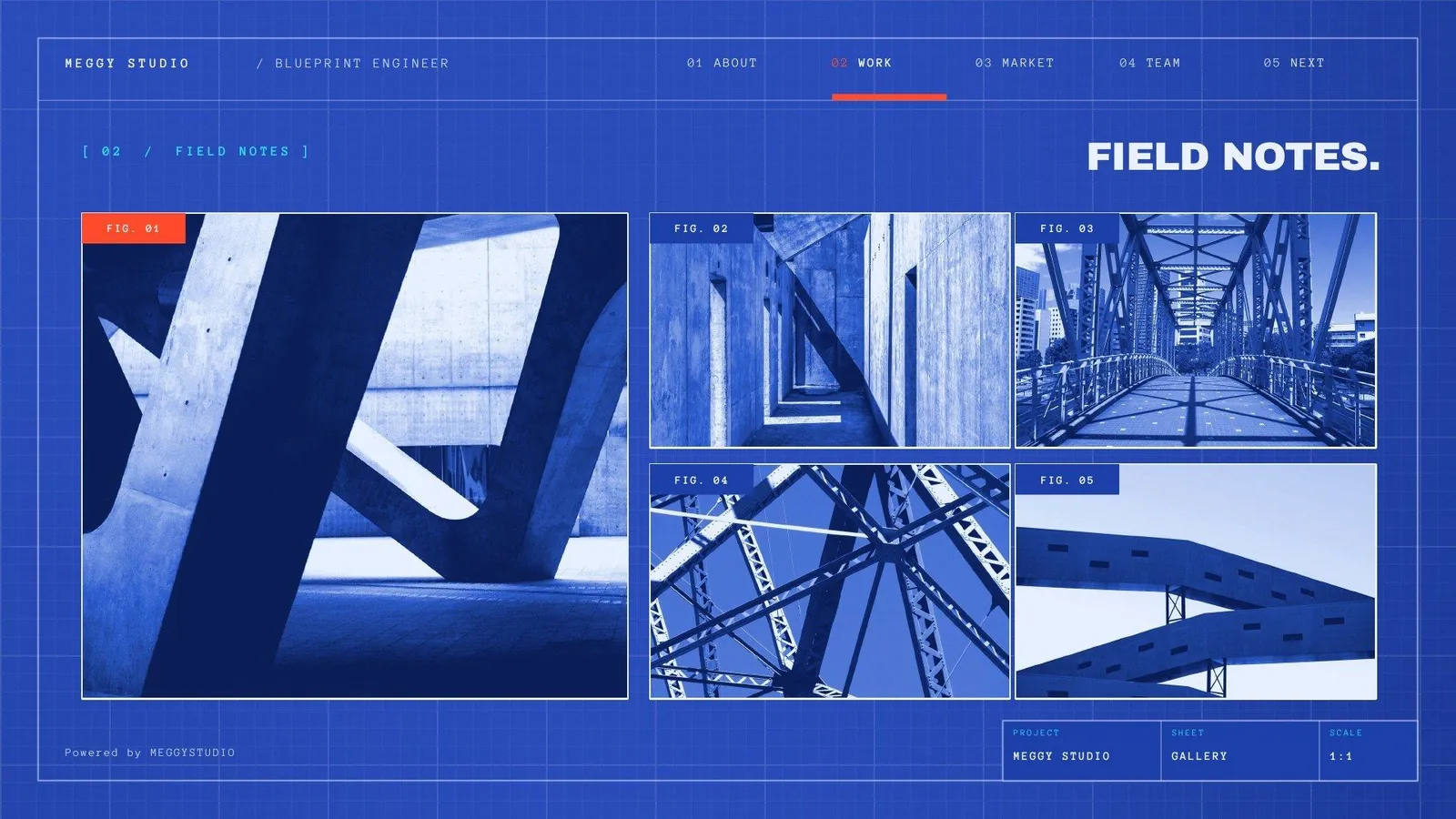
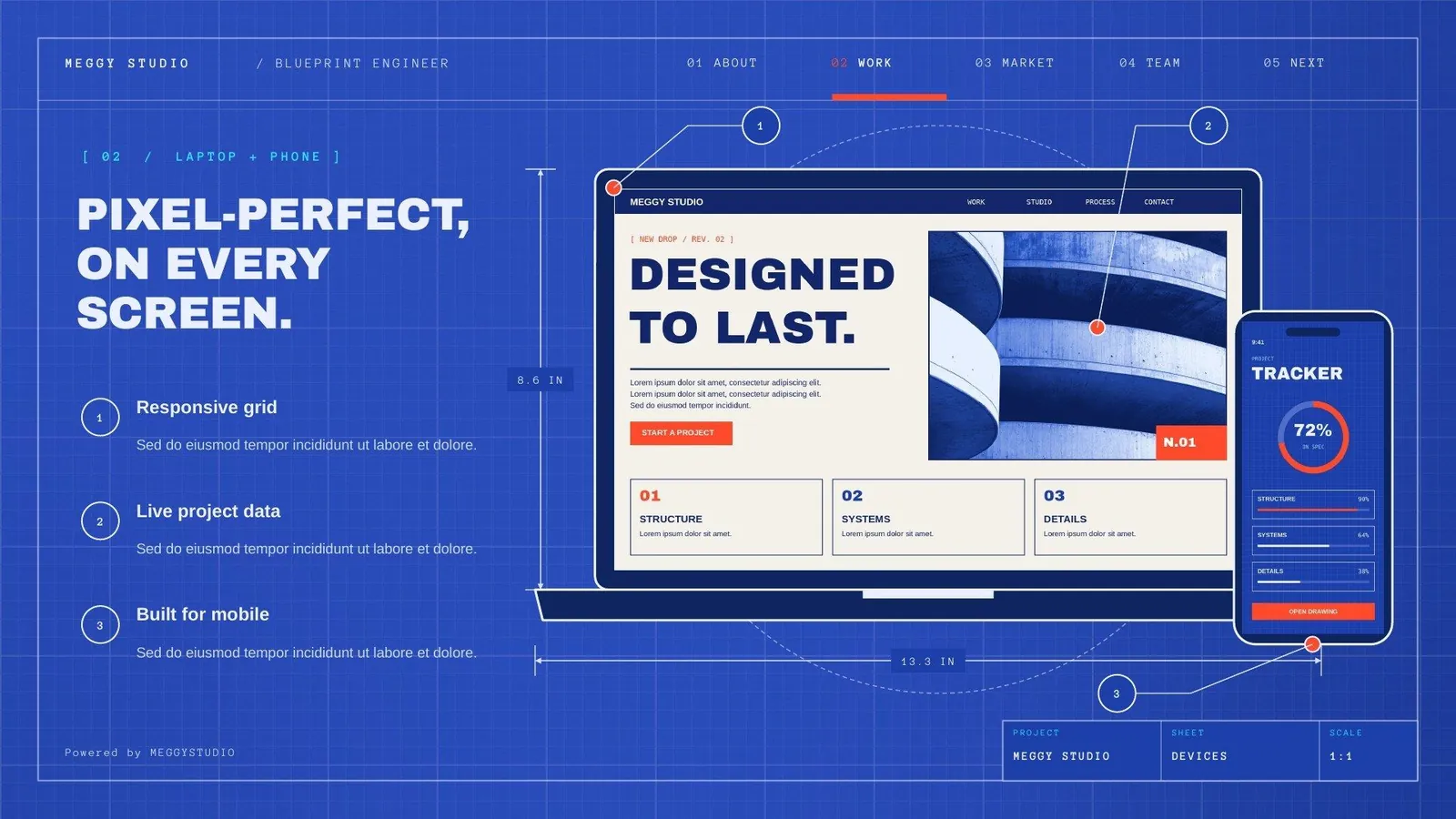
- The work: what we build, every detail, specified, meet the prototype, field notes, in your pocket, to spec, pixel-perfect, on every screen and selected works
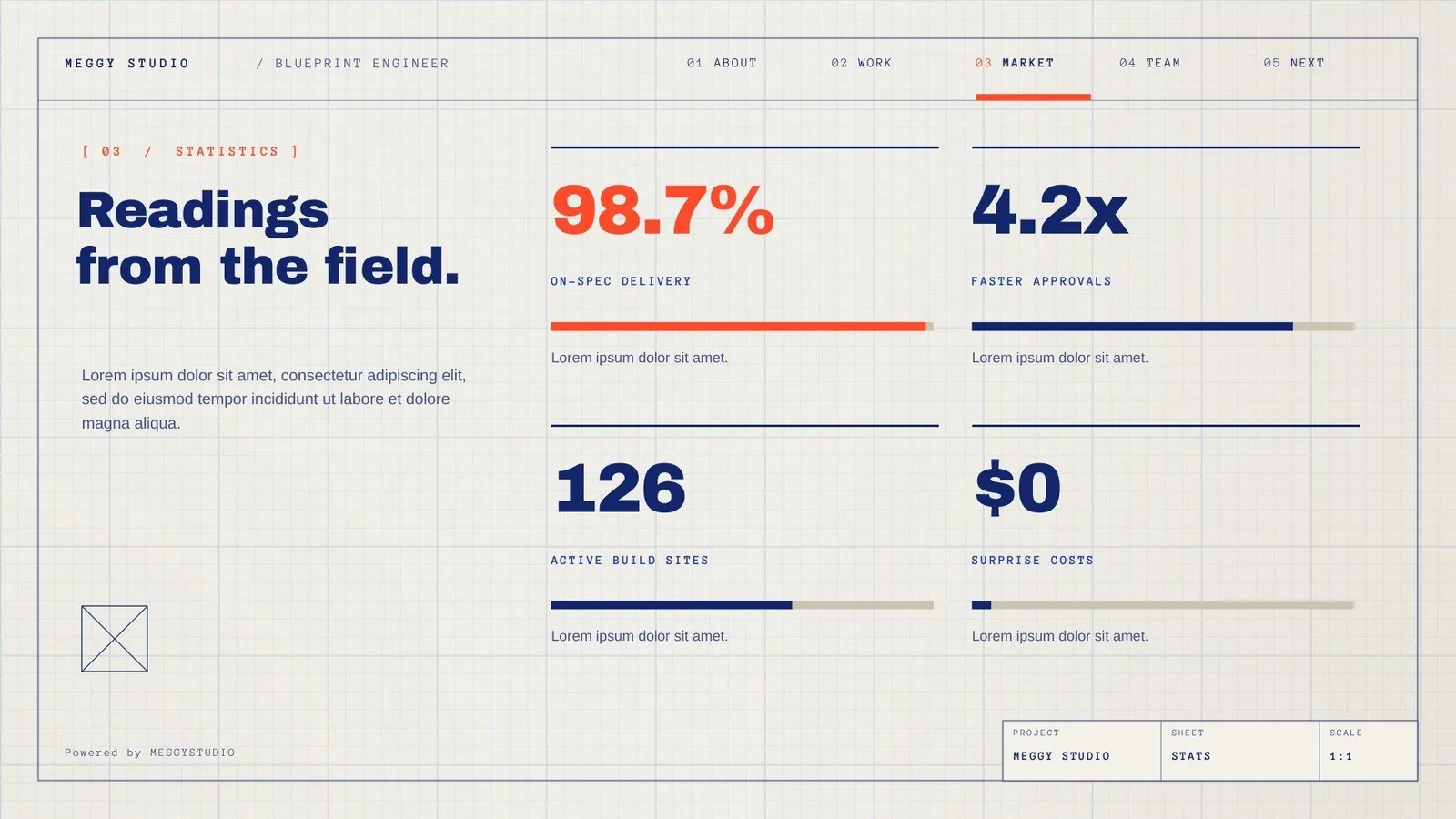
- The market: sizing the site, who we build for, Meet Jamie Rivera, where we stand, readings from the field, growth, measured to the millimeter and trending up, on spec
- The crew: the build crew, how we work, signed off by clients and trusted by builders
- What's next: the road ahead, milestones, checked, pick your plan, where every dollar goes, stress test, questions, answered and let's build it
- Laptop and phone mockups, plus cover, contact and thank you slides
Why you'll like it
- Morph-ready: smooth, cinematic transitions in PowerPoint 2019, 2021 and Microsoft 365
- No font installs: uses Consolas, Arial and Arial Black, which come with Microsoft Office, so your layout looks the same on any PC
- Fully editable: text, shapes, charts, tables and icons are native PowerPoint objects
- Photo-ready: right-click any photo and choose Change Picture to drop in your own
- Easy to rebrand: swap colors, logo and text in minutes
Perfect for
Engineering firms, architects and hardware startups.
Where to buy Blueprint Engineer
Same file on every marketplace. Pick the one that suits your payment method.
Want to try first? Download the free 5-slide sample.
FAQ
Do I need to install any fonts?
No. Blueprint Engineer uses fonts that come with Microsoft Office, so the layout looks the same on any PC.
Which PowerPoint version do I need?
Morph transitions play in PowerPoint 2019, 2021 and Microsoft 365. Older versions can open the file, but the transitions may not play.
Can I use it for client work?
Yes. You can use it for your own presentations and for client projects. Reselling or redistributing the template file is not allowed.
Can I change the colors and photos?
Yes. Everything is native PowerPoint: recolor shapes in a few clicks and right-click any photo, then choose Change Picture.
More templates you might like