Home / Templates / Entertainment / Retro 90s
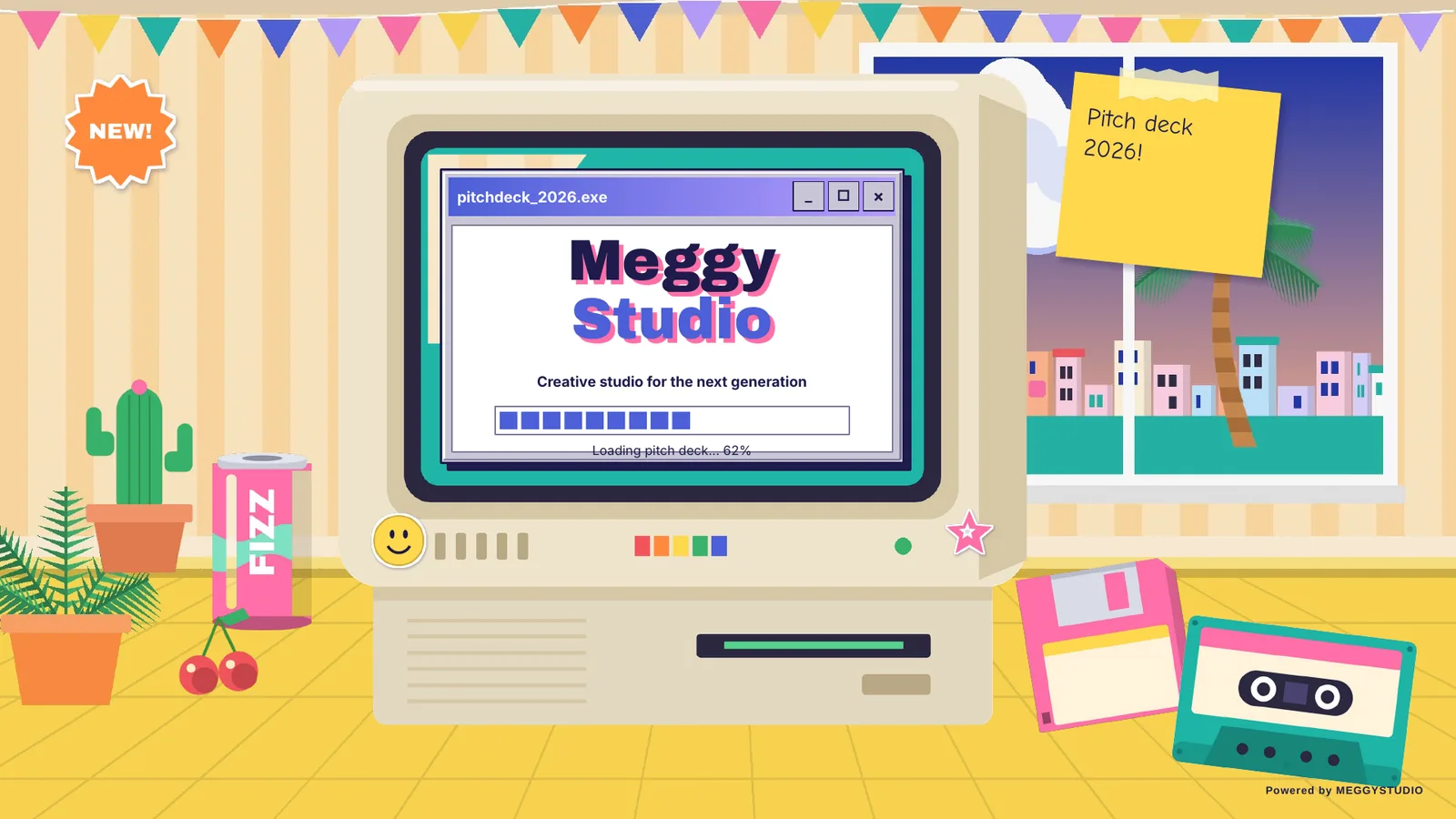
Retro 90s Pitch Deck PowerPoint Template
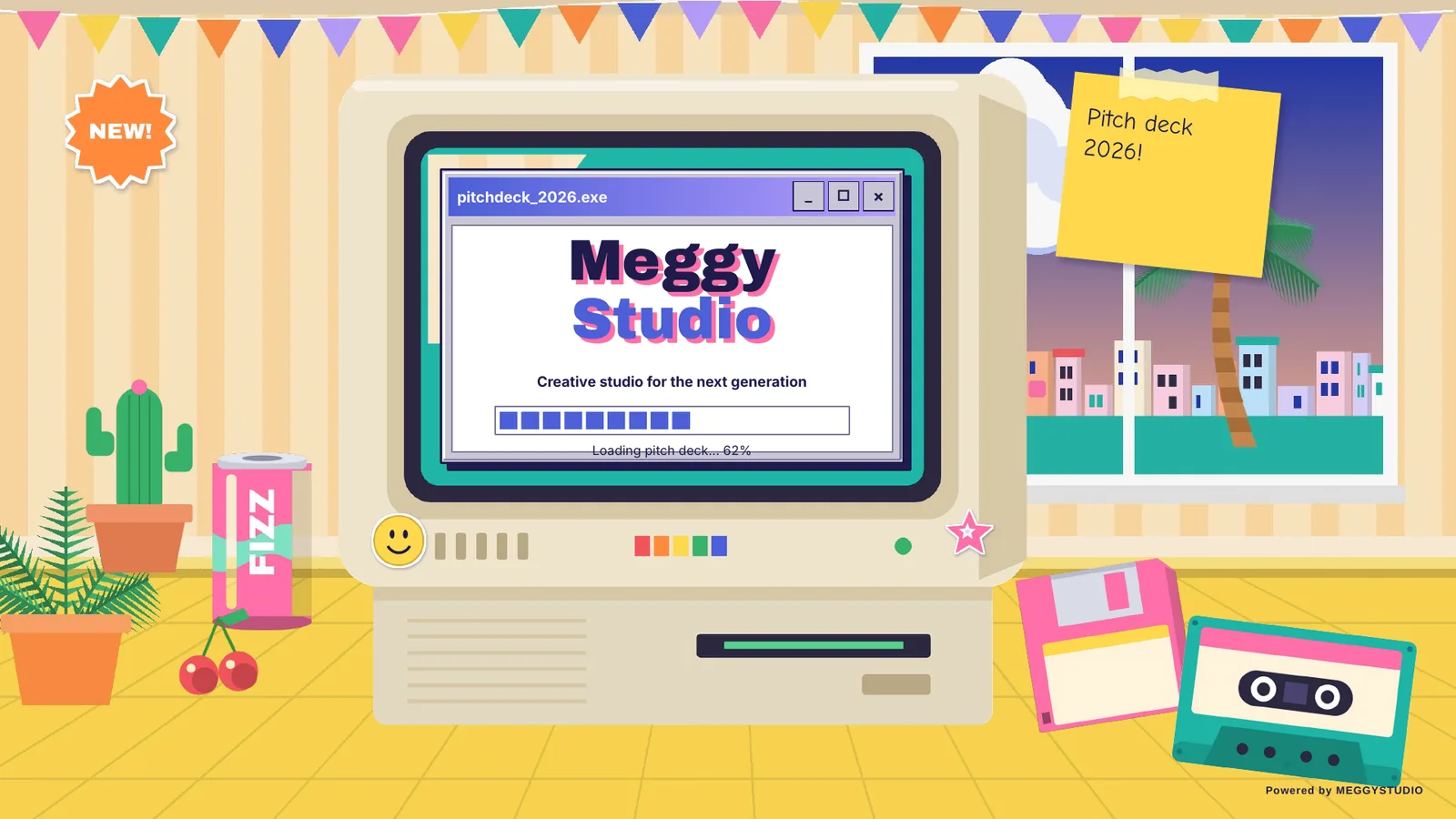
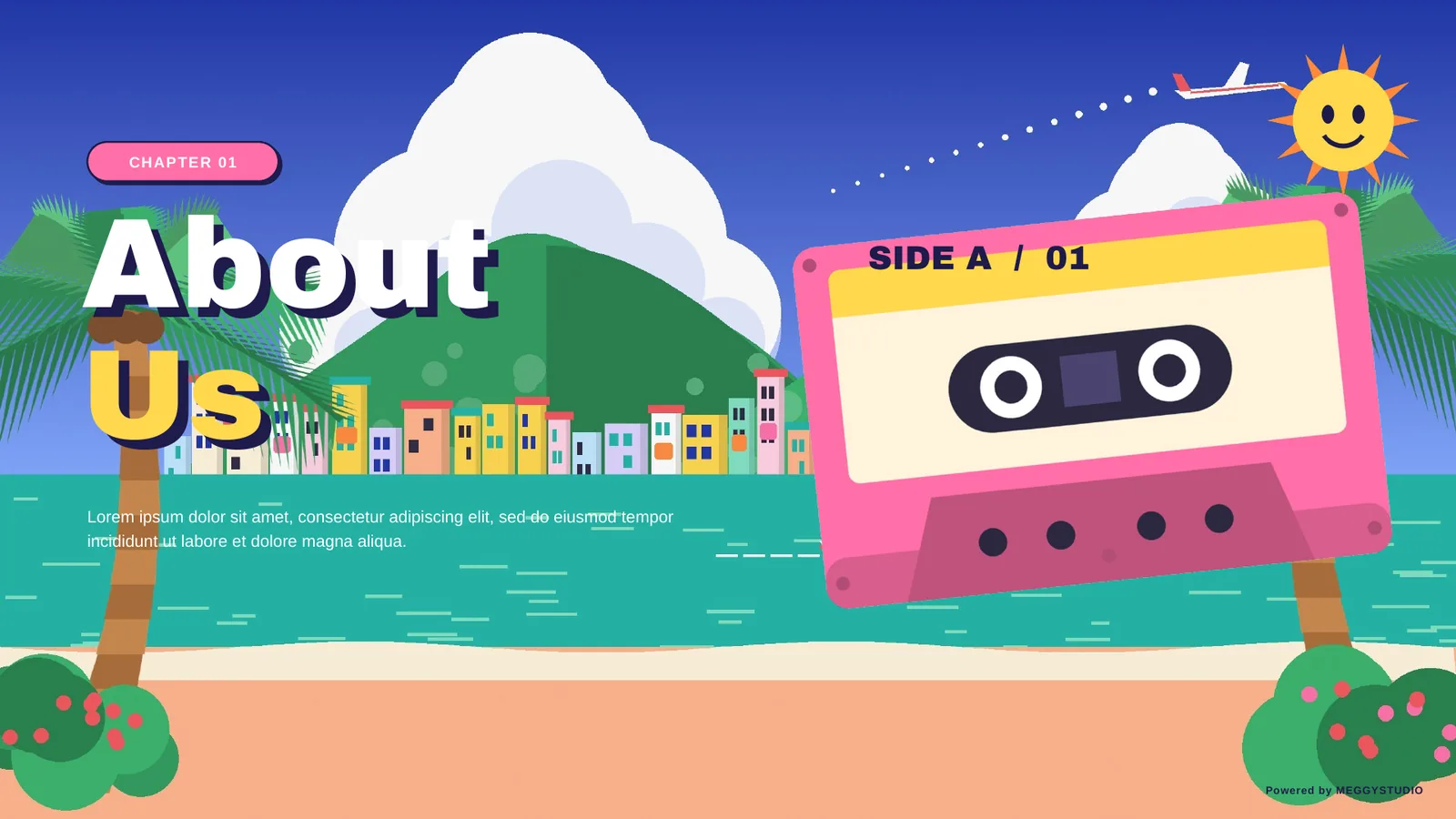
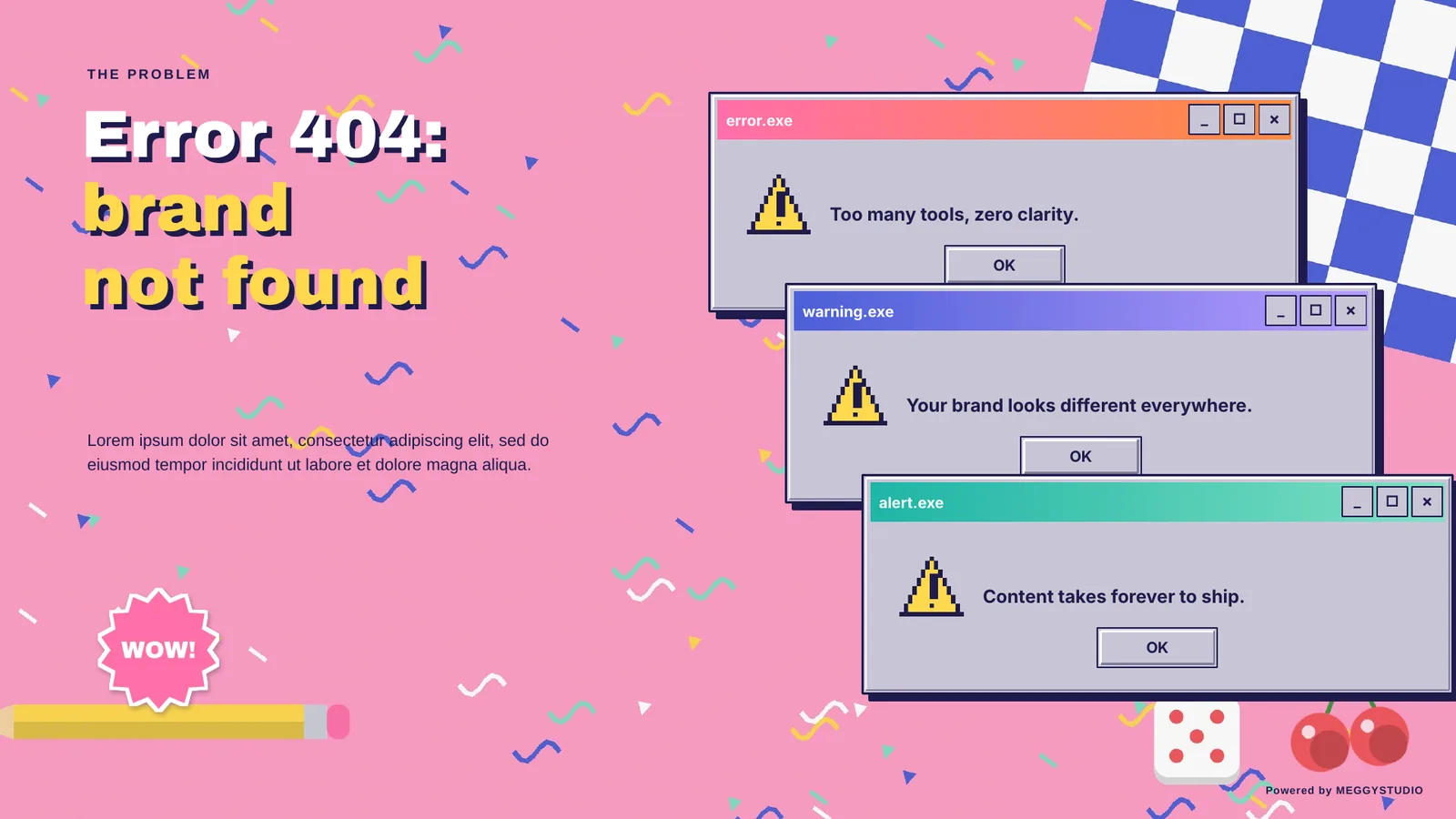
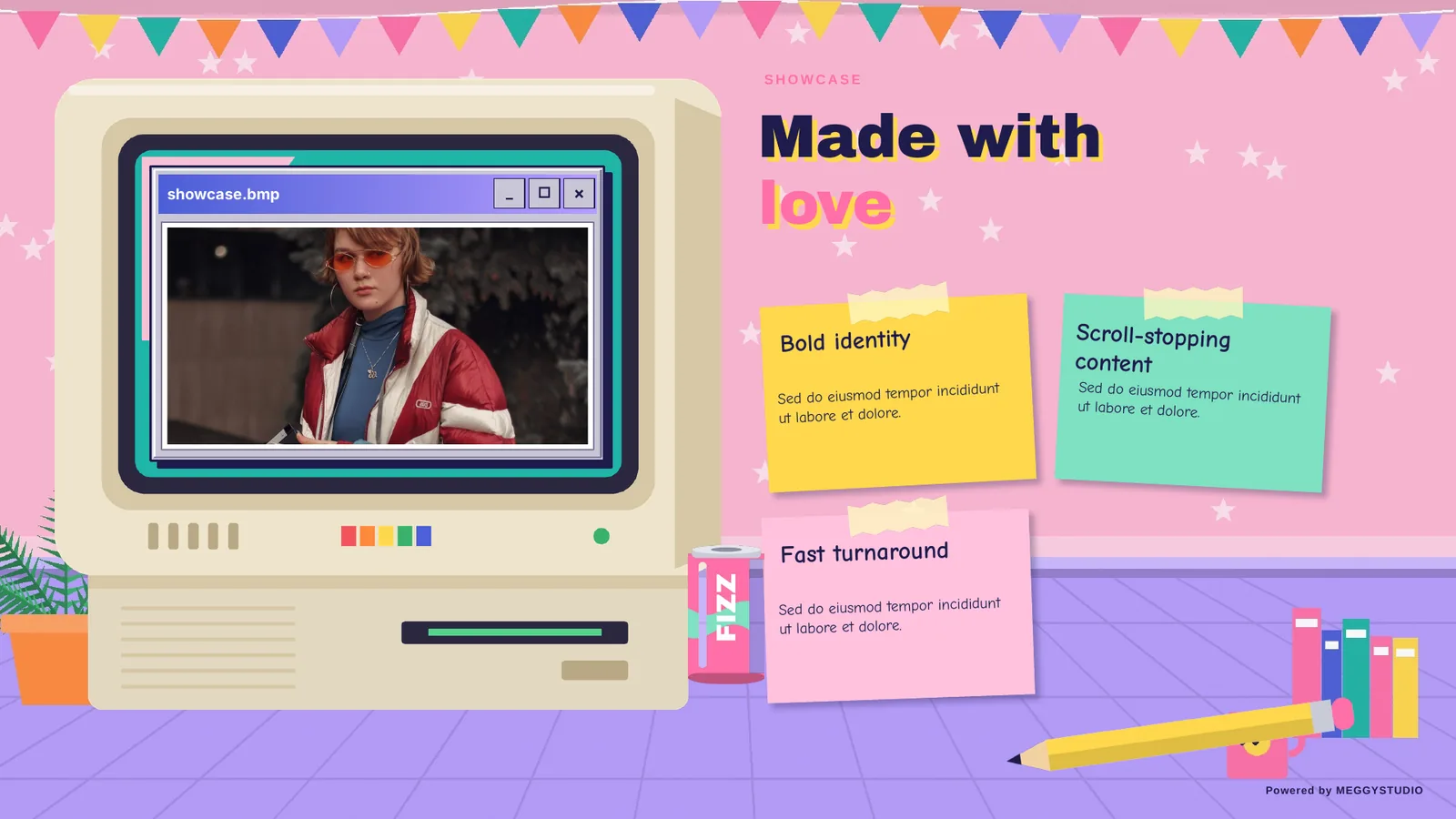
Retro 90s is a 50-slide PowerPoint template for pitch decks and presentations. It brings back pastel rooms, beach scenes, desktop windows and pixel icons with hand-drawn props and stickers. It feels nostalgic and fun, yet every window holds clear, editable content.
- Slides50 unique layouts
- FormatPPTX, 16:9 widescreen
- TransitionsMorph, PowerPoint 2019+
- FontsOffice fonts, no installs
Cheaper than a coffee. Instant download after payment. One-time payment.
Preview the slides
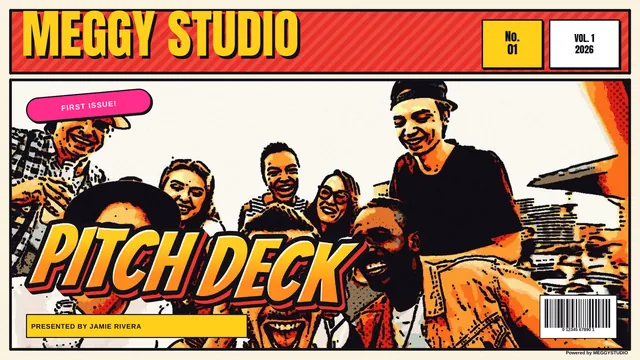
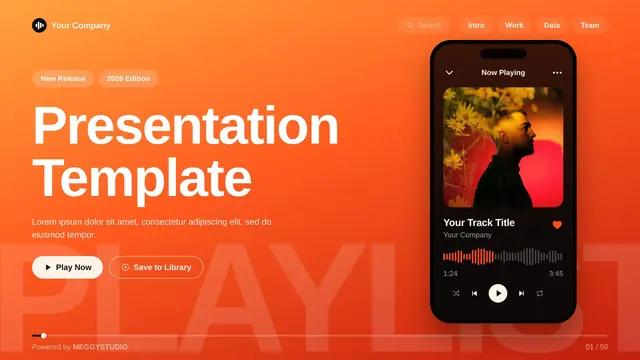
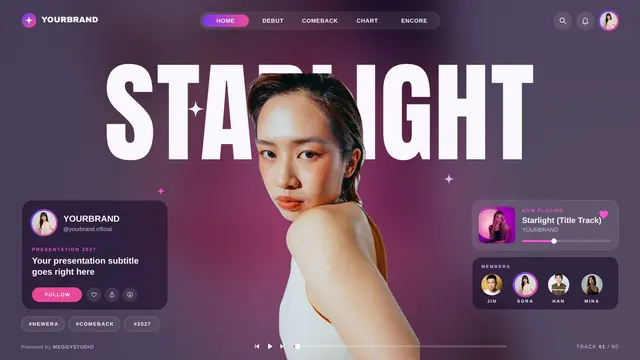
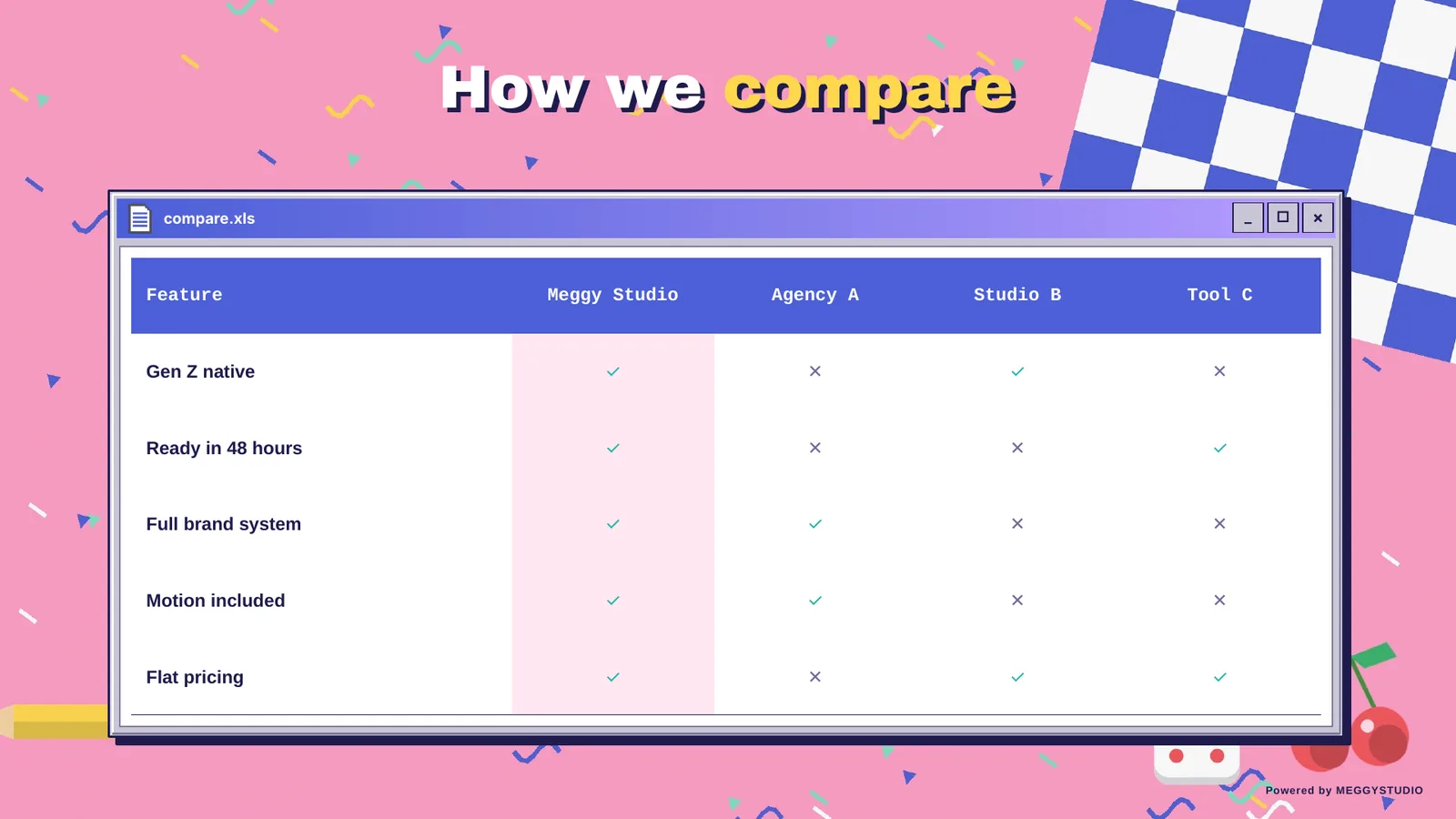
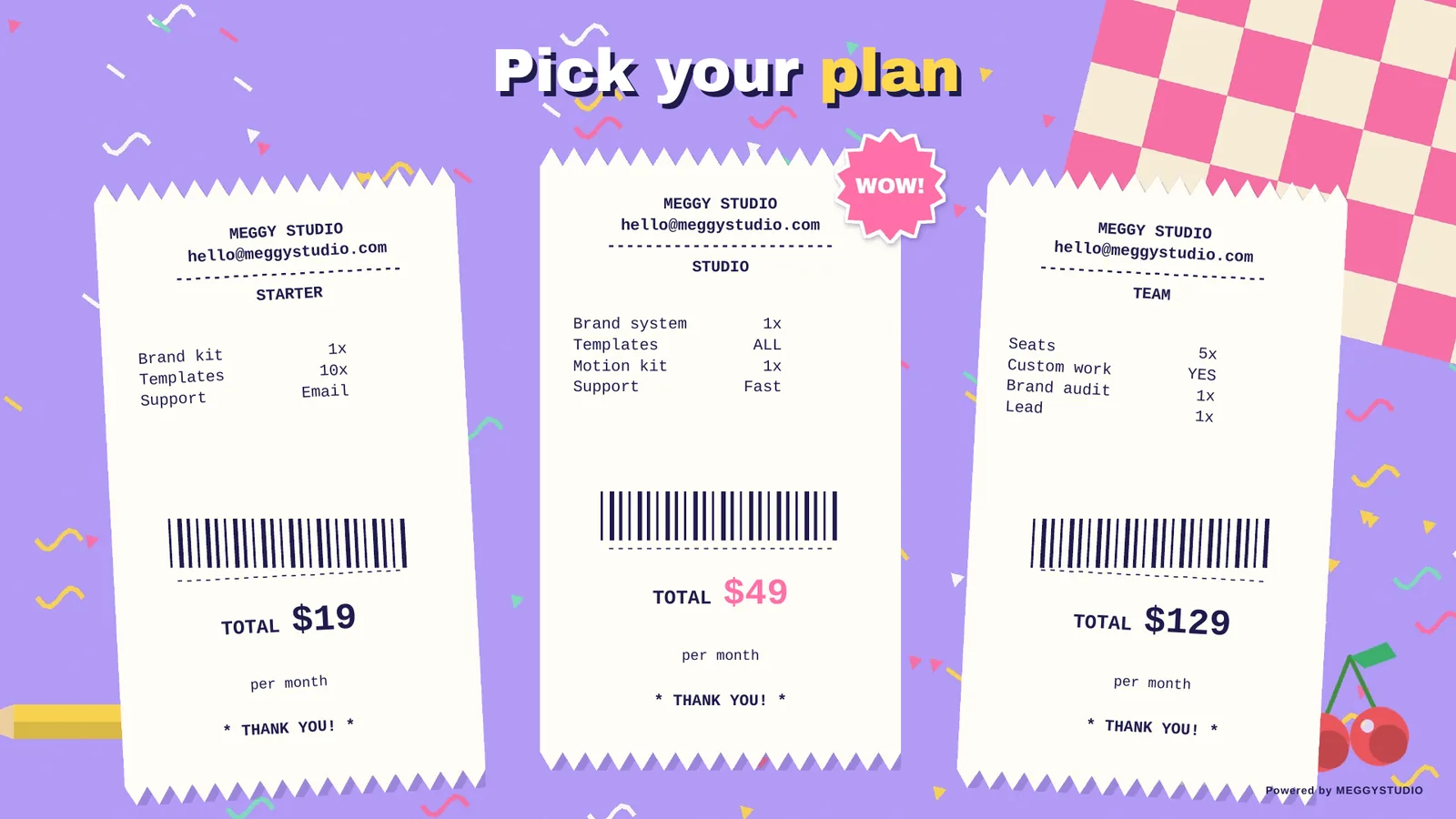
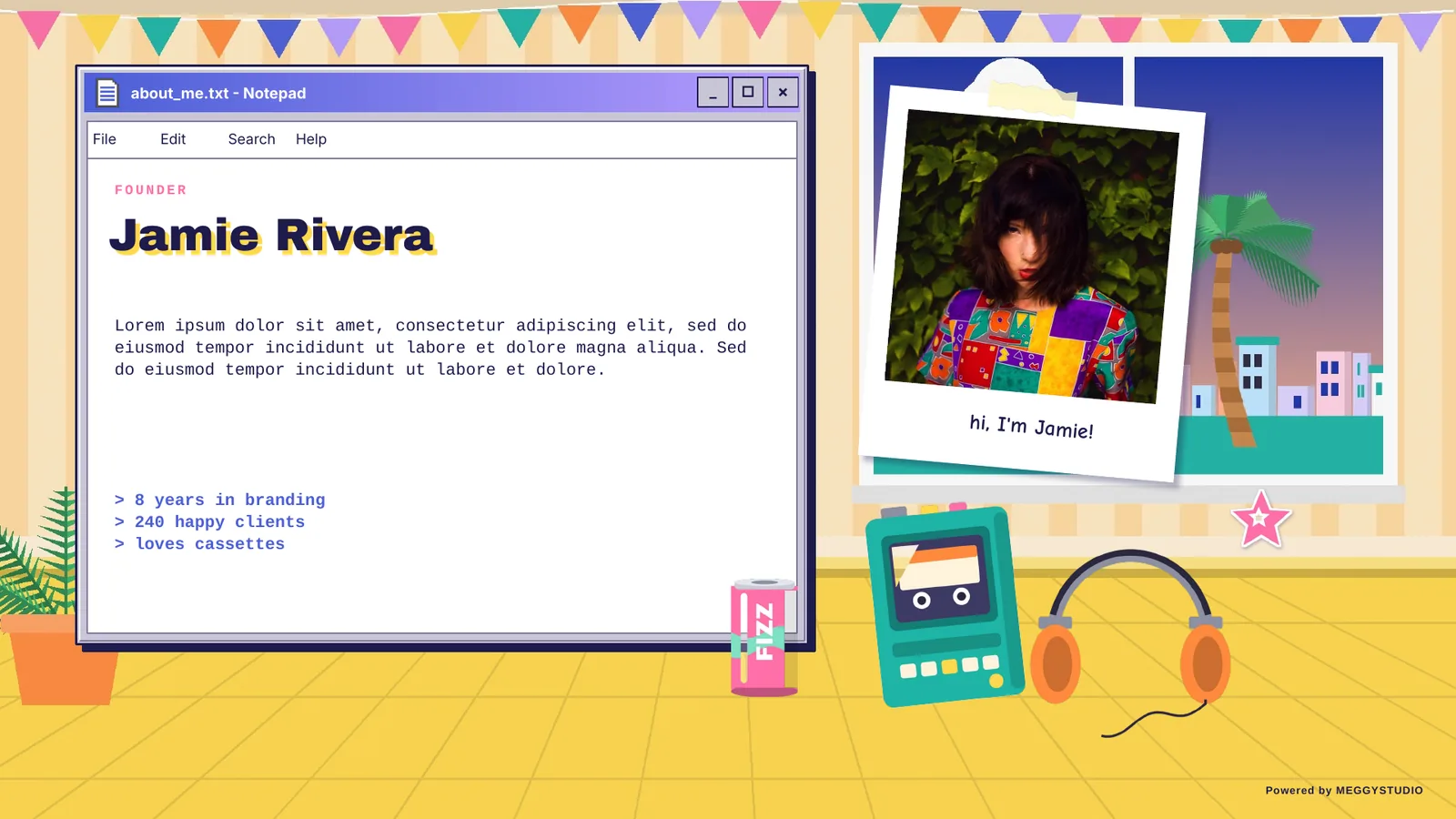
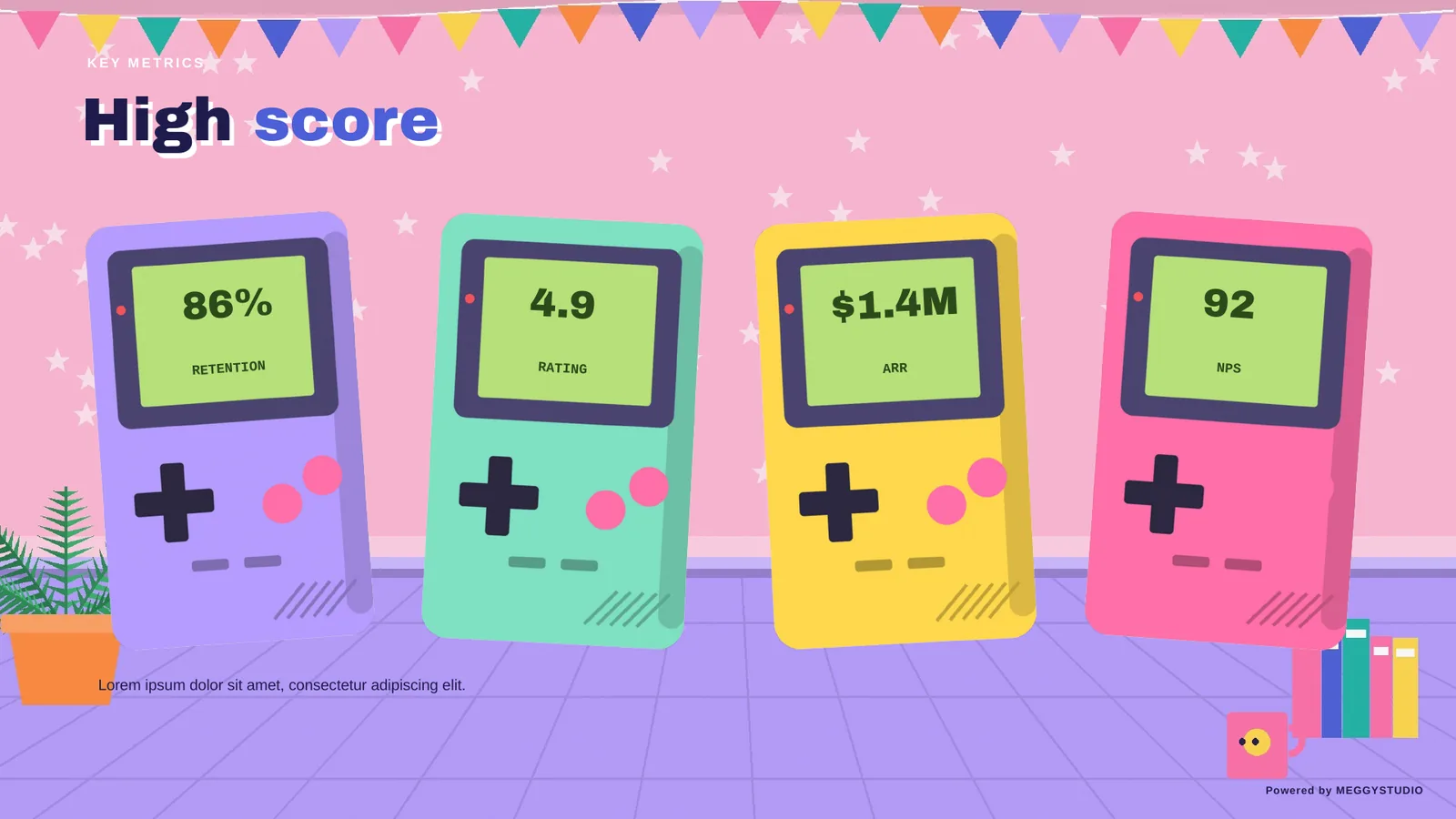
Press play on a pitch full of nostalgia. A few of the 50 layouts inside Retro 90s.

What's inside
- 50 unique slides in one 16:9 PPTX file
- 7 section dividers that keep your story organized
- Opening slides: cover, contents, about us, mission and vision, values
- Problem with error pop-ups, pain points, solution, features, how it works and our work
- Market size, market growth, audience, persona, positioning and comparison
- Pricing plans, revenue streams, launch calendar, team, founder and studio life
- Big numbers, high score stats, revenue forecast, funding progress, the ask, next 12 months and journey timeline
- Testimonials, before and after, guestbook, partners, FAQ, call to action, contact, mixtape, desktop, thank you and shutdown slides
Why you'll like it
- Morph-ready: smooth, cinematic transitions in PowerPoint 2019, 2021 and Microsoft 365
- No font installs: uses Arial Black, Arial, Tahoma, Courier New and Comic Sans MS, which come with Microsoft Office, so your layout looks the same on any PC
- Fully editable: text, shapes, colors and icons are native PowerPoint objects
- Photo-ready: royalty-free photos are already placed; right-click any image and choose Change Picture to use your own
- Easy to rebrand: change shape colors to match your brand in a few clicks
Perfect for
Creative studios, lifestyle brands, Gen Z marketers, music and media startups, event pitches, social media agencies, school projects.
Where to buy Retro 90s
Same file on every marketplace. Pick the one that suits your payment method.
Want to try first? Download the free 5-slide sample.
FAQ
Do I need to install any fonts?
No. Retro 90s uses fonts that come with Microsoft Office, so the layout looks the same on any PC.
Which PowerPoint version do I need?
Morph transitions play in PowerPoint 2019, 2021 and Microsoft 365. Older versions can open the file, but the transitions may not play.
Can I use it for client work?
Yes. You can use it for your own presentations and for client projects. Reselling or redistributing the template file is not allowed.
Can I change the colors and photos?
Yes. Everything is native PowerPoint: recolor shapes in a few clicks and right-click any photo, then choose Change Picture.
More templates you might like