Home / Templates / Gaming / Retro Game
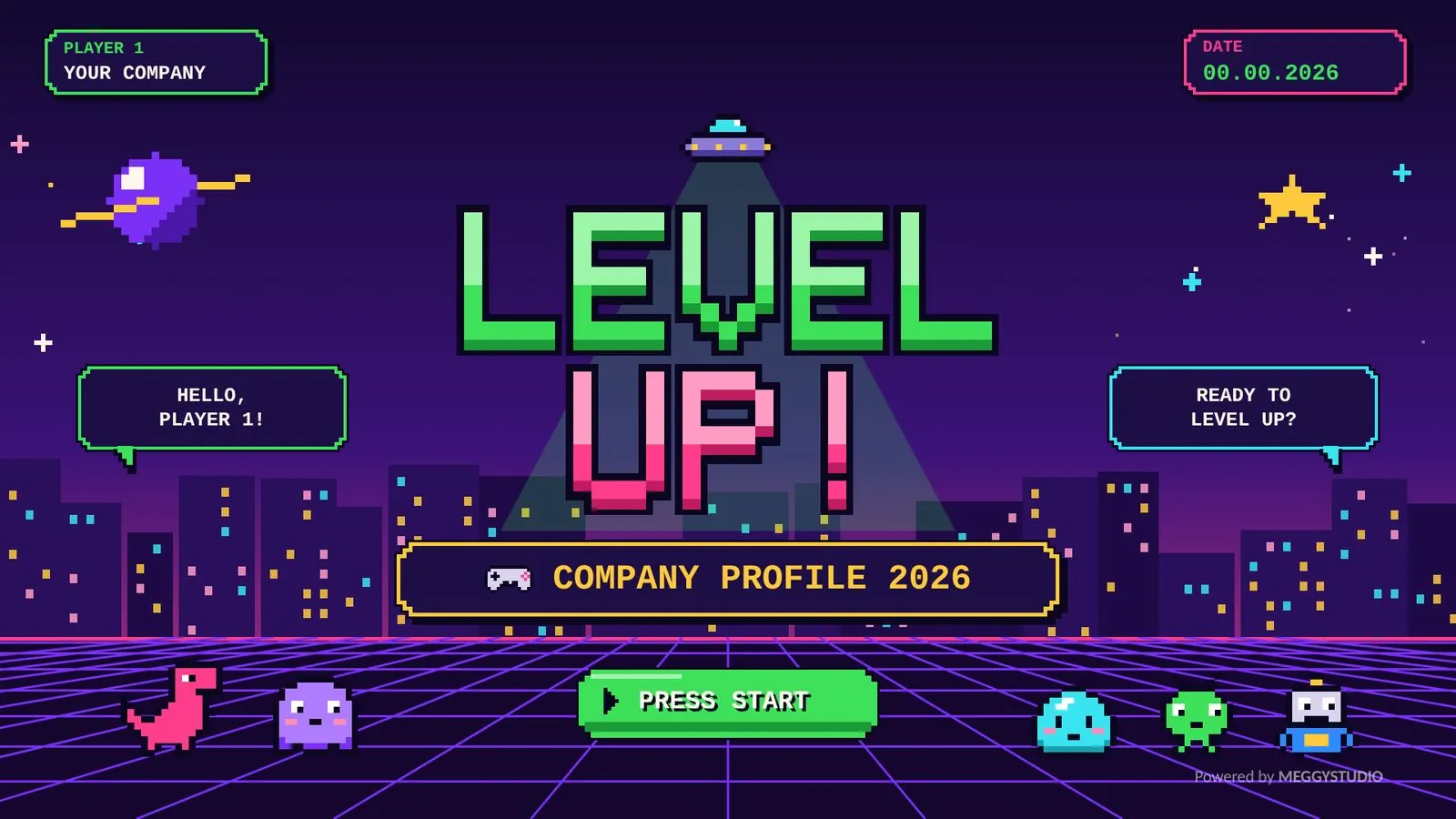
Retro Game Pitch Deck PowerPoint Template
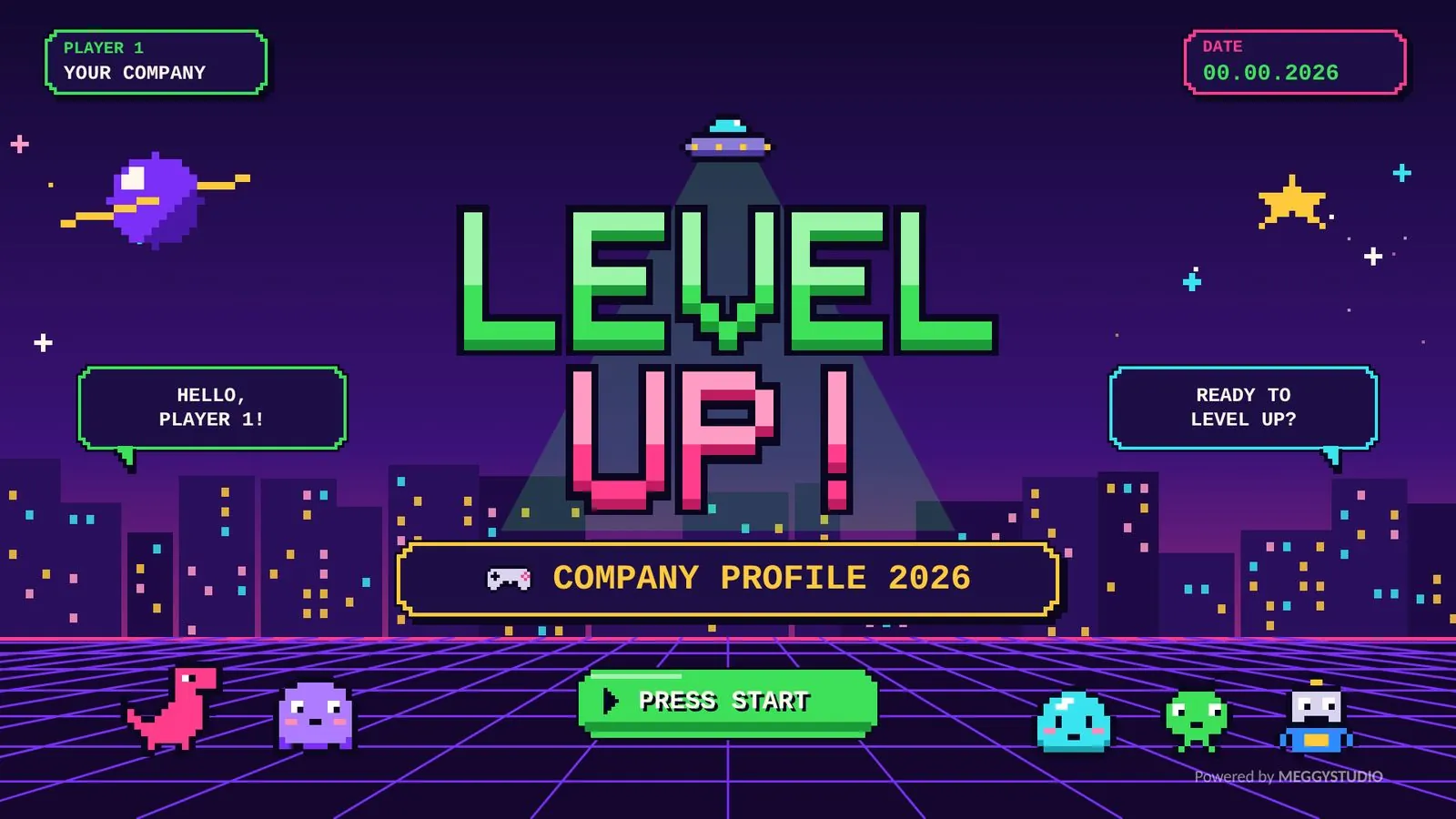
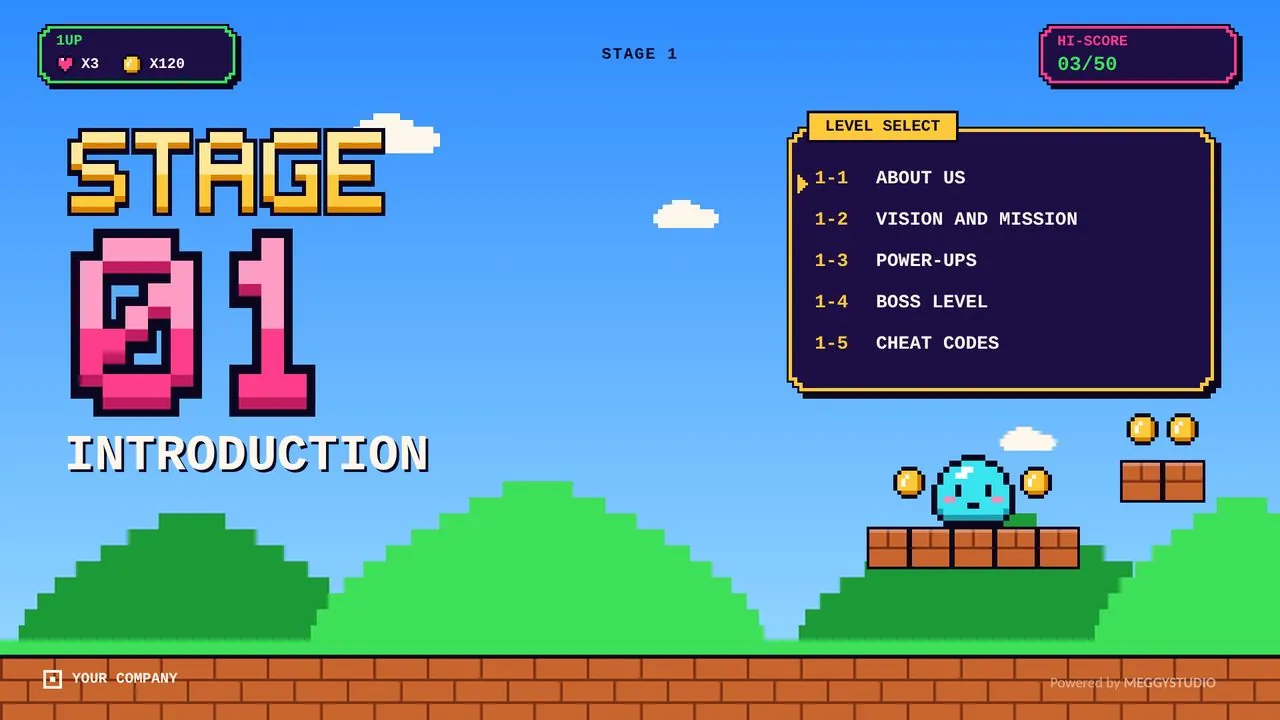
Retro Game is a 50-slide PowerPoint template inspired by 8-bit arcade games. Pixel type, glowing grids, cute characters and game UI cards turn company profiles, reports and pitches into something people smile at, without getting in the way of your content.
- Slides50 unique layouts
- FormatPPTX, 16:9 widescreen
- TransitionsMorph, PowerPoint 2019+
- FontsOffice fonts, no installs
Cheaper than a coffee. Instant download after payment. One-time payment.
Preview the slides
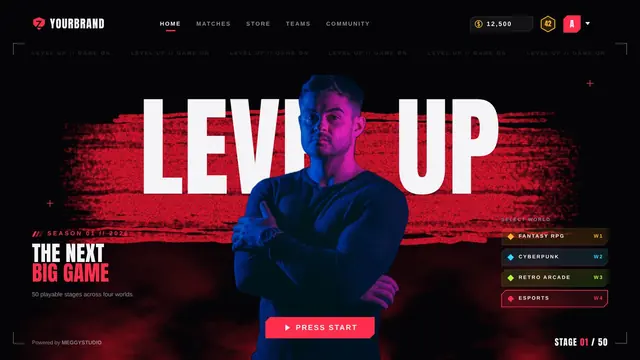
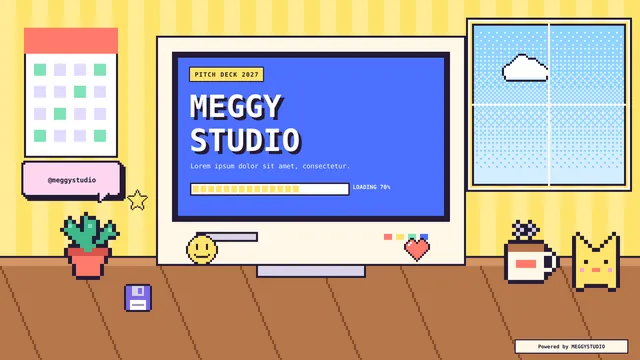
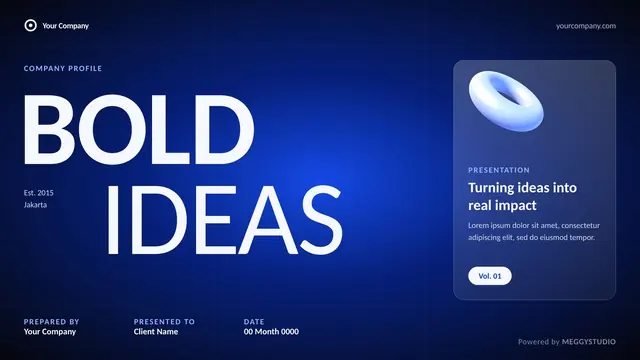
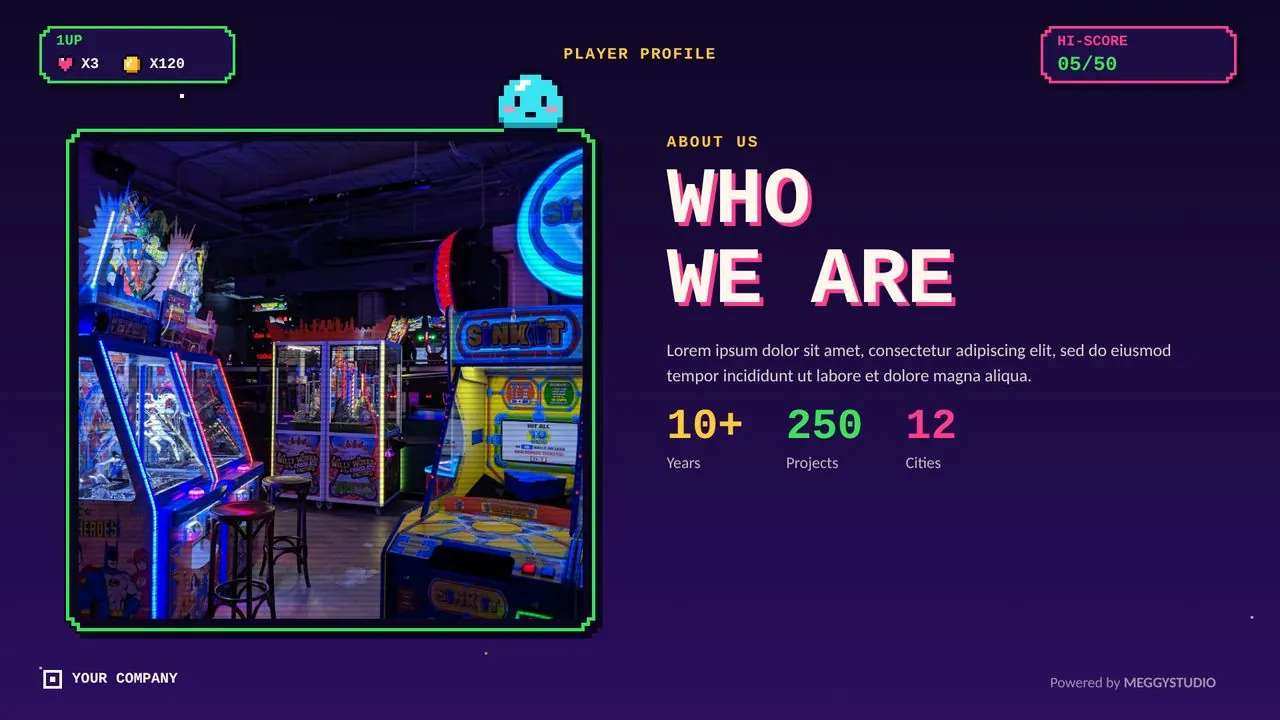
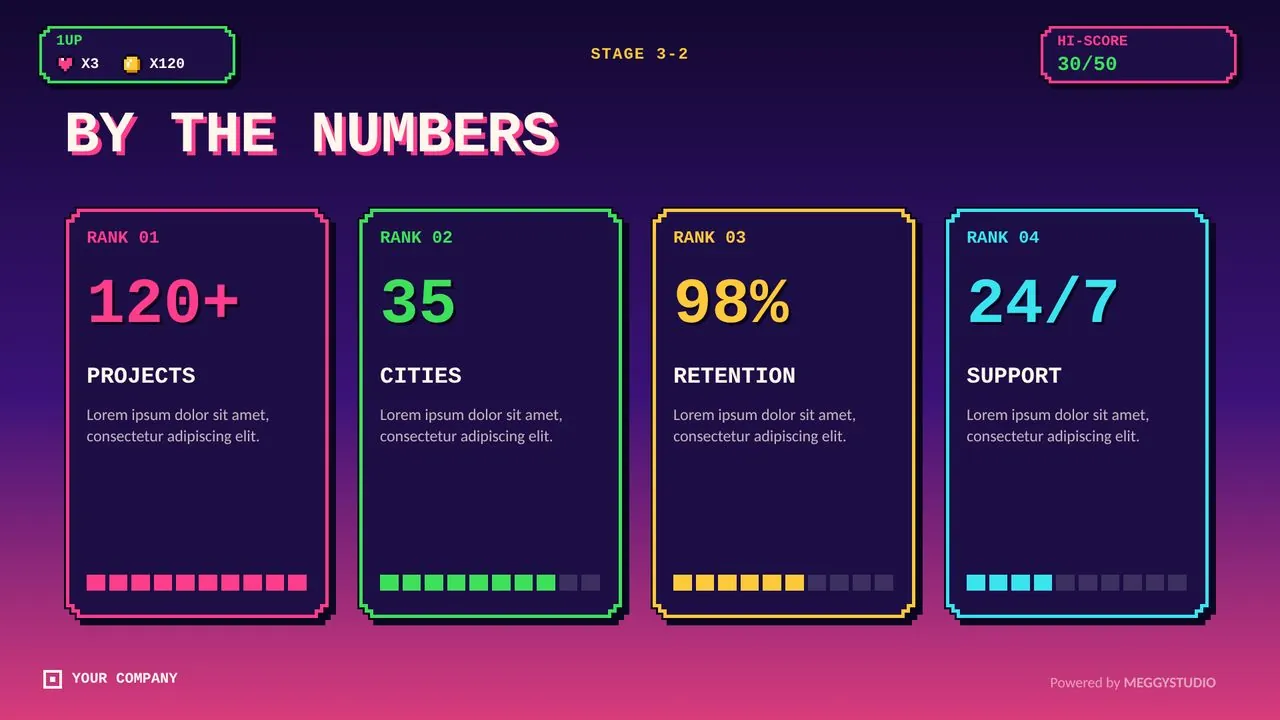
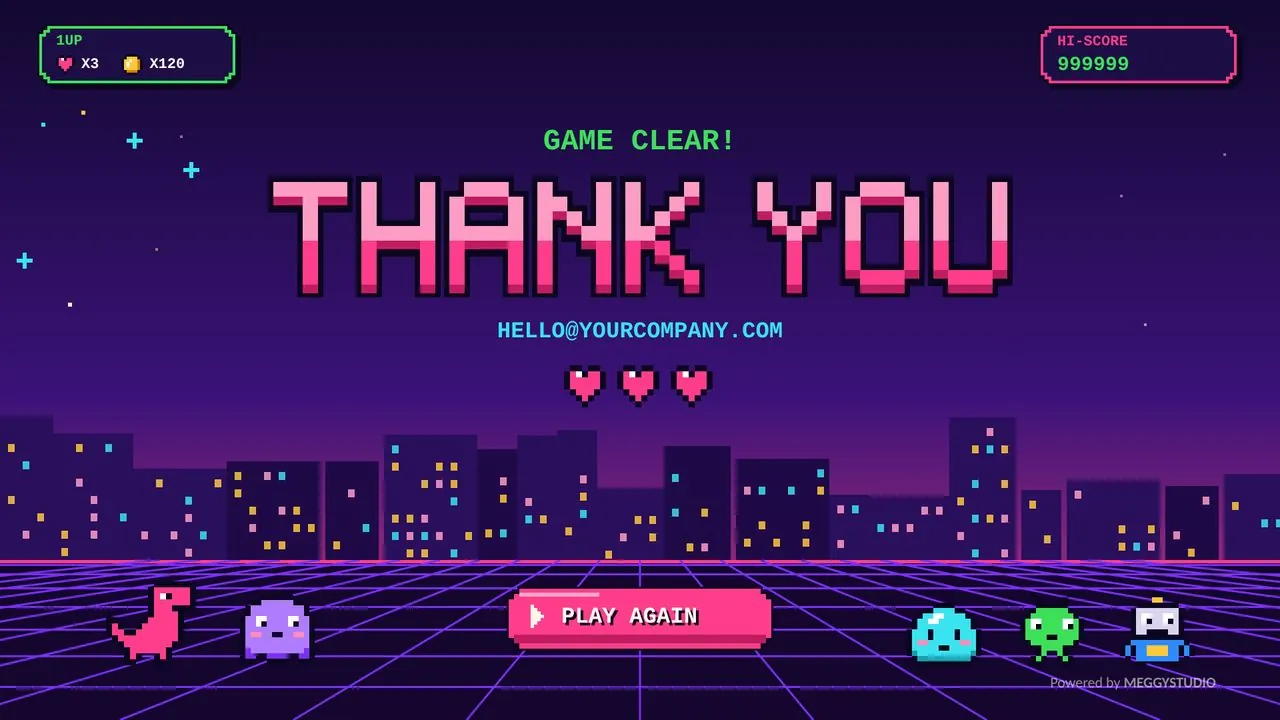
Press start on a pitch people actually remember. A few of the 50 layouts inside Retro Game.
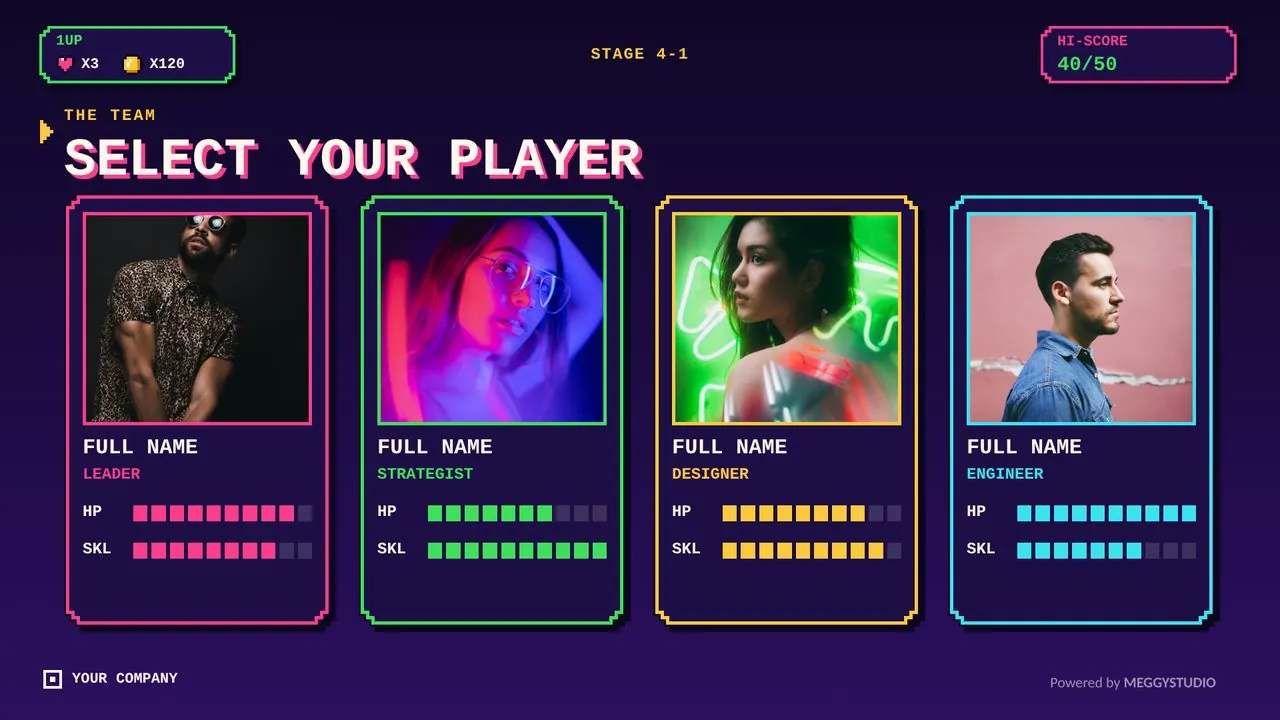
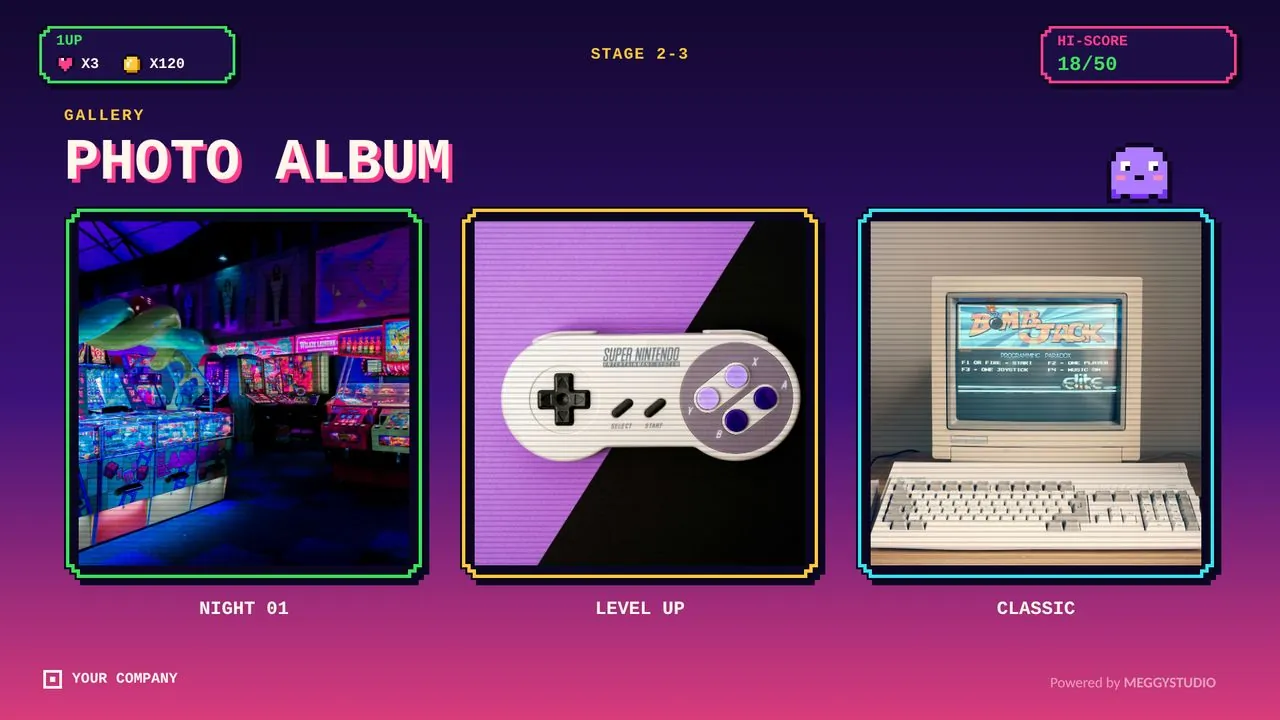
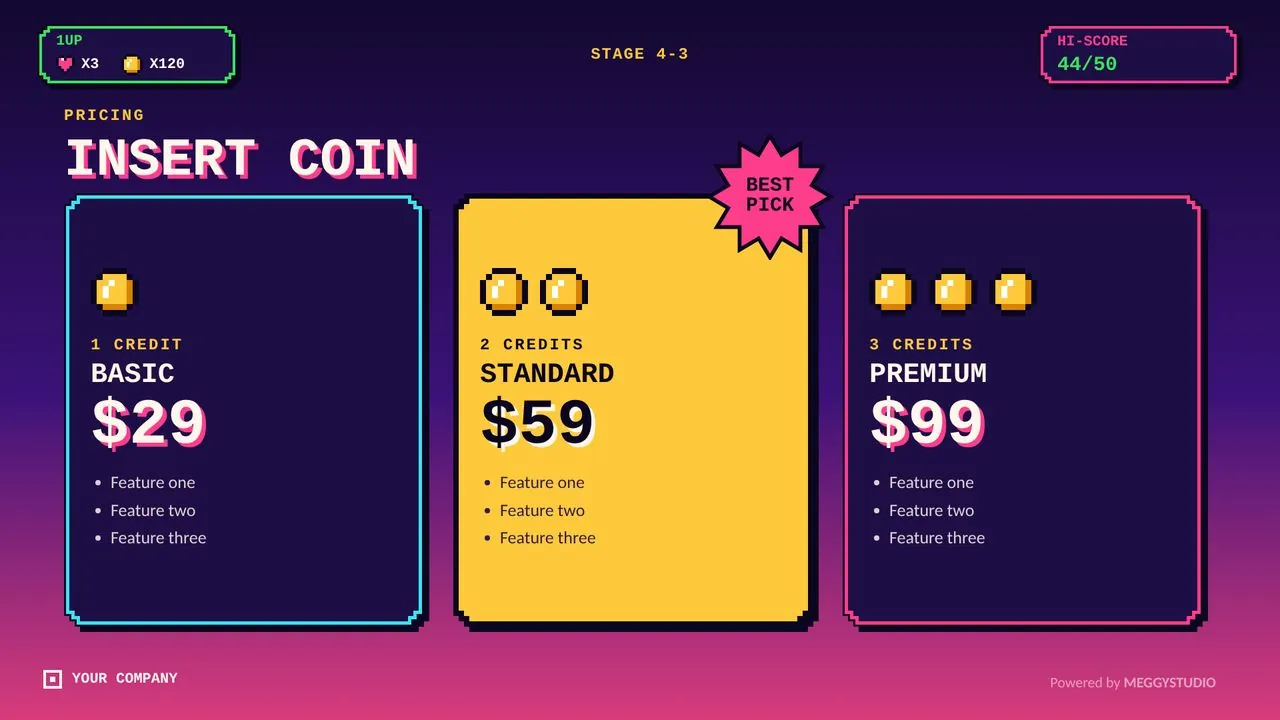
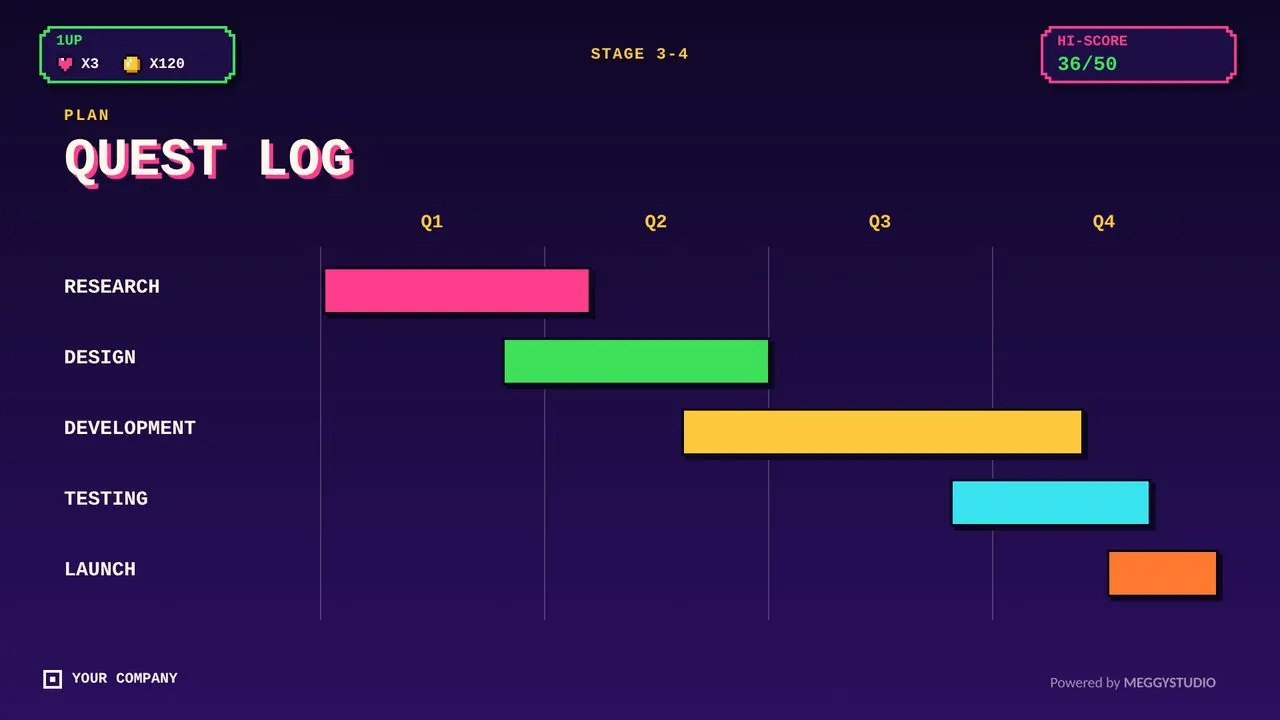
What's inside
- 50 unique slides in one 16:9 PPTX file
- 4 section dividers that keep your story organized
- Cover, contents, about us, vision and mission, values, problem and solution, agenda and key message
- Content layouts: two columns, three and four points, image grid, collage, text and image, comparison and before/after
- Data slides: big numbers, stats, bar, line and donut charts, tables, timeline, roadmap and process
- Laptop and phone mockups, case study and locations
- Team, profile, testimonials, clients, pricing and services
- FAQ, key takeaways, call to action, contact and thank you slides
Why you'll like it
- Morph-ready: smooth, cinematic transitions in PowerPoint 2019, 2021 and Microsoft 365
- No font installs: uses Courier New and Calibri, which come with Microsoft Office, so your layout looks the same on any PC
- Fully editable: text, shapes, colors and icons are native PowerPoint objects
- Photo-ready: royalty-free photos are already placed; right-click any image and choose Change Picture to use your own
- Easy to rebrand: change shape colors to match your brand in a few clicks
Perfect for
Game studios, esports teams, tech startups, creative agencies, workshops, classrooms and any brand that wants a fun, nostalgic look.
Where to buy Retro Game
Same file on every marketplace. Pick the one that suits your payment method.
Want to try first? Download the free 5-slide sample.
FAQ
Do I need to install any fonts?
No. Retro Game uses fonts that come with Microsoft Office, so the layout looks the same on any PC.
Which PowerPoint version do I need?
Morph transitions play in PowerPoint 2019, 2021 and Microsoft 365. Older versions can open the file, but the transitions may not play.
Can I use it for client work?
Yes. You can use it for your own presentations and for client projects. Reselling or redistributing the template file is not allowed.
Can I change the colors and photos?
Yes. Everything is native PowerPoint: recolor shapes in a few clicks and right-click any photo, then choose Change Picture.
More templates you might like