Home / Templates / Lifestyle / Scrapbook Journal
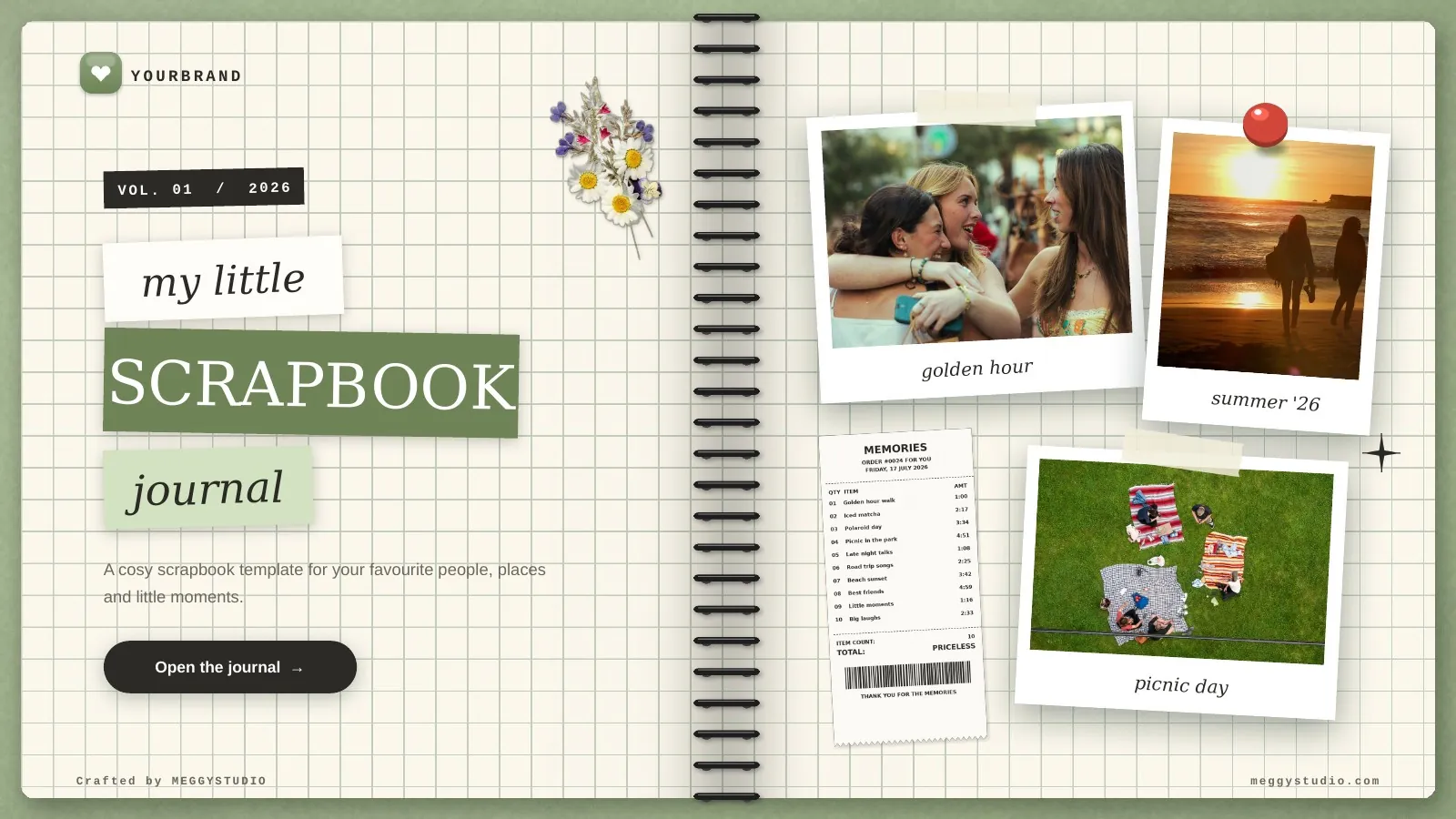
Scrapbook Journal Pitch Deck PowerPoint Template
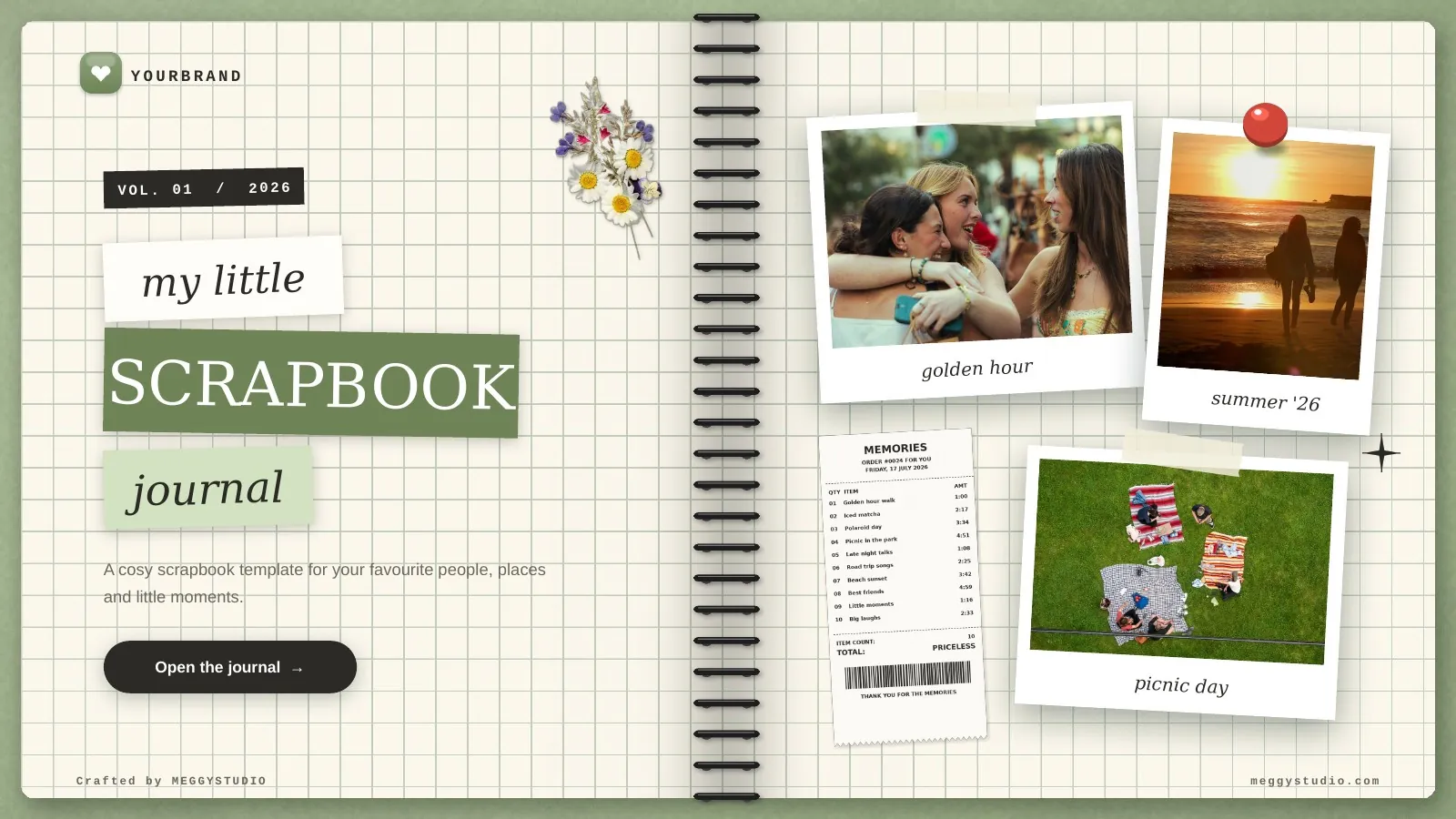
Scrapbook Journal is a 50-slide PowerPoint template built around kraft paper, washi tape, polaroid frames, stickers and typewriter notes, like a real handmade journal. Every layout is designed for real content, so it looks great on screen and stays easy to read.
- Slides50 unique layouts
- FormatPPTX, 16:9 widescreen
- TransitionsMorph, PowerPoint 2019+
- FontsOffice fonts, no installs
Cheaper than a coffee. Instant download after payment. One-time payment.
Preview the slides
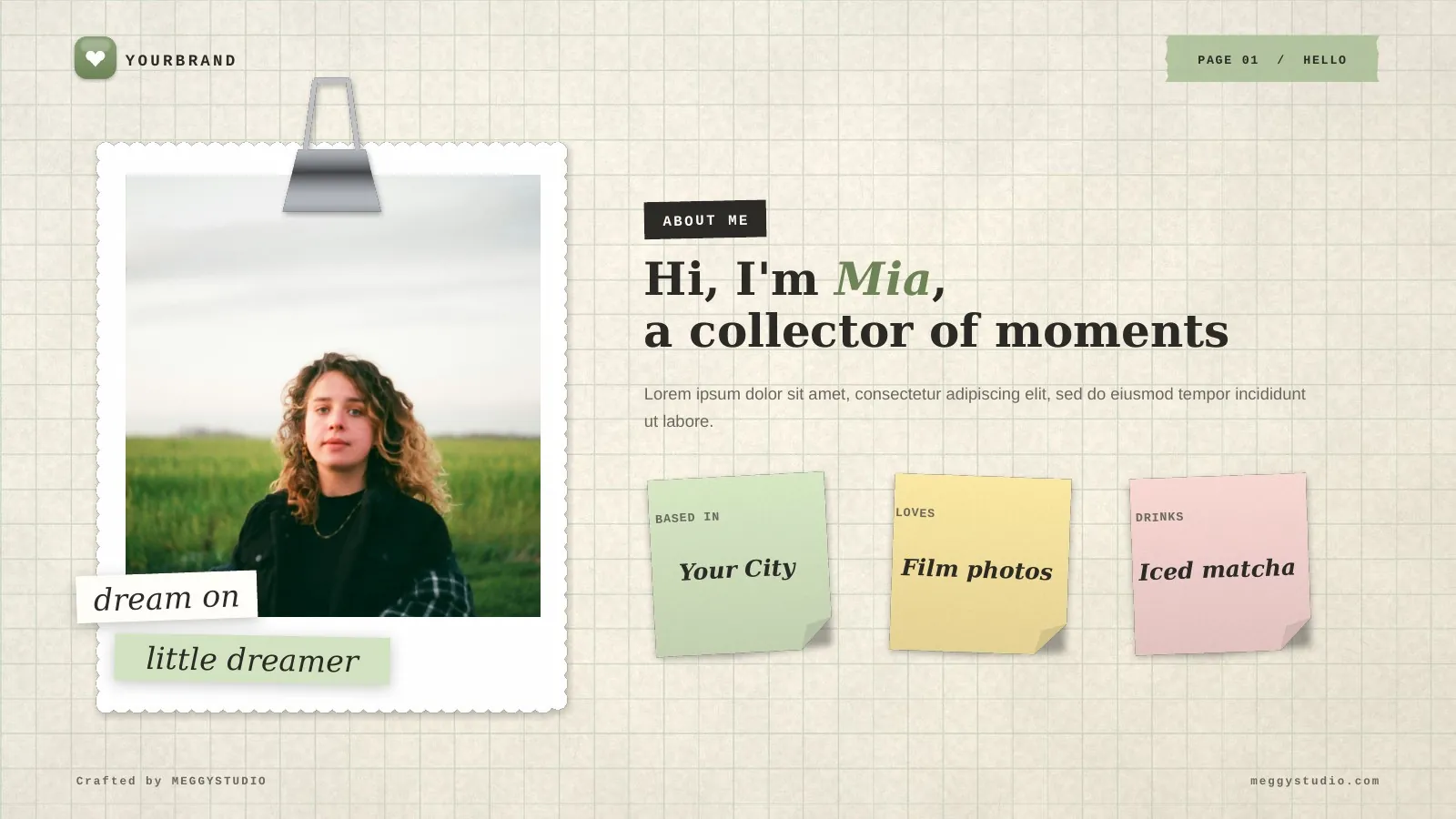
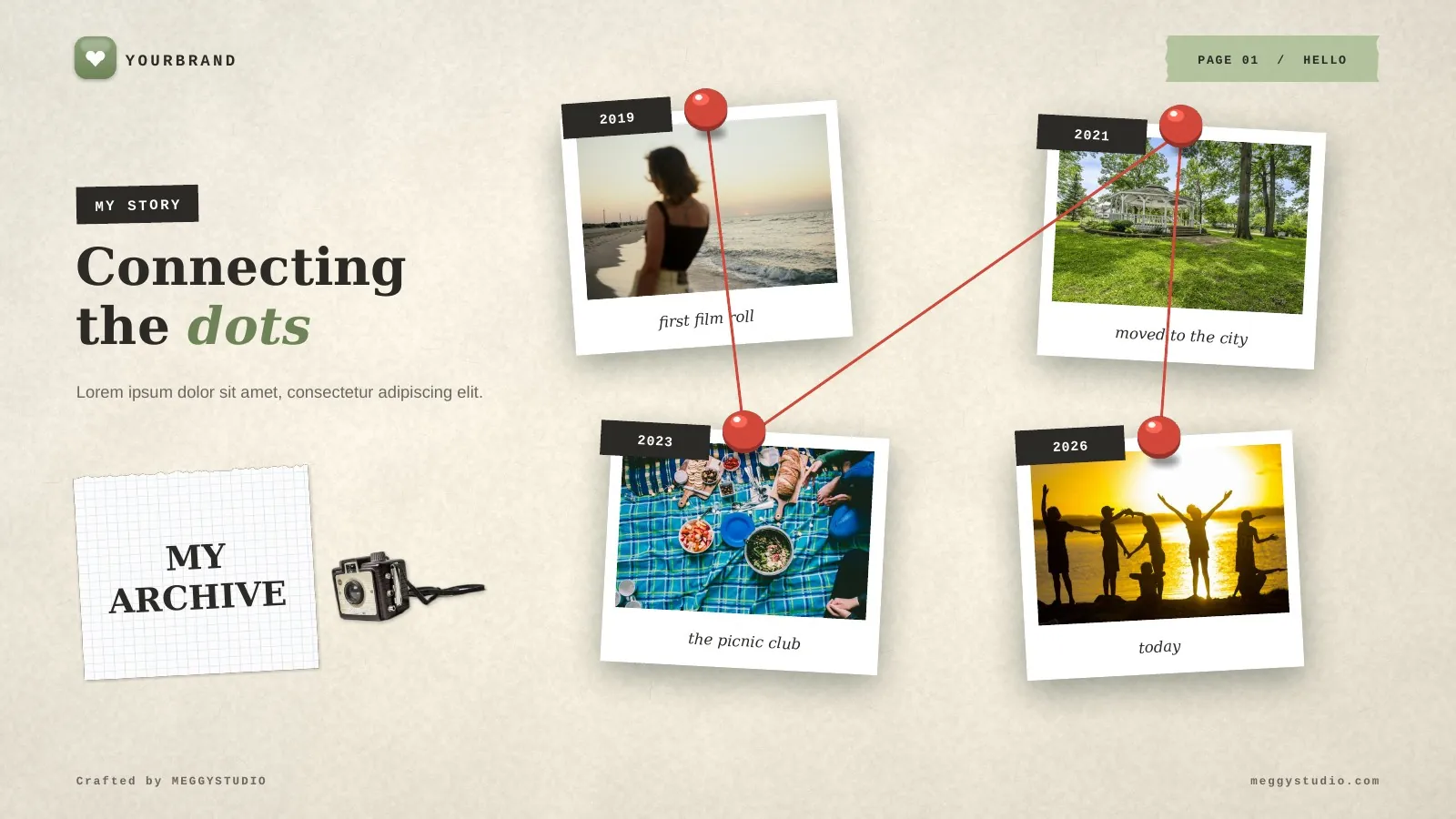
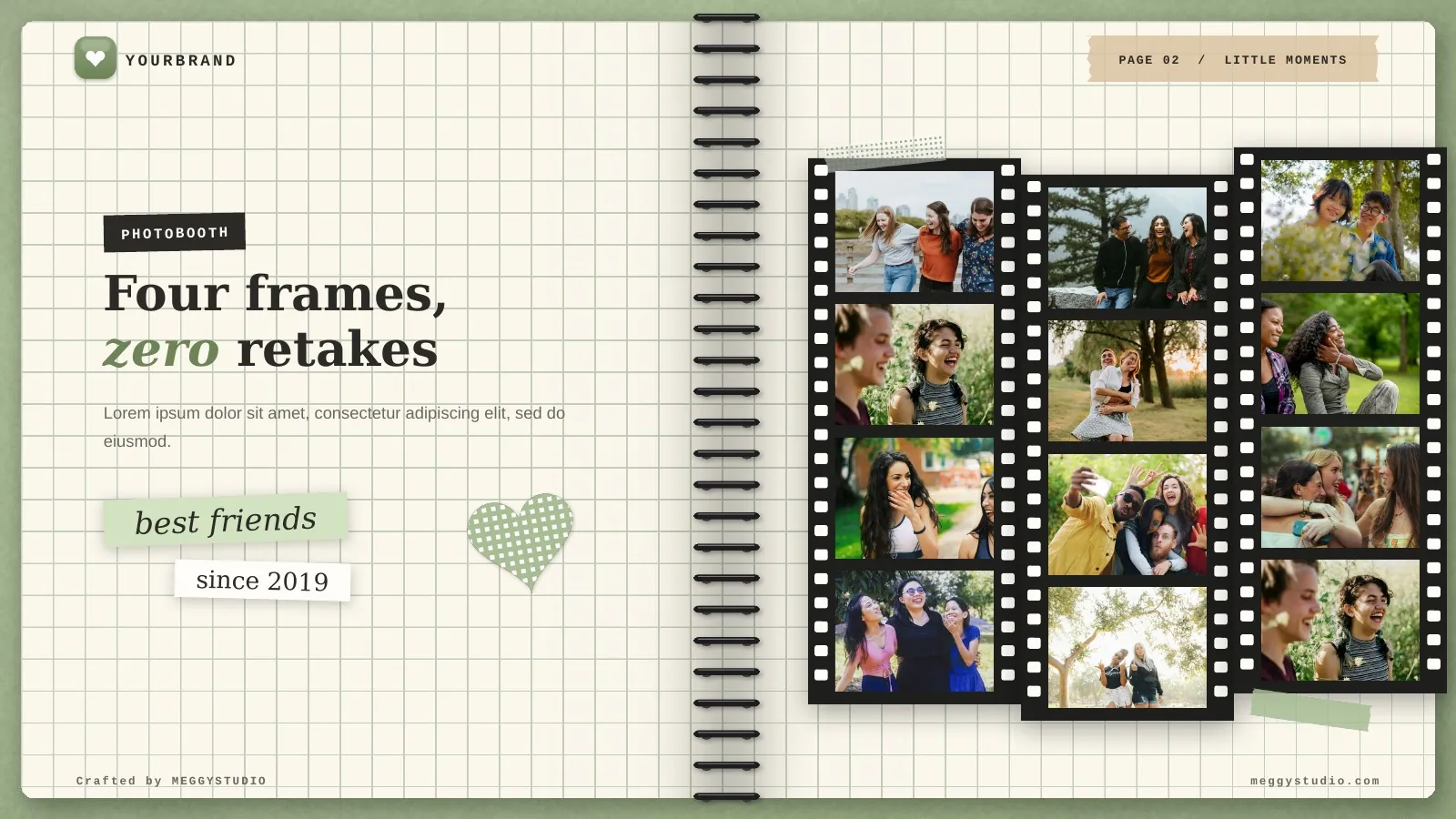
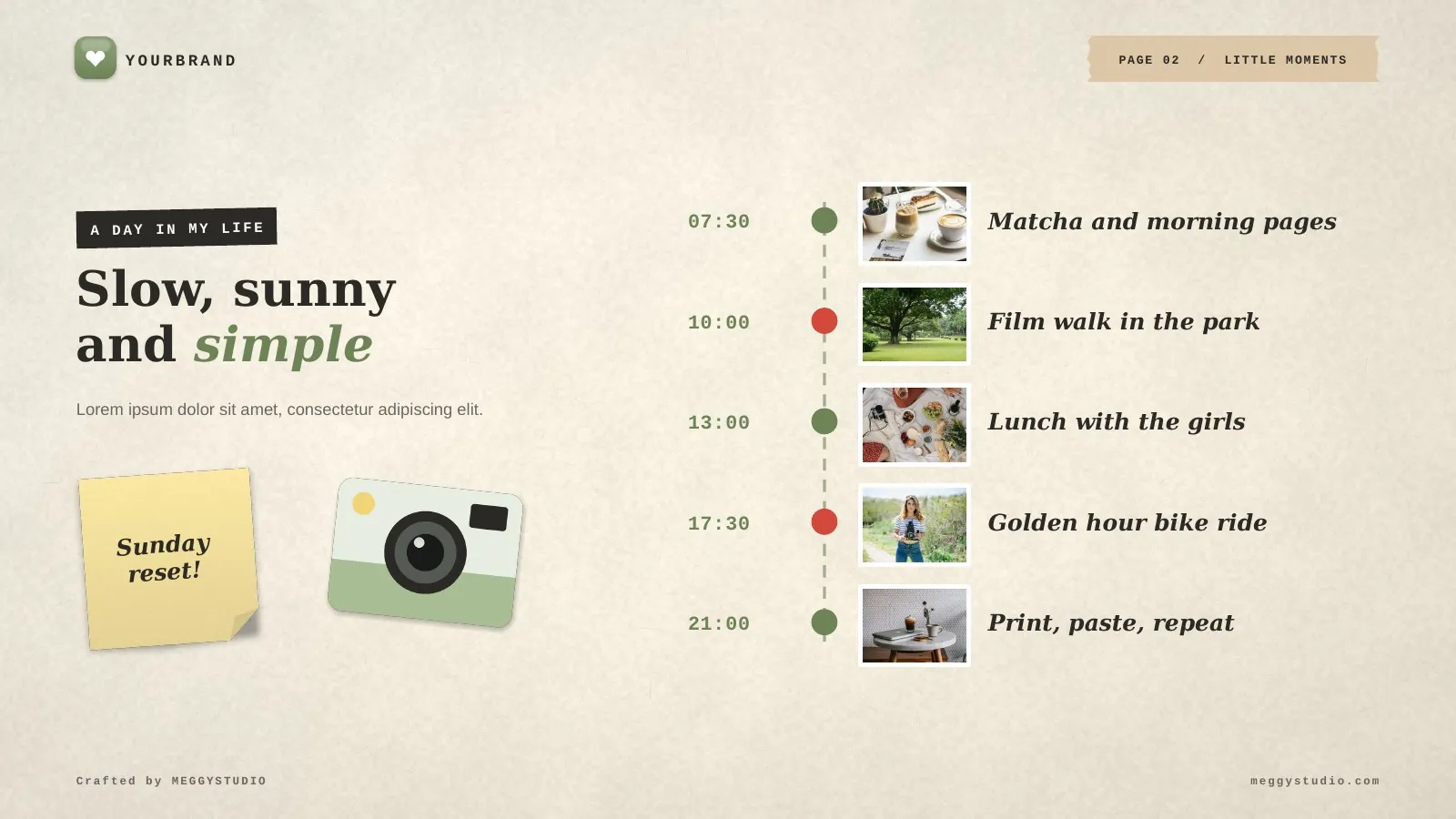
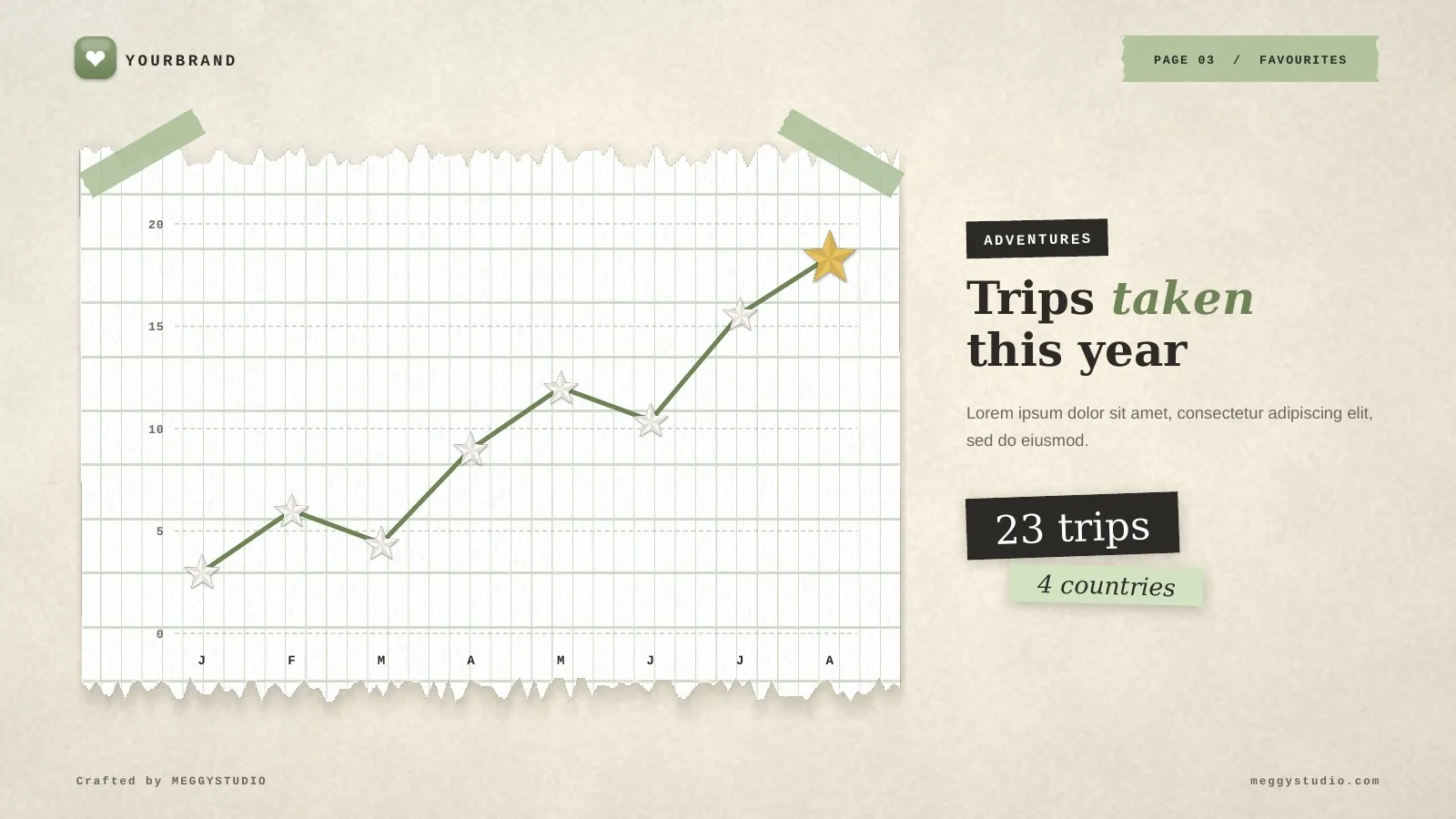
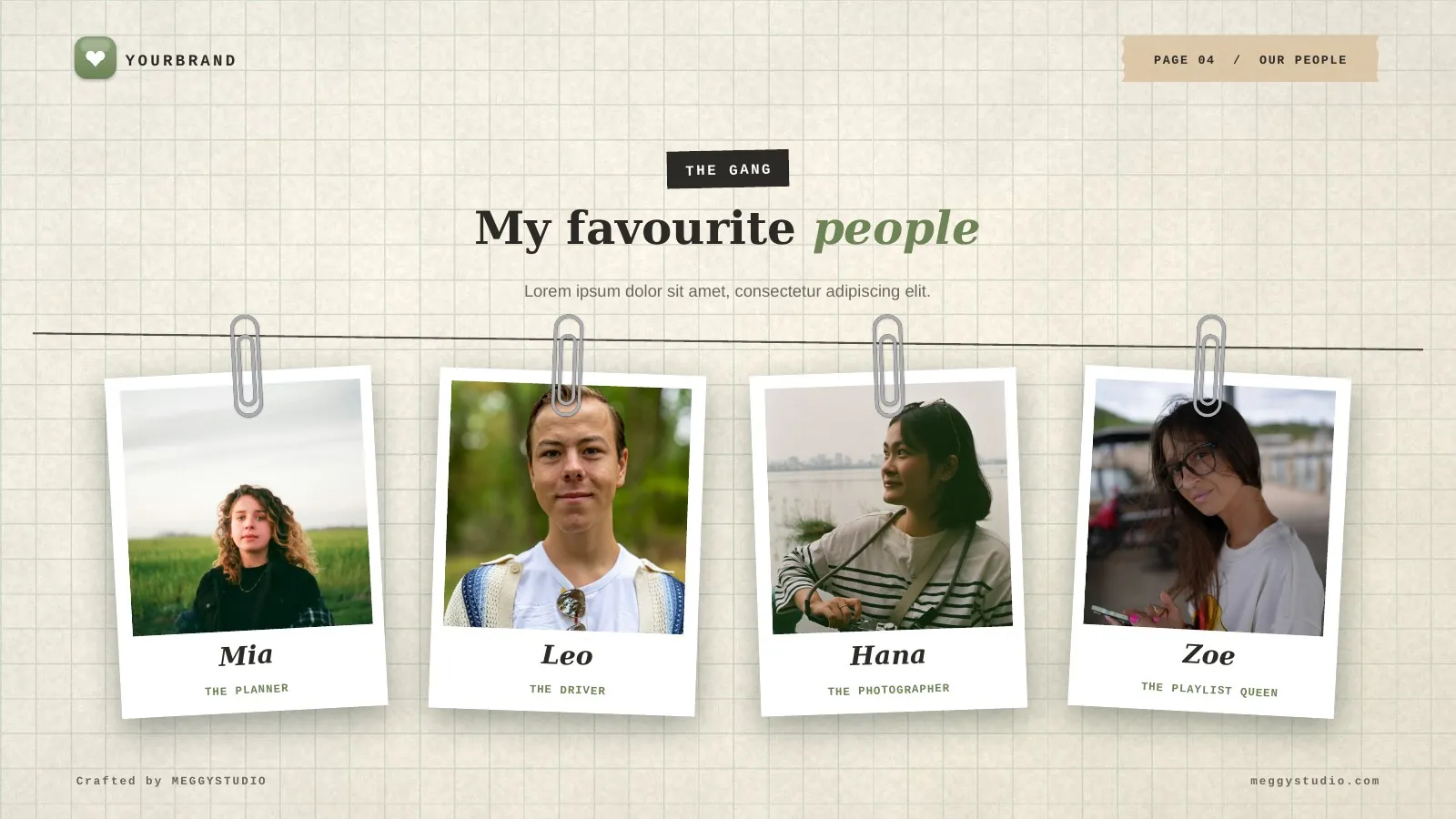
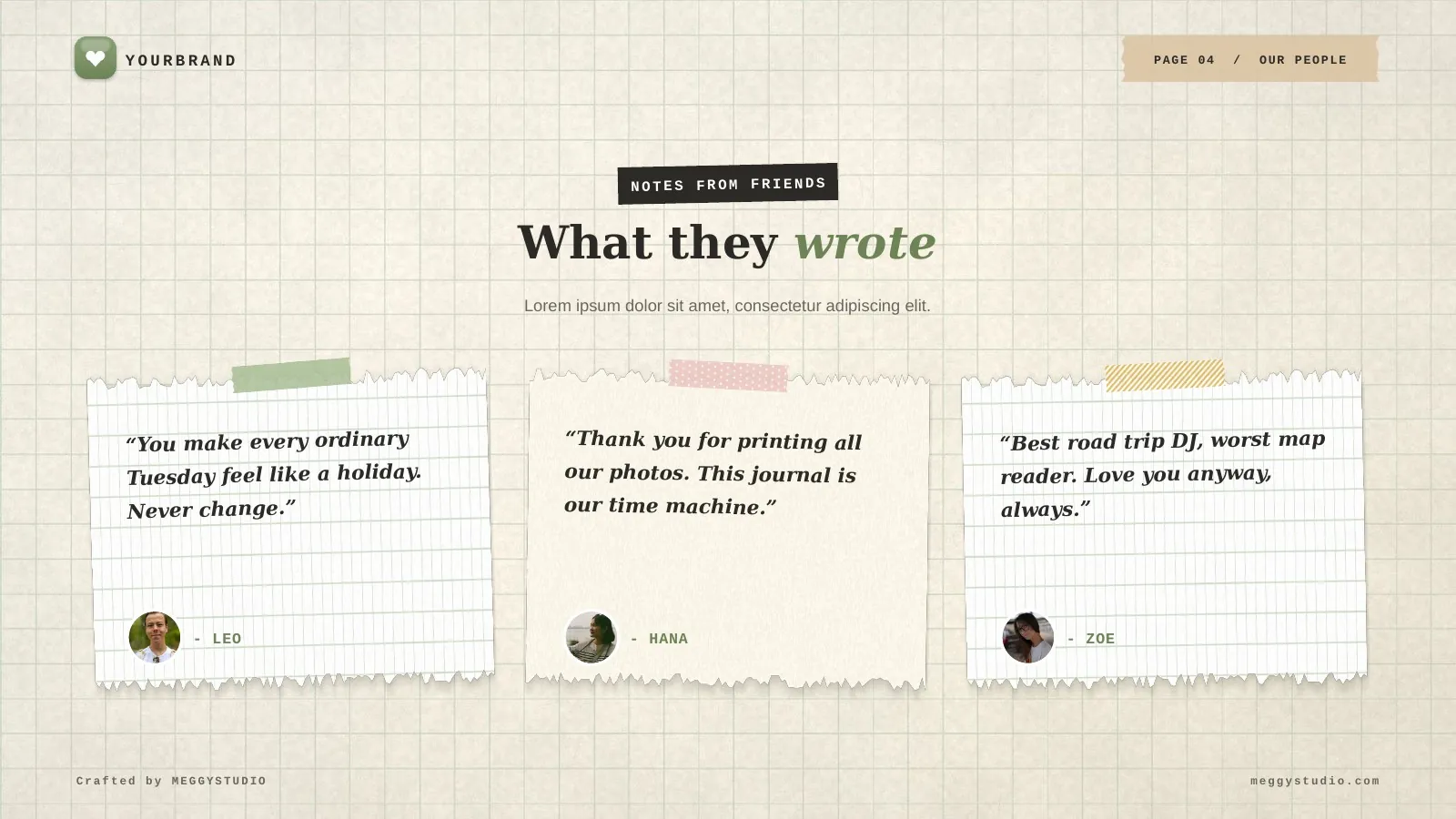
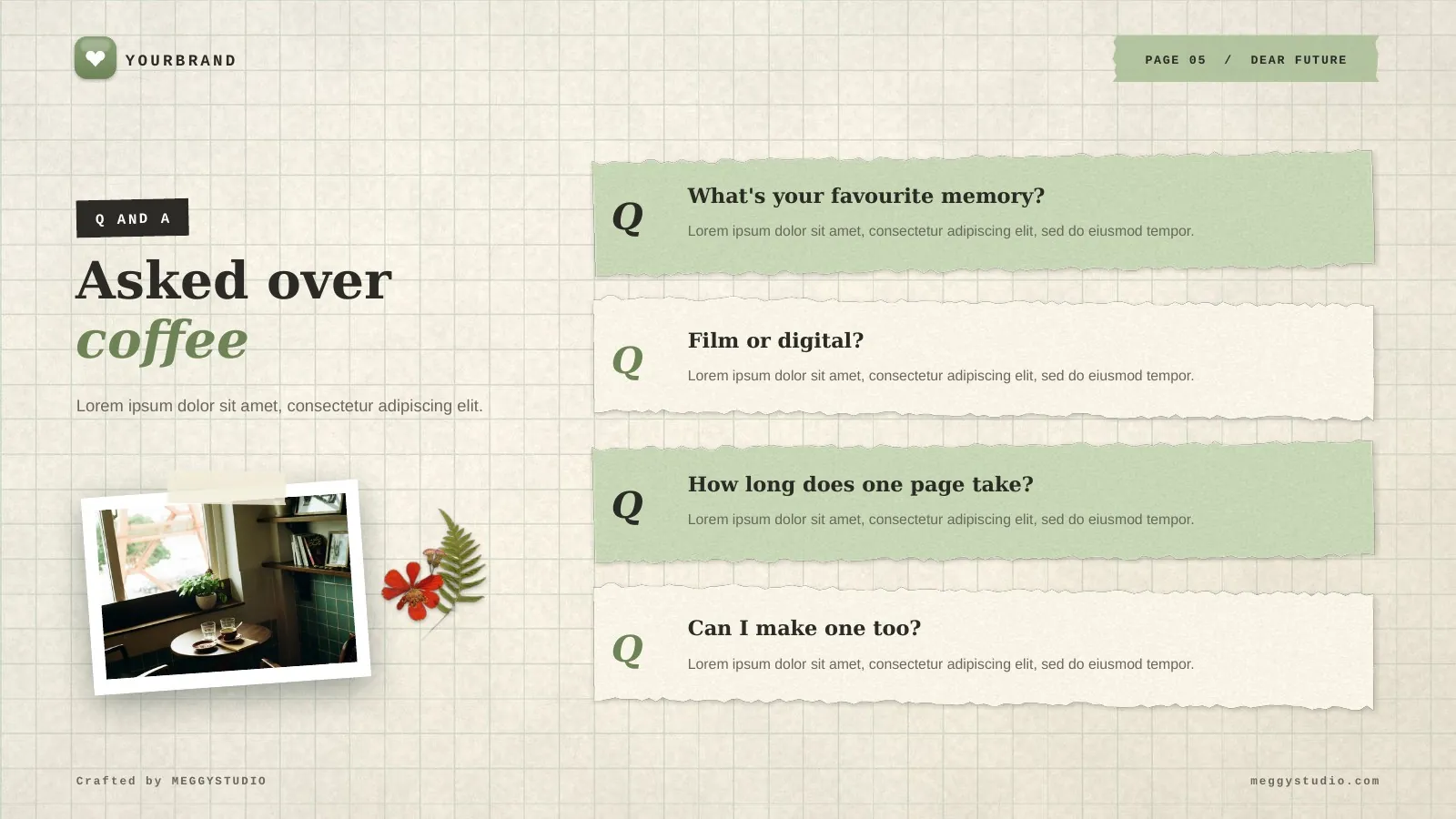
Every slide, a page worth keeping. A few of the 50 layouts inside Scrapbook Journal.
What's inside
- 50 unique slides in one 16:9 PPTX file
- 5 bold section dividers that keep your story organized
- Opening slides: Cover, contents
- Part 1: About me, promises, quote, little joys, timeline, big stat
- Part 2: Shared journal, photo booth strip, app screen, page steps, friends page, city trip, slow days, then and now
- Part 3: Favourites, happy days chart, trips, weekends, cafe list, mood journal, bucket list
- Part 4: Favourite people, friendship timeline, summer colours, unsent notes, monthly calendar, plans, notes from friends, playlist, web corner
- Part 5: Time capsule letter, goals, collect moments, counters, Q&A, what's in my bag, photo page, guestbook, zine signup, letters, thank you, closing
Why you'll like it
- Morph-ready: smooth, cinematic transitions in PowerPoint 2019, 2021 and Microsoft 365
- No font installs: uses Courier New, Arial and Georgia, which all come with Microsoft Office, so your layout looks the same on any PC
- Fully editable: text, shapes, colors, charts and icons are native PowerPoint objects
- Photo-ready: royalty-free photos are already placed; right-click any image and choose Change Picture to use your own
- Easy to rebrand: change shape colors to match your brand in a few clicks
Perfect for
Personal storytelling, birthday and friendship slideshows, travel recaps, couples and anniversaries, creative portfolios, class reunions, journaling content.
Where to buy Scrapbook Journal
Same file on every marketplace. Pick the one that suits your payment method.
Want to try first? Download the free 5-slide sample.
FAQ
Do I need to install any fonts?
No. Scrapbook Journal uses fonts that come with Microsoft Office, so the layout looks the same on any PC.
Which PowerPoint version do I need?
Morph transitions play in PowerPoint 2019, 2021 and Microsoft 365. Older versions can open the file, but the transitions may not play.
Can I use it for client work?
Yes. You can use it for your own presentations and for client projects. Reselling or redistributing the template file is not allowed.
Can I change the colors and photos?
Yes. Everything is native PowerPoint: recolor shapes in a few clicks and right-click any photo, then choose Change Picture.
More templates you might like