Home / Templates / Tech / Terminal Dev
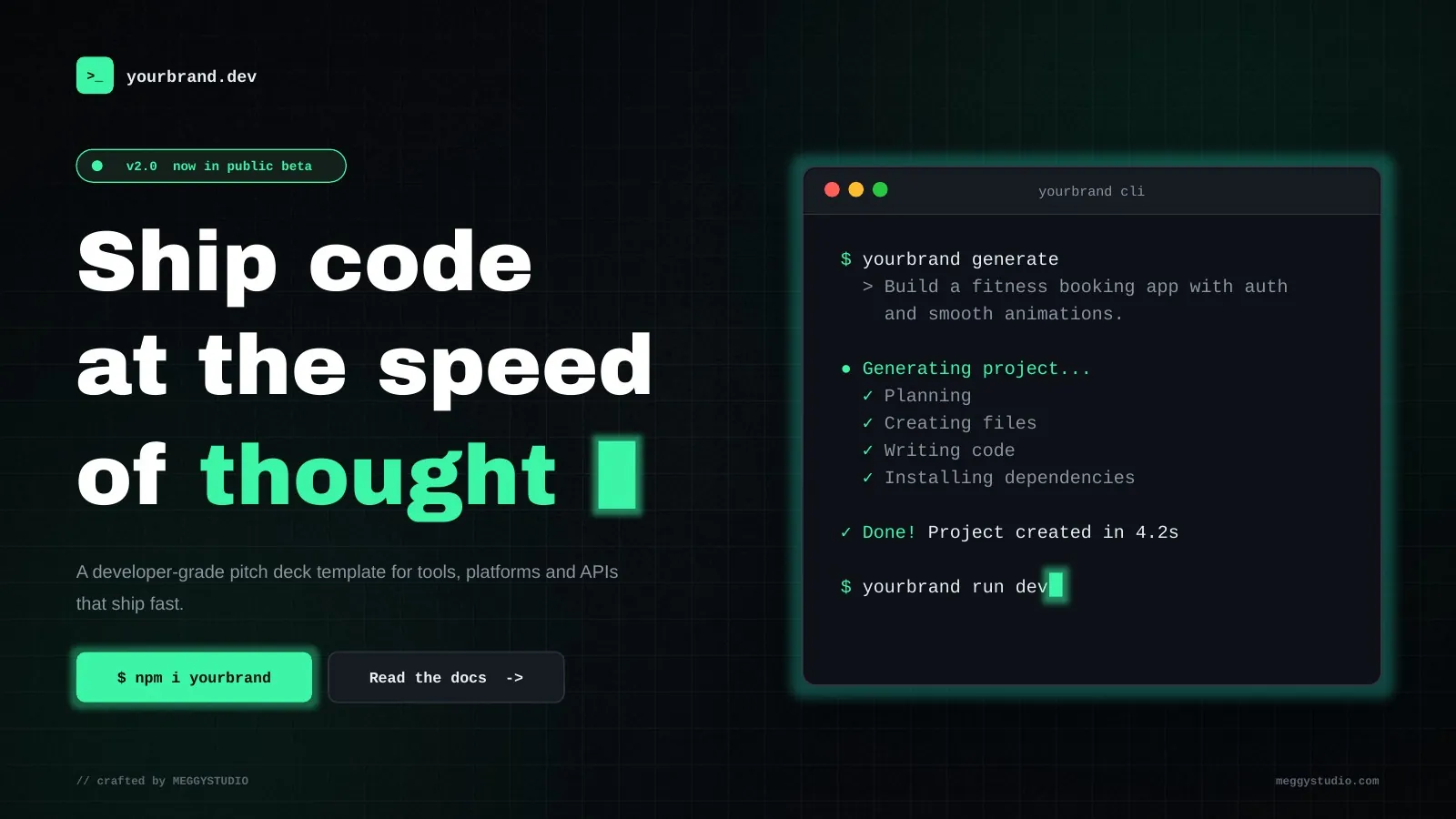
Terminal Dev Pitch Deck PowerPoint Template
Terminal Dev is a 50-slide PowerPoint template built around a black terminal canvas, neon green prompts, monospace code blocks, git logs and status dashboards. Every layout is designed for real content, so it looks great on screen and stays easy to read.
- Slides50 unique layouts
- FormatPPTX, 16:9 widescreen
- TransitionsMorph, PowerPoint 2019+
- FontsOffice fonts, no installs
Cheaper than a coffee. Instant download after payment. One-time payment.
Preview the slides
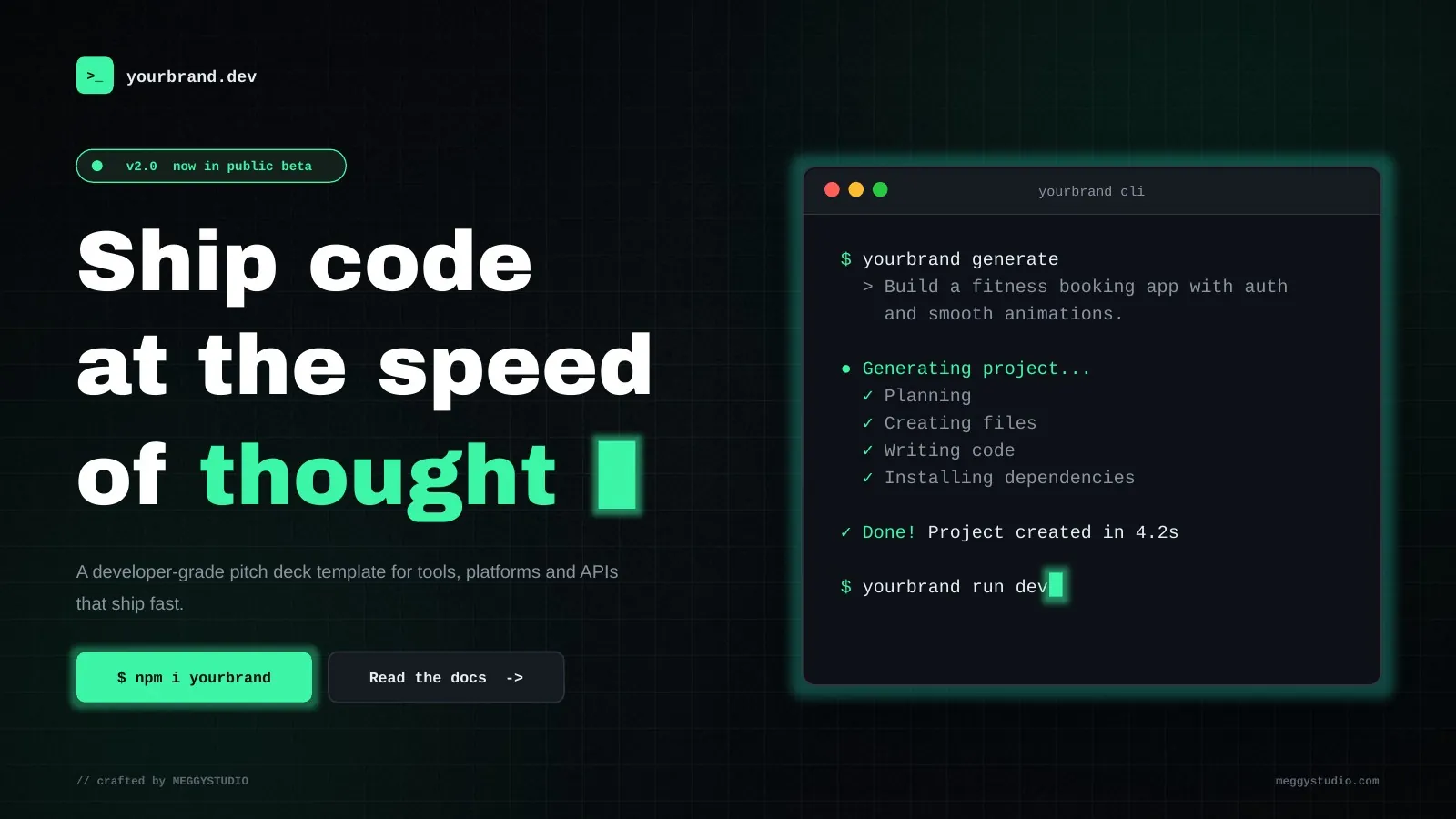
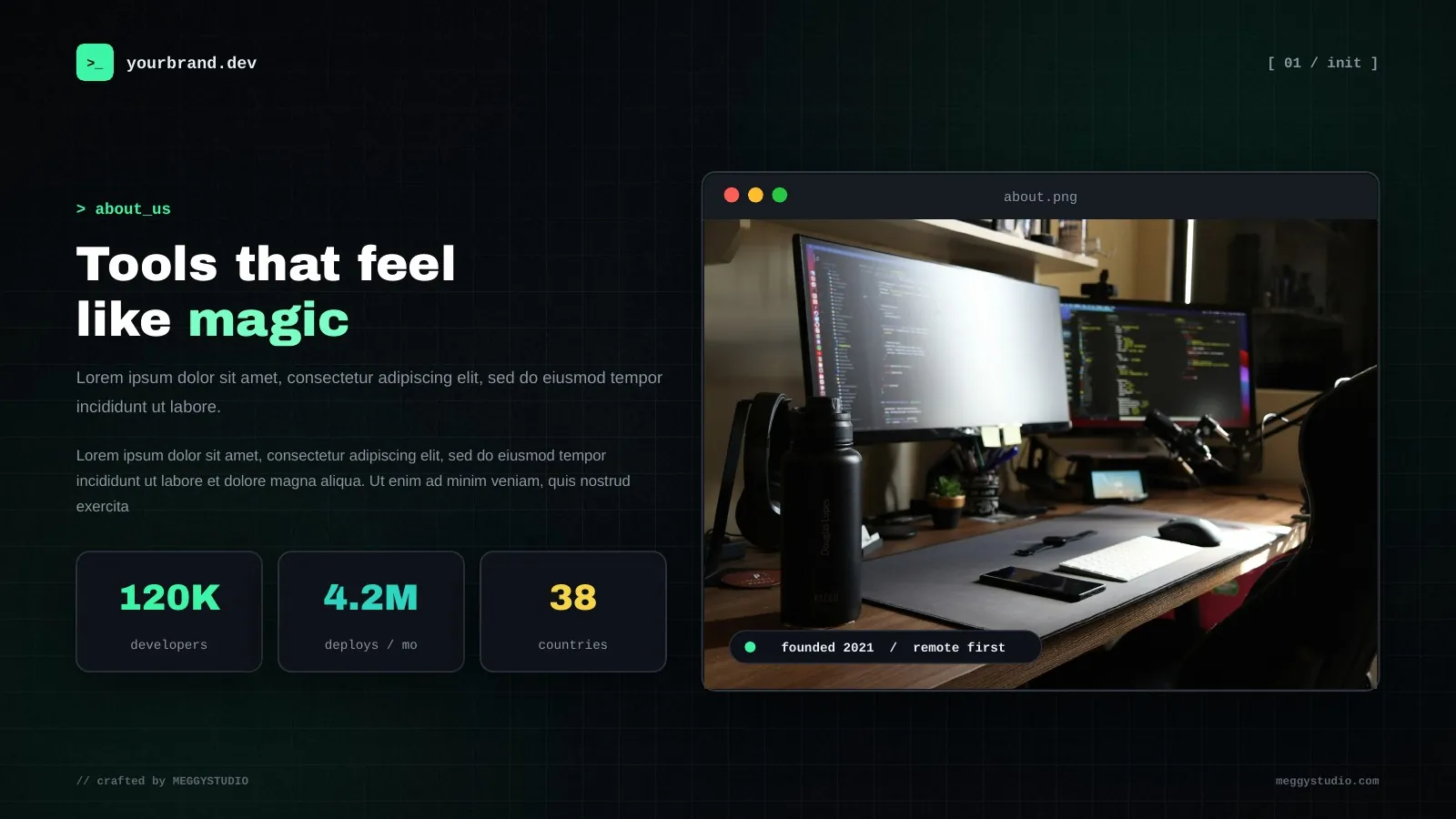
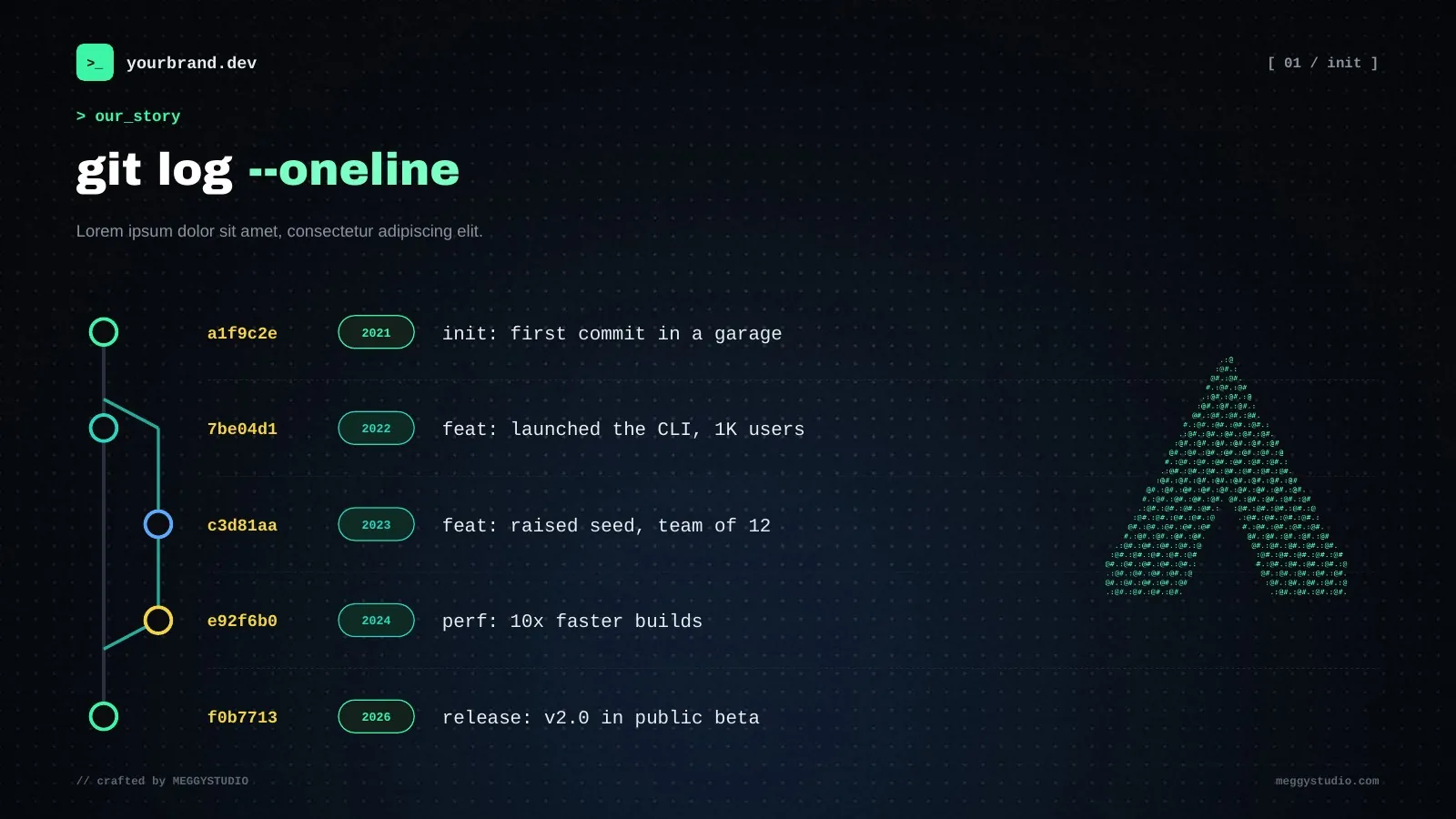
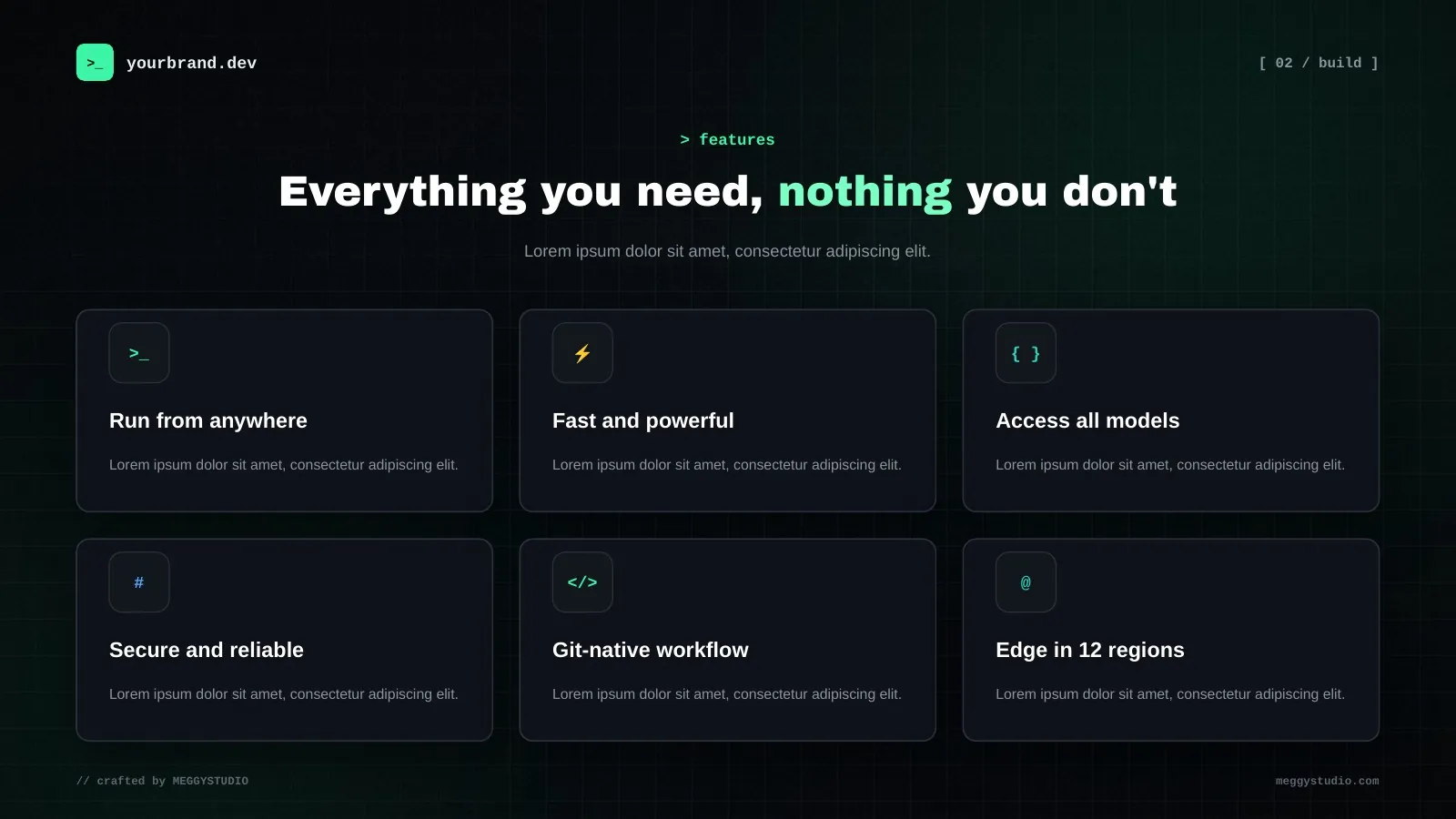
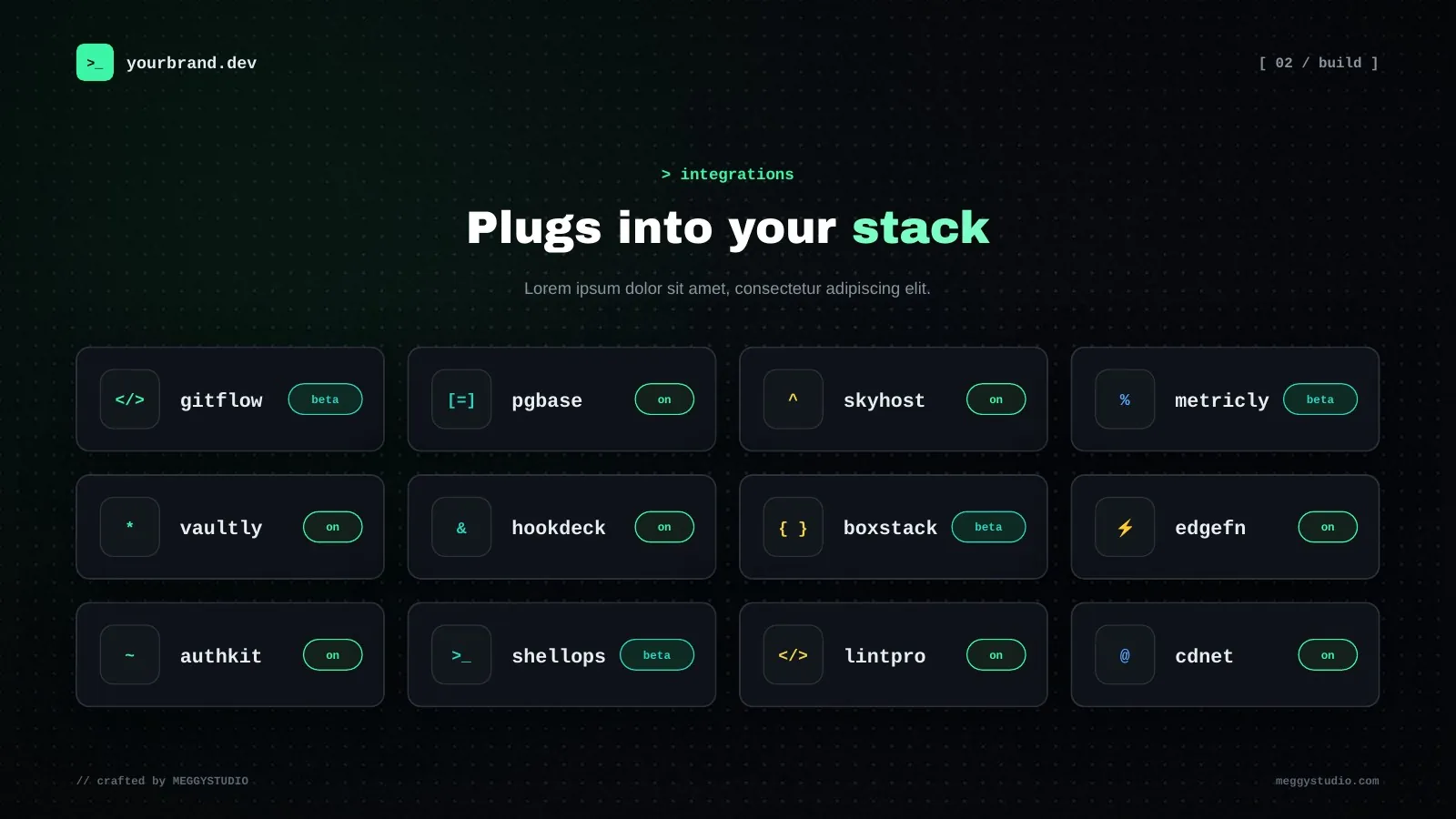
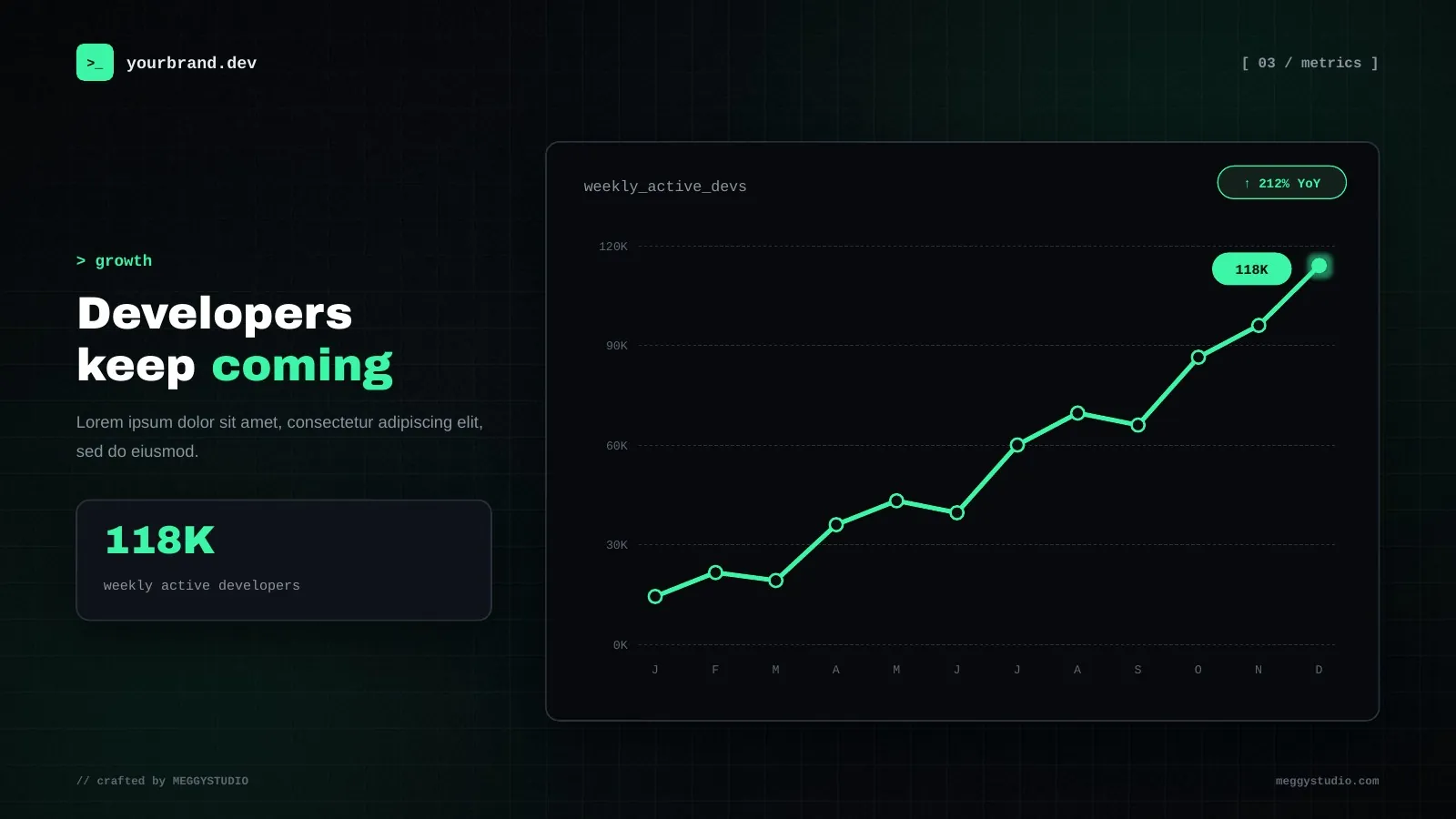
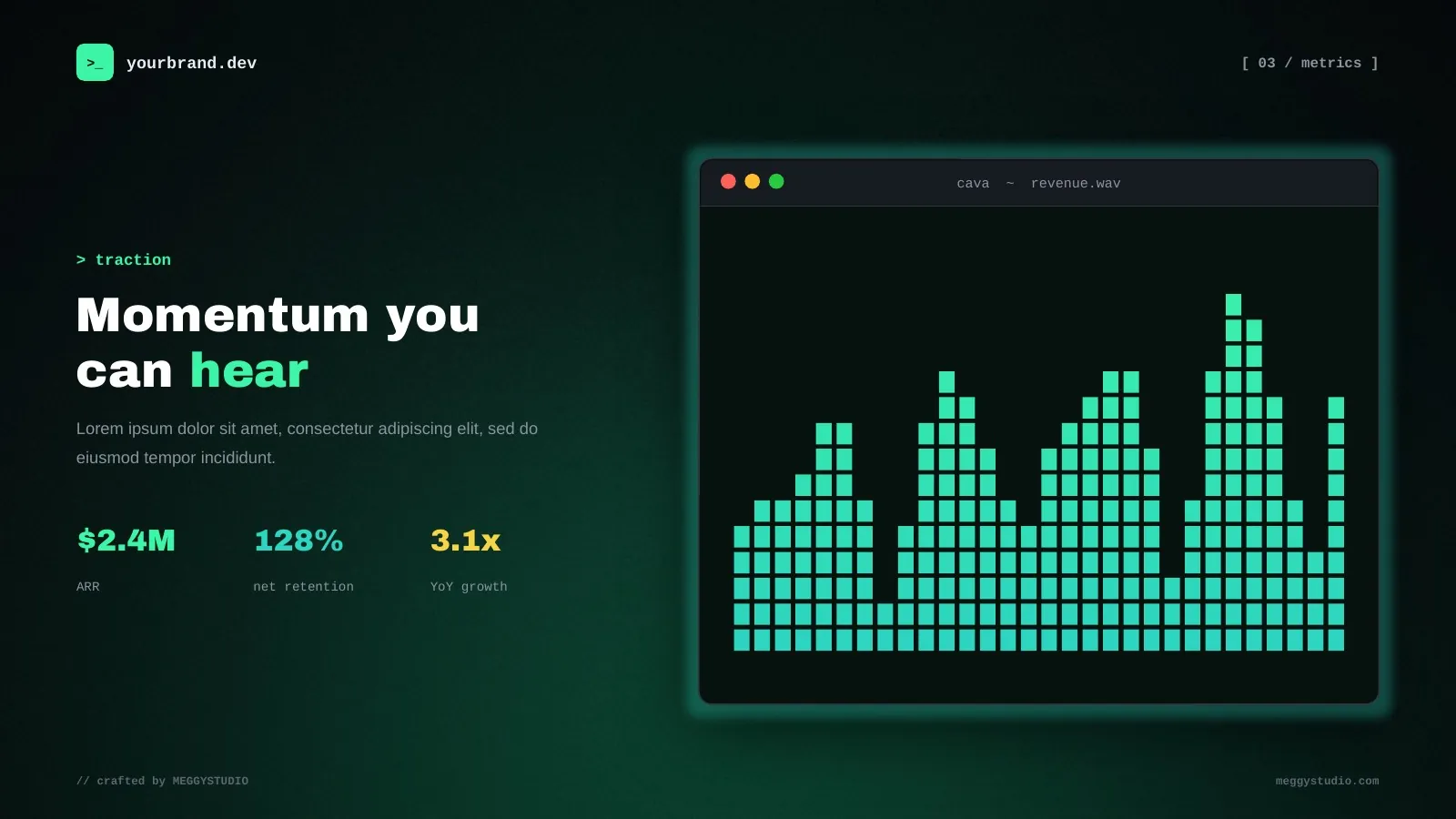
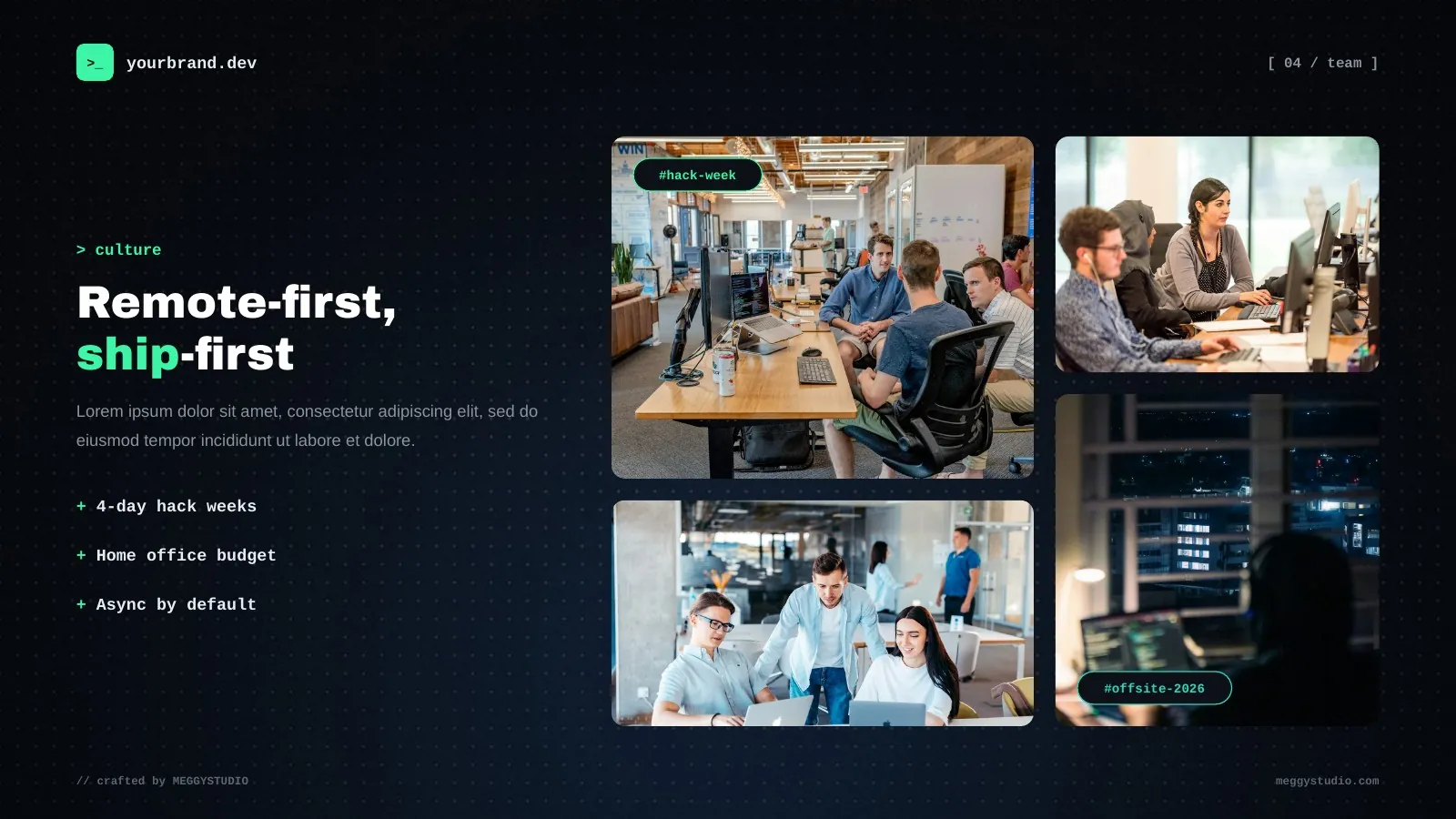
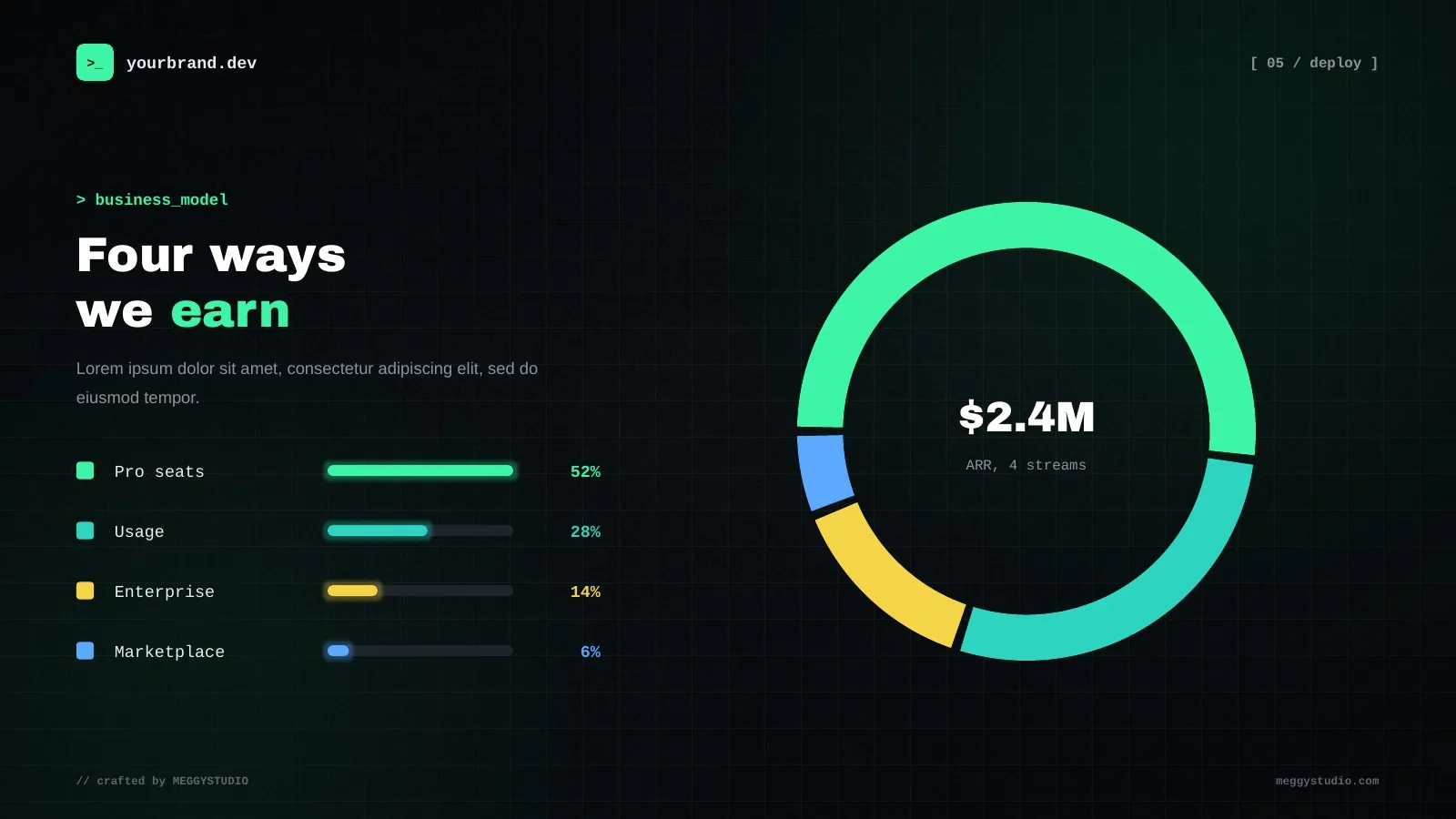
git push your pitch. A few of the 50 layouts inside Terminal Dev.
What's inside
- 50 unique slides in one 16:9 PPTX file
- 5 bold section dividers that keep your story organized
- Opening slides: Cover, agenda
- Part 1: Product intro, problem, quote, principles, git log timeline, big stat
- Part 2: Platform overview, features, mobile deploys, workflow, CLI commands, SDK code sample, integrations, comparison
- Part 3: Resource overview, revenue, user growth, pricing tiers, usage split, status page, market size, customer table, momentum, release cadence
- Part 4: Team, founder quote, reviews, remote culture, hiring, roadmap tree, changelog, security, performance
- Part 5: Pricing, business model, funding, FAQ, tagline, global regions, launch plan, getting started, contact, closing
Why you'll like it
- Morph-ready: smooth, cinematic transitions in PowerPoint 2019, 2021 and Microsoft 365
- No font installs: uses Courier New, Arial and Arial Black, which all come with Microsoft Office, so your layout looks the same on any PC
- Fully editable: text, shapes, colors, charts and icons are native PowerPoint objects
- Photo-ready: royalty-free photos are already placed; right-click any image and choose Change Picture to use your own
- Easy to rebrand: change shape colors to match your brand in a few clicks
Perfect for
Developer tools and APIs, SaaS and cloud startups, engineering team updates, hackathons, tech talks and meetups, CS students, devrel teams.
Where to buy Terminal Dev
Same file on every marketplace. Pick the one that suits your payment method.
Want to try first? Download the free 5-slide sample.
FAQ
Do I need to install any fonts?
No. Terminal Dev uses fonts that come with Microsoft Office, so the layout looks the same on any PC.
Which PowerPoint version do I need?
Morph transitions play in PowerPoint 2019, 2021 and Microsoft 365. Older versions can open the file, but the transitions may not play.
Can I use it for client work?
Yes. You can use it for your own presentations and for client projects. Reselling or redistributing the template file is not allowed.
Can I change the colors and photos?
Yes. Everything is native PowerPoint: recolor shapes in a few clicks and right-click any photo, then choose Change Picture.
More templates you might like