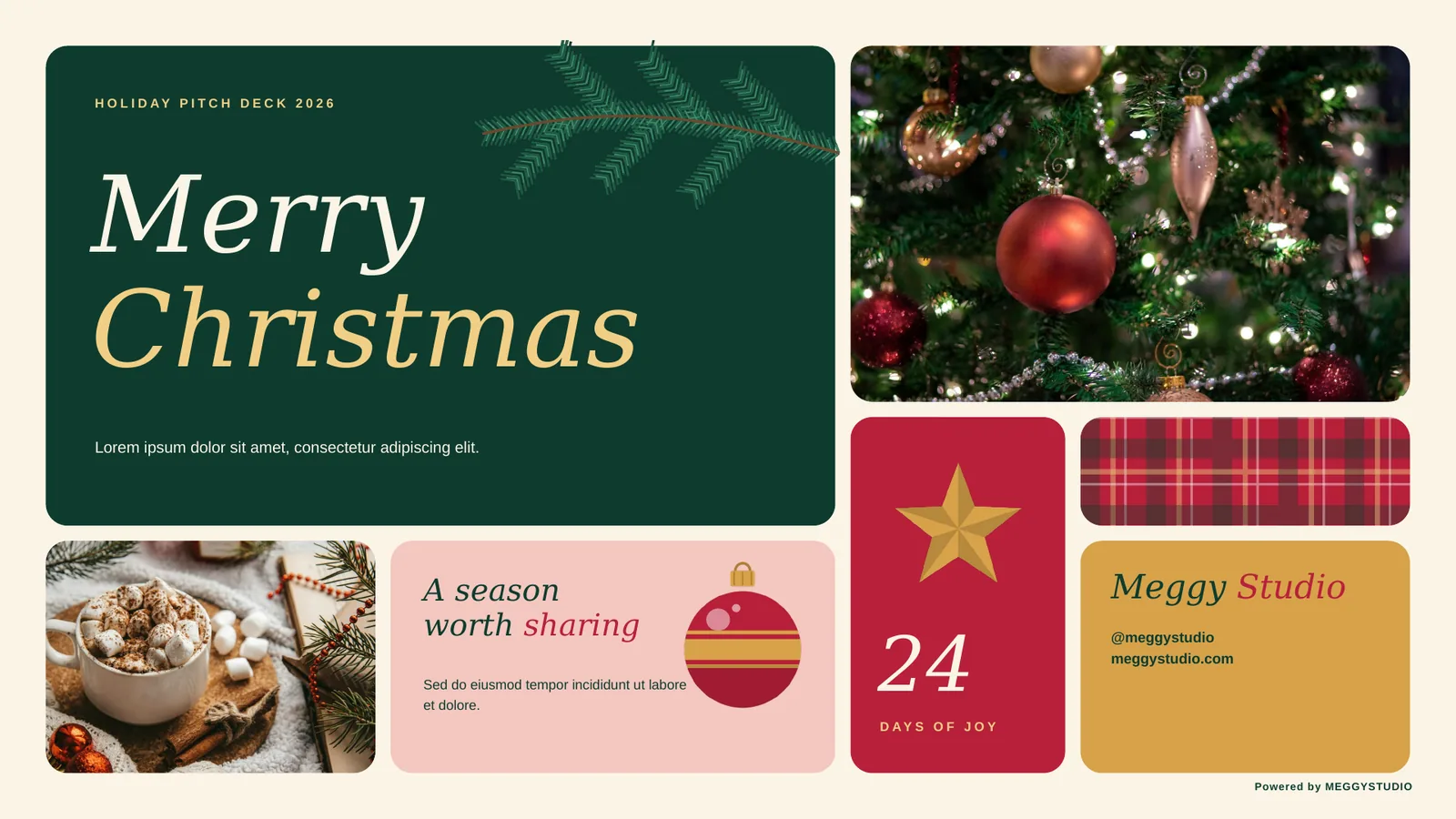
December decks have two jobs at once: celebrate the season and get serious work approved before everyone disappears for the holidays. The trick is to put the celebration in the frame and the work in the middle.
- Keep decorations at the edges and the numbers clean.
- Start the deck in early November, not mid-December.
- End the year with one slide of thanks, then next year's plan.
In this guide
01Five kinds of Christmas presentation
| Presentation | What it needs |
|---|---|
| Year-end review | Three big results, lessons, thanks, next year's goals |
| Holiday campaign plan | Offer, timeline, channels, budget, how you'll measure it |
| Team party or awards | Agenda, award categories, photo moments, games |
| School project | Traditions around the world, history, a quiz to finish |
| Client greeting deck | A short thank-you, highlights of the year together, what's next |
02A year-end review in eight slides
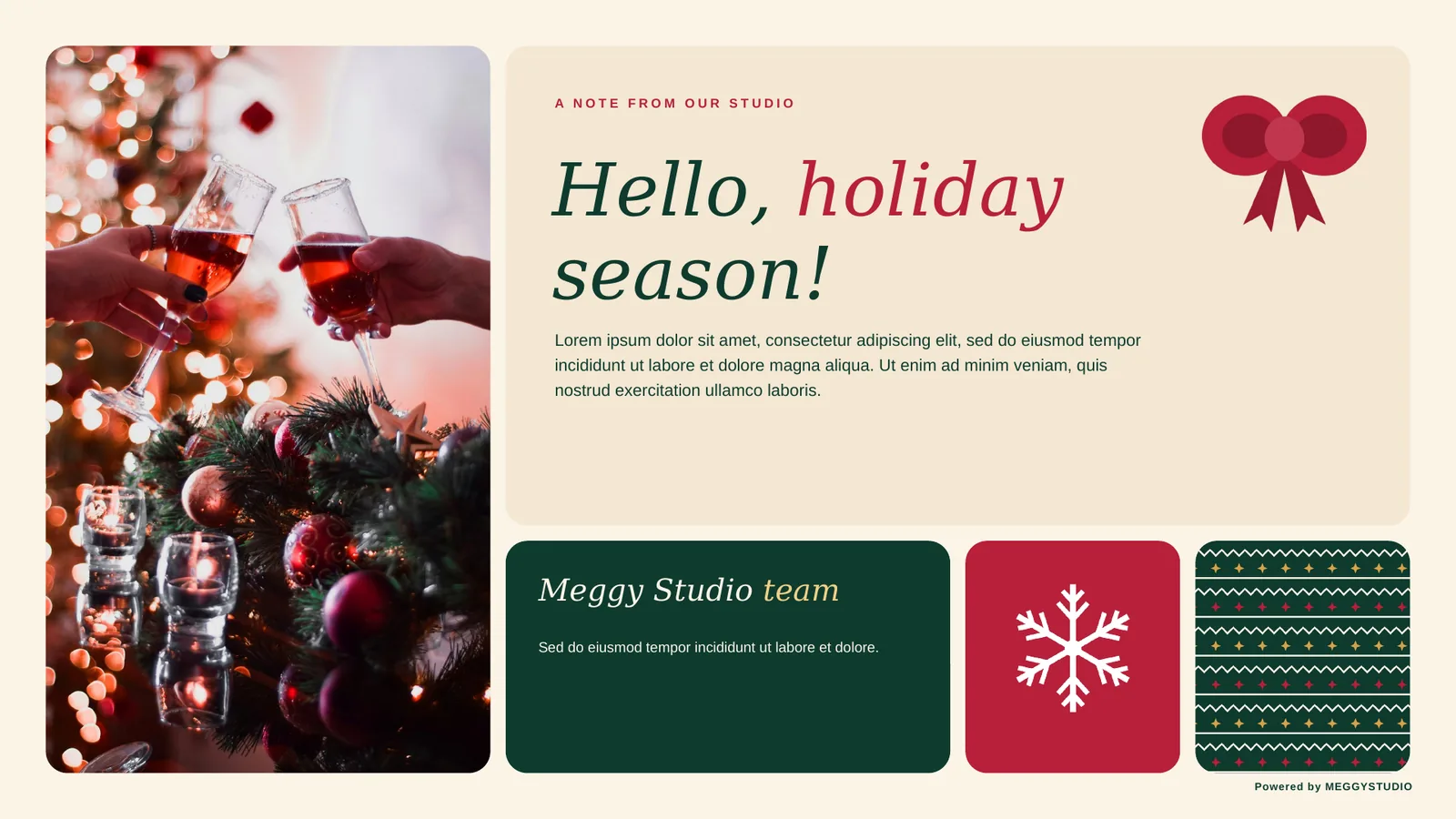
Put the thank-you slide before the goals. People listen to plans more generously after they've been recognised.
03Festive design rules
- Two festive colours, not five. Deep red and pine green, or navy and gold, plus a neutral.
- Decorate the edges. A border, a corner illustration or a snow pattern on dividers. Keep charts on calm backgrounds.
- One playful font at most, for titles only. Body text stays readable.
- Real photos of your team and events beat clip-art Santas every time.
Every slide covered in snowflakes, baubles and a script font.
A festive cover and dividers, with clean content slides in red, green and cream.
04Holiday campaign decks
Campaign decks need approval early. Show the week-by-week plan from mid-November to New Year, including the quiet days after Christmas when many people shop sales. Make the offer concrete and show last year's numbers next to this year's target. Our campaign deck structure covers the full flow.
05Make the party deck interactive
For team events, add a quiz with three or four multiple-choice questions about the year, a "guess who" slide with baby photos, or award categories revealed one by one with Morph. Keep each segment short and use the presentation timer on a second screen to keep the evening moving.
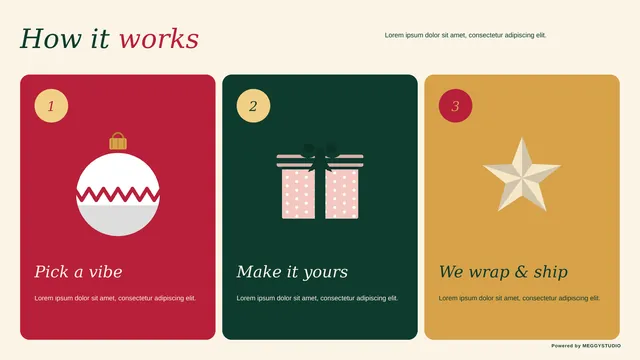
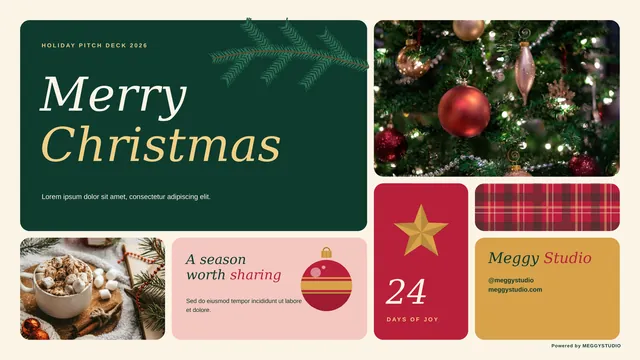
Christmas Bento has 50 slides with bento grids, charts and team pages in holiday colours.
06FAQ
How do I make a Christmas presentation look professional?
Keep decorations on the cover, dividers and edges. Use a calm layout and two festive colours for content slides.
What should a year-end presentation include?
Three headline results, what worked, what didn't, thanks to the team and the goals for next year.
When should I prepare a Christmas campaign deck?
In early November, so the plan is approved before December gets busy.
Written by MEGGYSTUDIOWe design 50-slide PowerPoint templates with Morph built in.