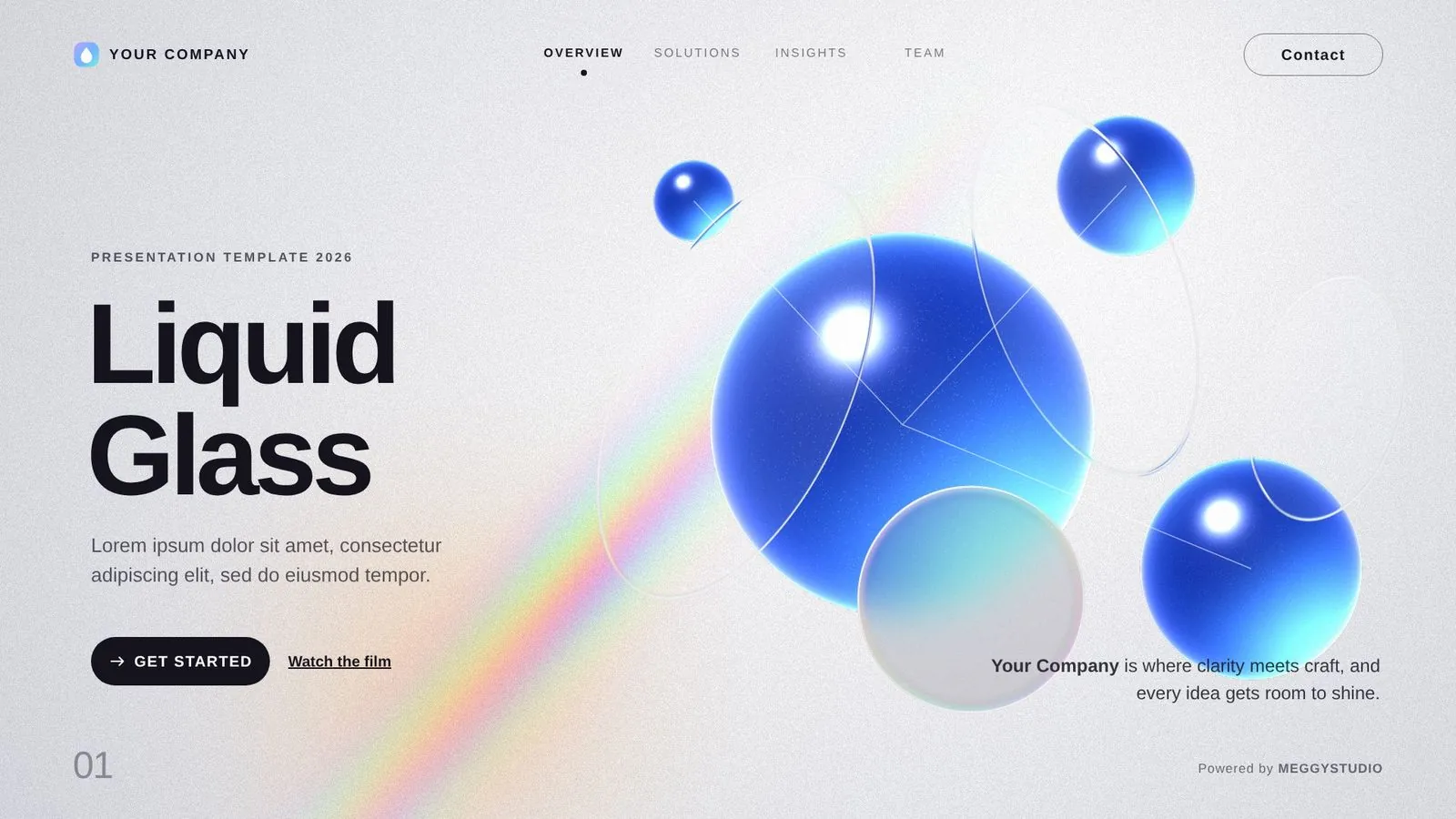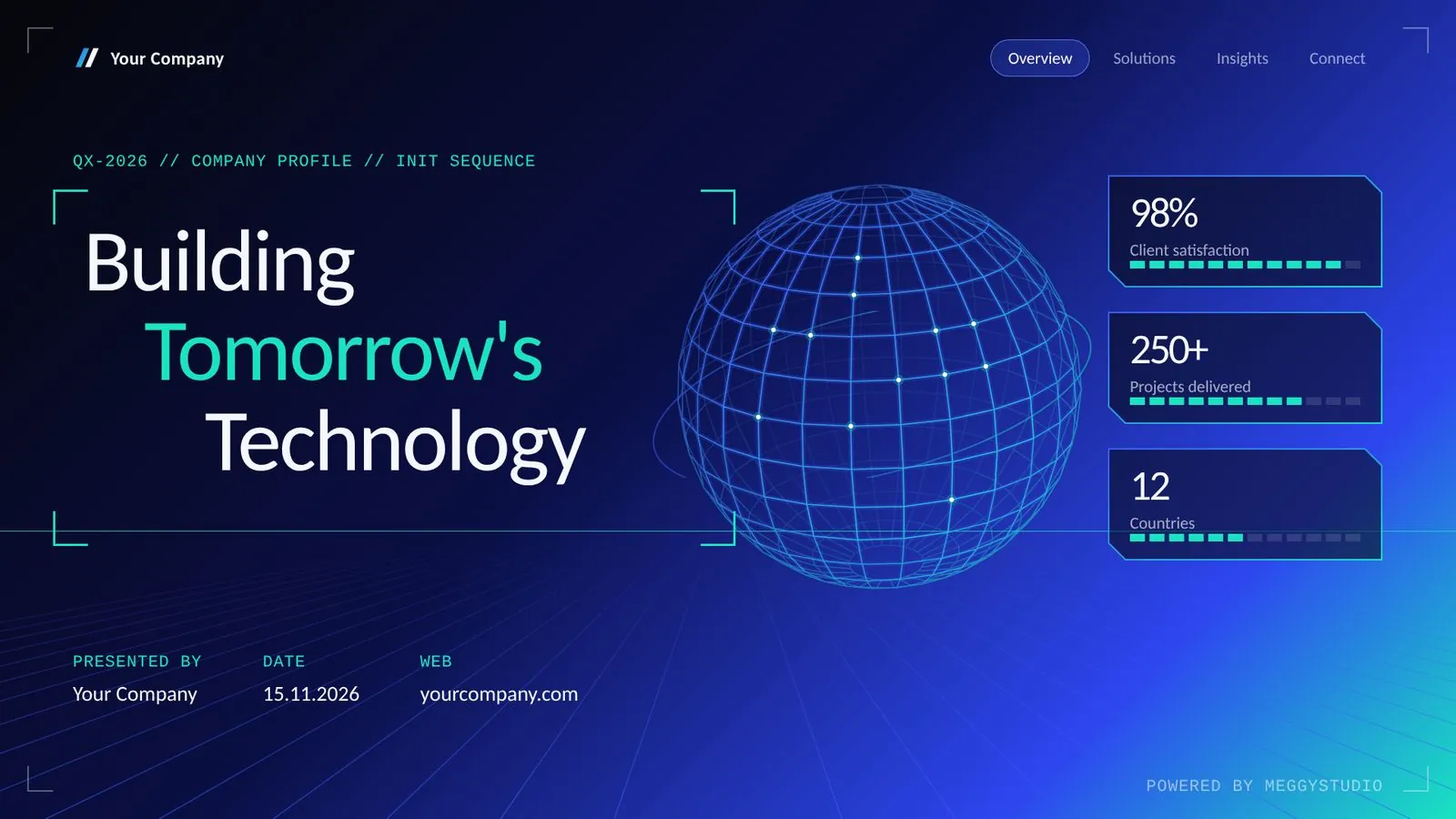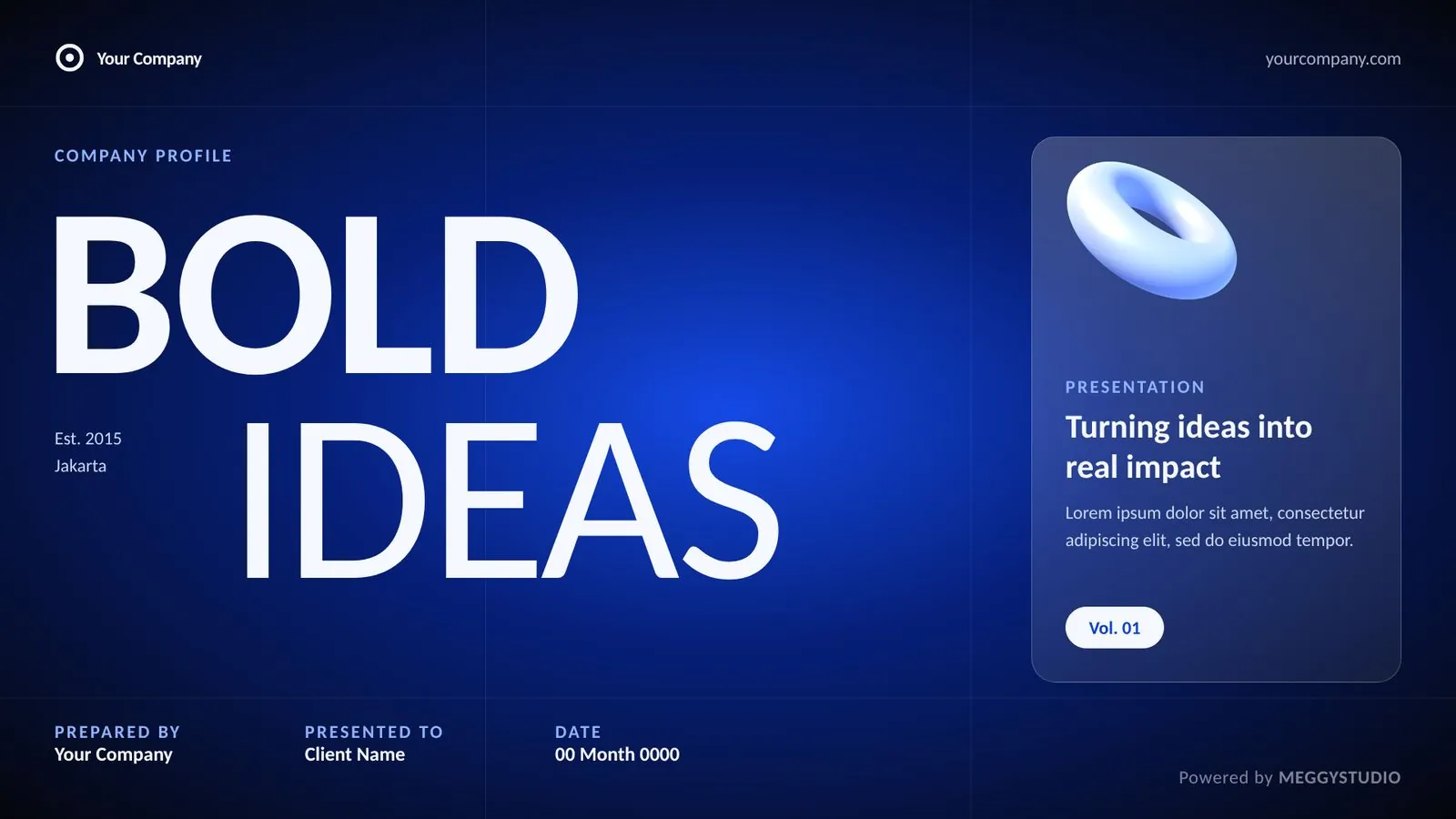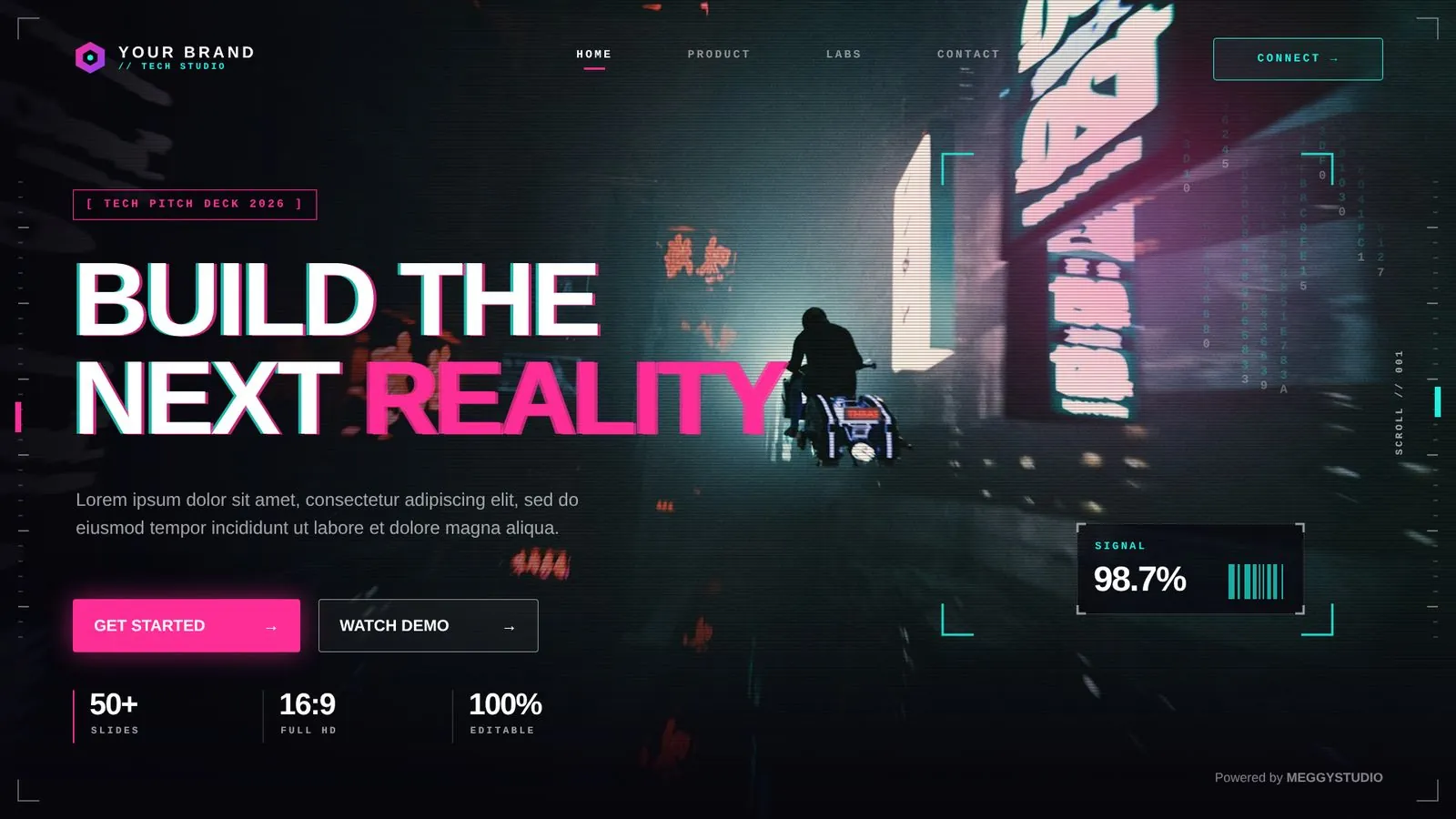
Want to try a professional pitch deck before buying anything? We made a free 5-slide PowerPoint sample that shows exactly how our templates work: real layouts, Morph transitions already set up, and fonts that come with Office.
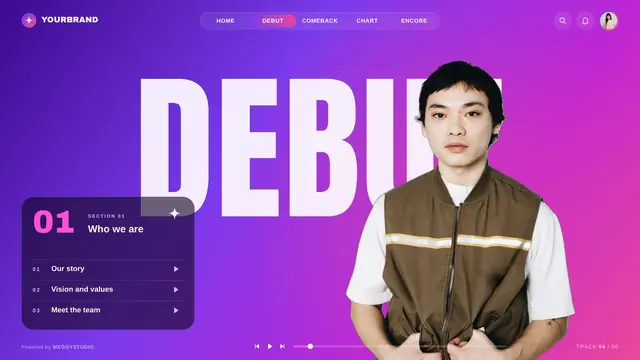
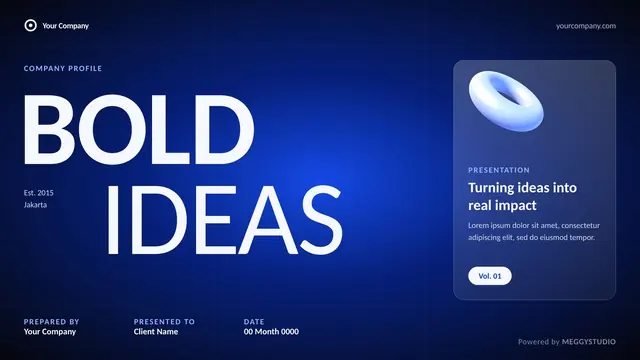
One PPTX file, 5 slides, Morph included. No sign-up.
- 5 free slides: cover, divider, dashboard, team and closing, with Morph set up.
- Works best in PowerPoint 2019 or newer and Microsoft 365.
- Edit by changing objects, not redrawing them, so Morph keeps working.
In this guide
01What's inside the free template
The sample mixes slides from different MEGGYSTUDIO styles, so you can see the range in one file:
- Cover: a confident opening slide in the Corporate style.
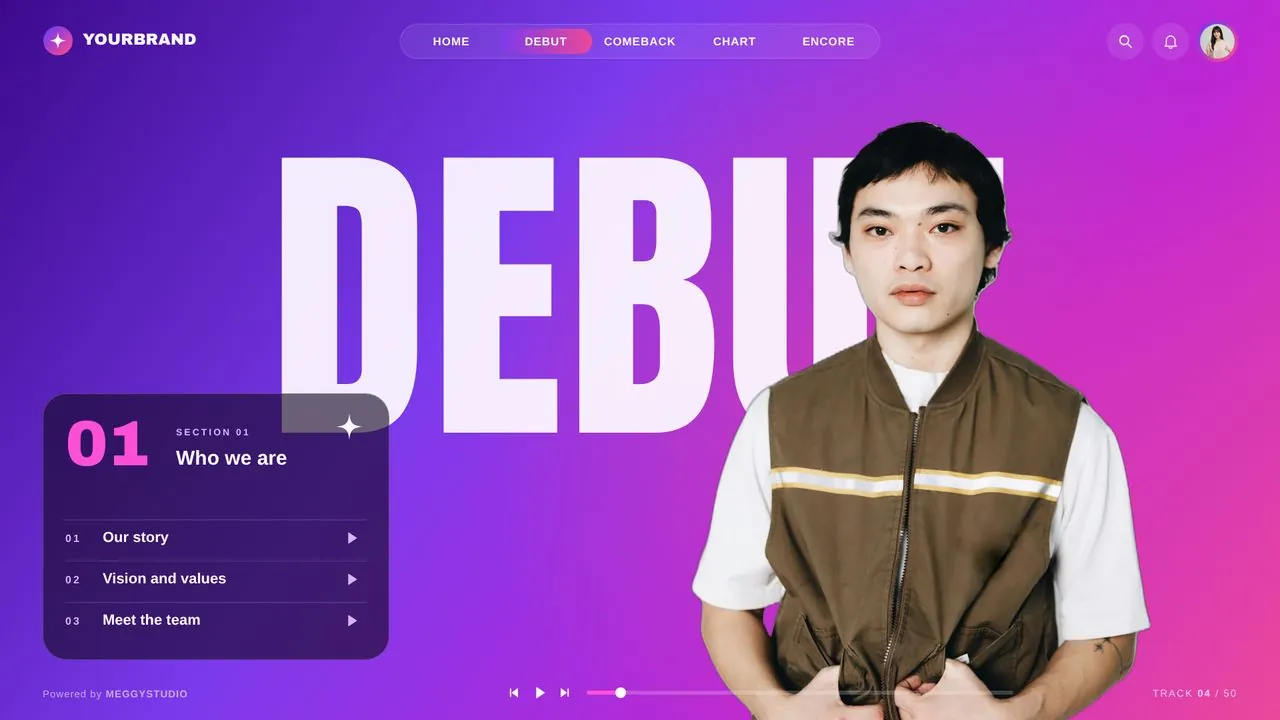
- Section divider: a bold divider from K-Pop Bento to split your story into chapters.
- Dashboard: a data-heavy content slide from Cyber Tech with stats and charts.
- Team: a team slide from Racing with photo cards and roles.
- Closing: a thank-you slide from Retro Game to end on a memorable note.
02Why start with a template at all?
- Structure: you start from proven slide types instead of a blank page.
- Consistency: colors, spacing and type are already aligned, so the deck looks designed.
- Time: you spend your hours on the story and the numbers, not on nudging boxes.
- Motion: Morph is already applied, so your deck feels smooth with zero animation work.
03How to use it in 4 steps
- Open it in PowerPoint 2019, 2021, 2024 or Microsoft 365 to see Morph in action.
- Replace the text. Click into any text box and type. The styles stay intact.
- Swap the photos. Right-click a picture, choose Change Picture, and pick your own.
- Match your brand. Select a shape, open Shape Fill, and use your brand color. Repeat for the key accents.
04Free sample vs full template
| Free sample | Full template | |
|---|---|---|
| Slides | 5 mixed styles | 50 unique layouts in one style |
| Morph transitions | Yes | Yes, on every slide |
| Data slides (charts, tables, dashboard) | 1 | 10+ |
| Mockups, team, pricing, roadmap, FAQ | Team only | All included |
| Commercial and client use | Own presentations | Own and client work |
05Which full template should you pick?
- Startups and tech: Quantum Tech, Cyber Tech
- Company profiles and reports: Corporate, Liquid Glass
- Music, events and creative brands: Neon Groove, Music Playlist, K-Pop Bento
- Media and entertainment: Movie Streaming
- Gaming and esports: Gaming, Retro Game
- Travel, automotive and sport: Travel Pitch Deck, Racing
Start with the free 5 slides. When you need the whole story, every template has 50.
06FAQ
Is the free pitch deck template really free?
Yes. The 5-slide sample is free to download from meggystudio.com, no sign-up needed. You can use it for your own presentations.
Does the free template work in Google Slides or Keynote?
It's made for Microsoft PowerPoint. Google Slides and Keynote can open the file, but the Morph transitions won't play and some layouts may shift.
Can I sell or share the free template?
No. You can use it in your own presentations, but you can't resell or redistribute the template file itself.
Written by MEGGYSTUDIOWe design 50-slide PowerPoint templates with Morph built in.