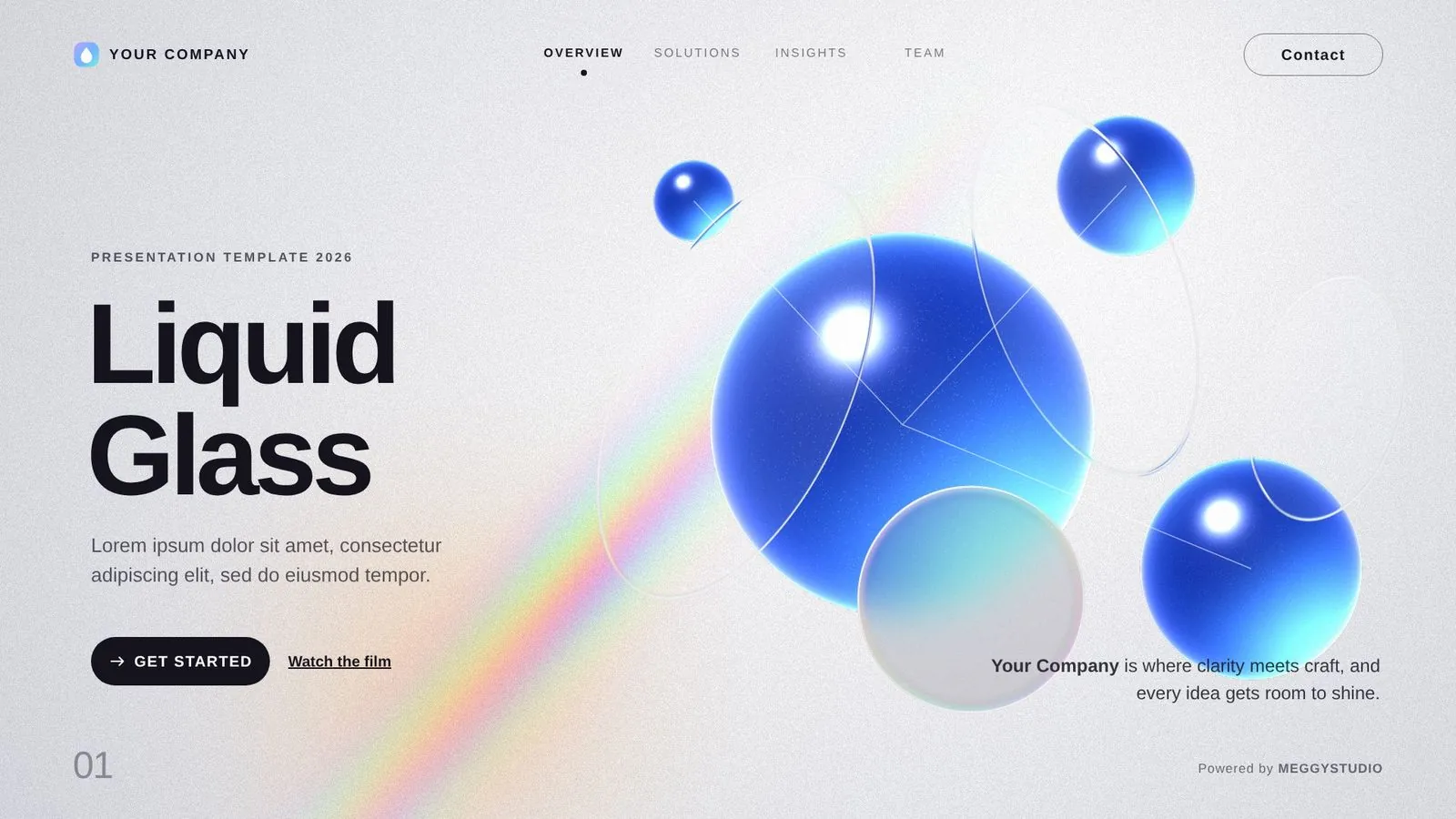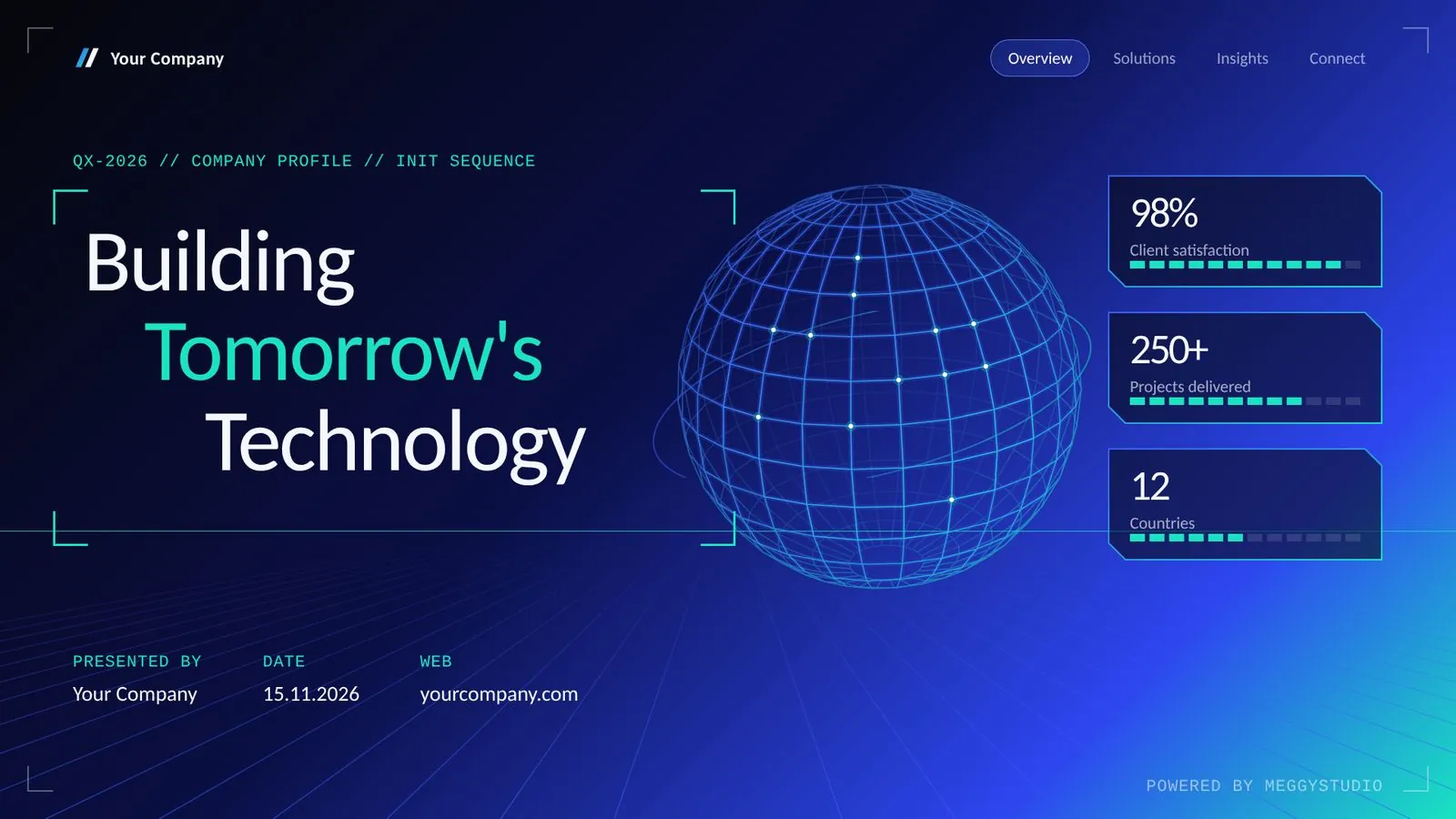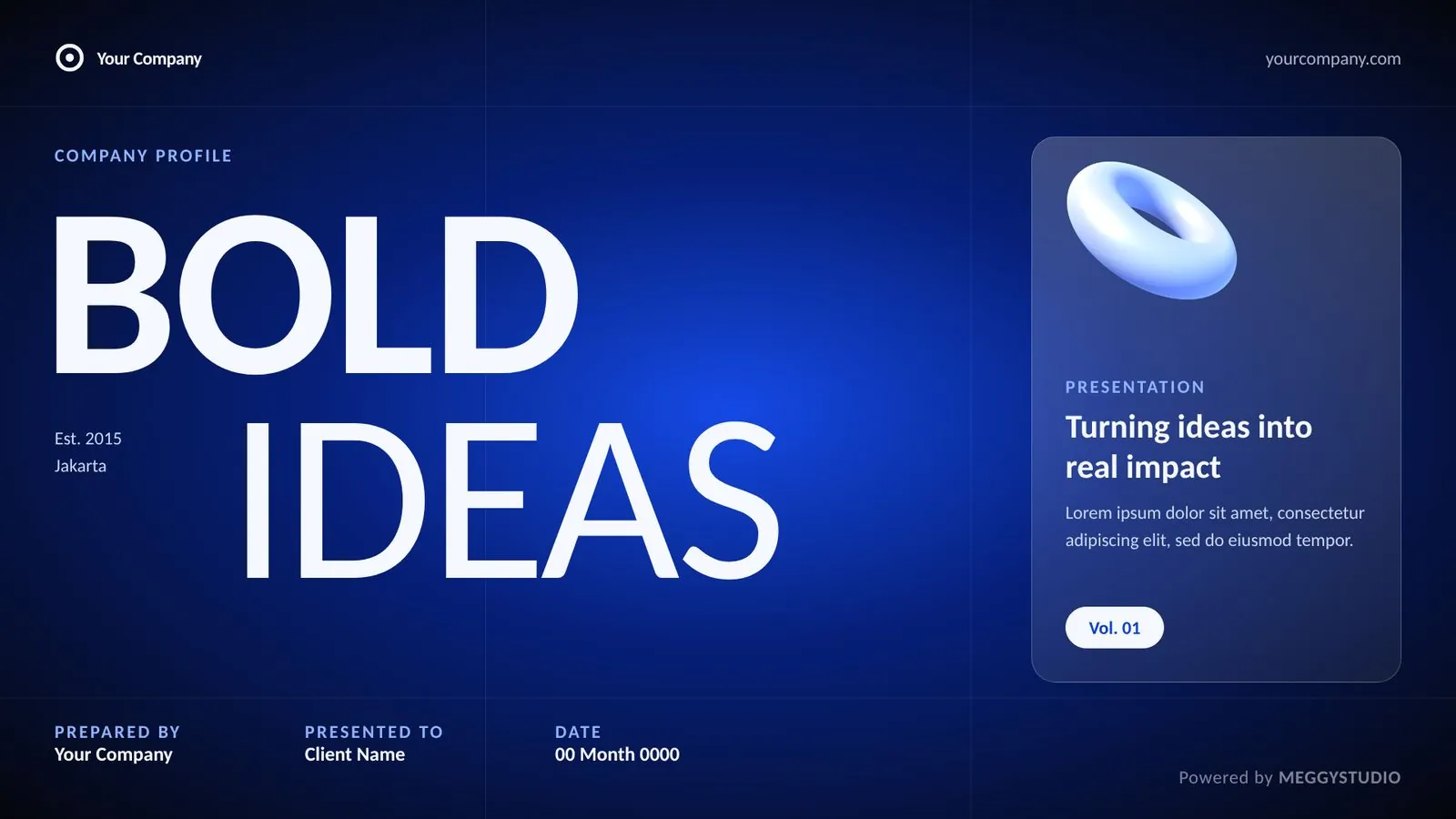
A company profile is often the first real impression a client, partner or tender committee gets of your business. It needs to answer three questions fast: who are you, what do you do, and why should I trust you?
Here's what to include, in an order that flows, plus the writing and design habits that make a profile feel premium instead of generic.
- A profile answers three questions: who you are, what you do, why trust you.
- Prove every claim with numbers, clients, case studies or testimonials.
- One visual style and Office fonts make the file look right on any PC.
In this guide
01The essential slides
The whole deck at a glance (example layouts from MEGGYSTUDIO templates):
 01Cover
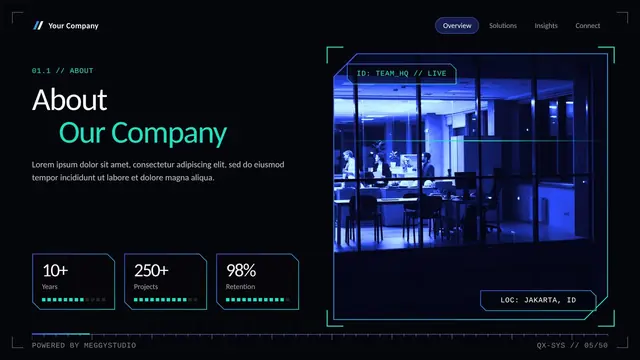 02About us
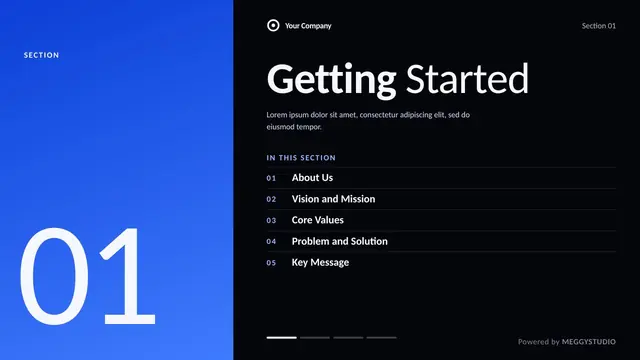 03Vision and mission
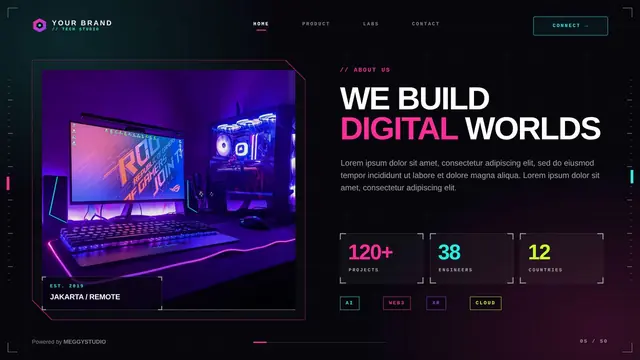 04What we do
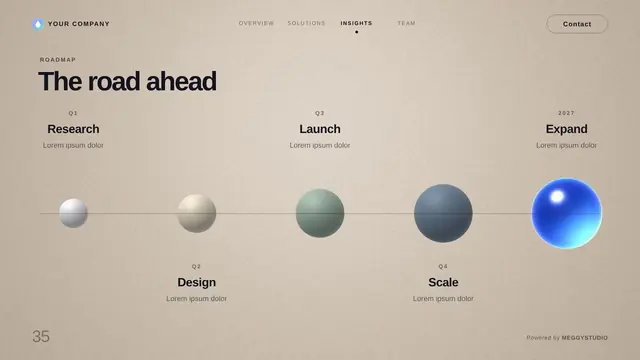 05How we work
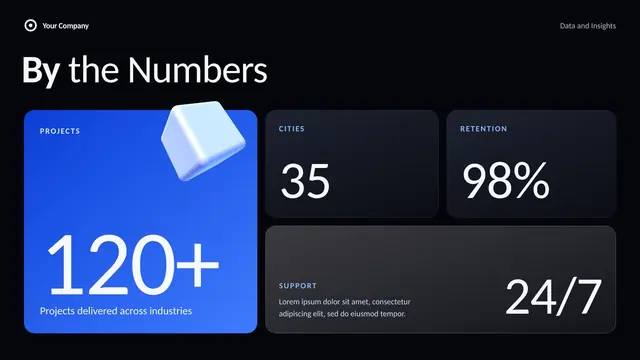 06Numbers
 07Clients
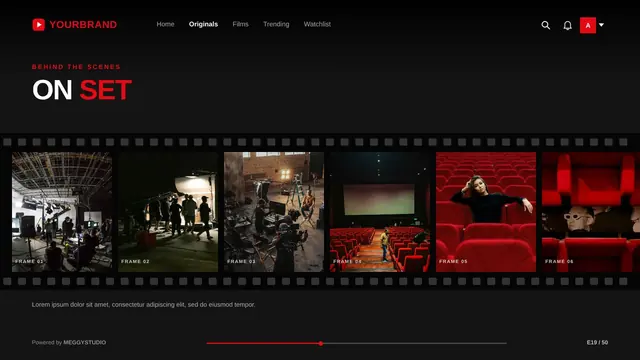 08Case studies
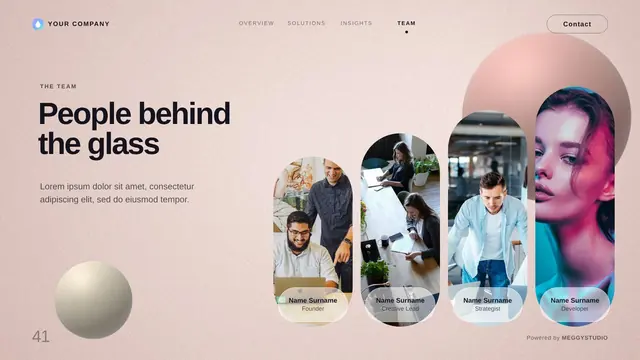 09Testimonials
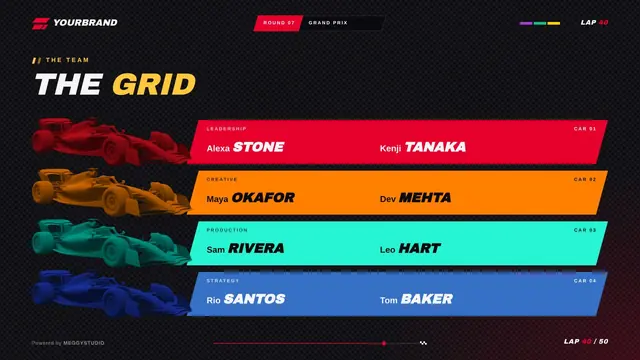 10Team
 11Locations
 12Contact
01Cover
Company name, logo, a short positioning line and the year. Use a strong photo or brand visual; this slide sets the tone.
02About us
Two or three sentences: what you do, for whom, and since when. Add a few key facts like founding year, locations or team size.
03Vision, mission and values
Keep each one short enough to remember. Three values with one line each beat seven values nobody reads.
04What we do (services or products)
Group your offer into 3 to 6 clear categories with an icon or image each. Explain the benefit, not just the name of the service.
05How we work
A simple process in 4 or 5 steps shows clients what working with you feels like. It also answers "what happens after I say yes?".
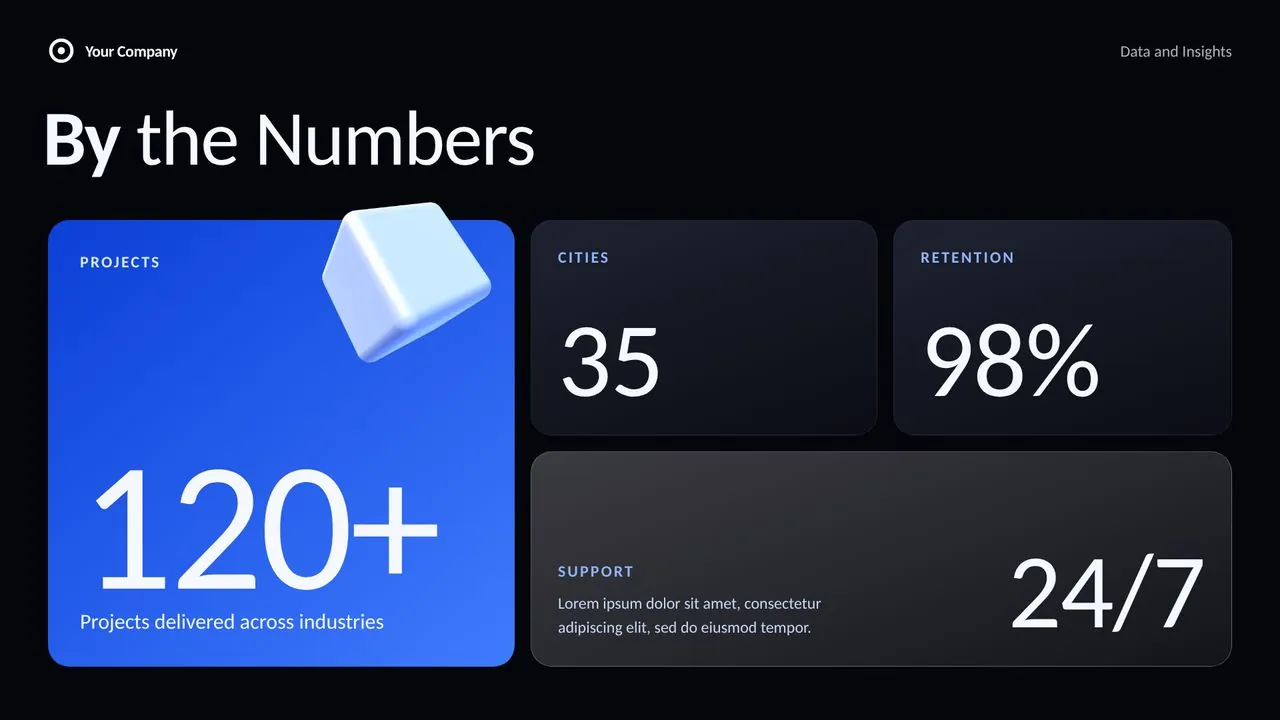
06Numbers that matter
Years in business, projects delivered, clients served, satisfaction rate, growth. Pick 3 or 4 numbers and make them big.
07Clients and partners
Logos of brands you've worked with (with permission). If you can't show logos, show industries or a short list of project types.
08Case studies or portfolio
Two or three projects with the challenge, what you did, and the result. Photos or screenshots make them real.
09Testimonials
Short, specific quotes from real clients with name and role. "They delivered two weeks early" is stronger than "Great team!".
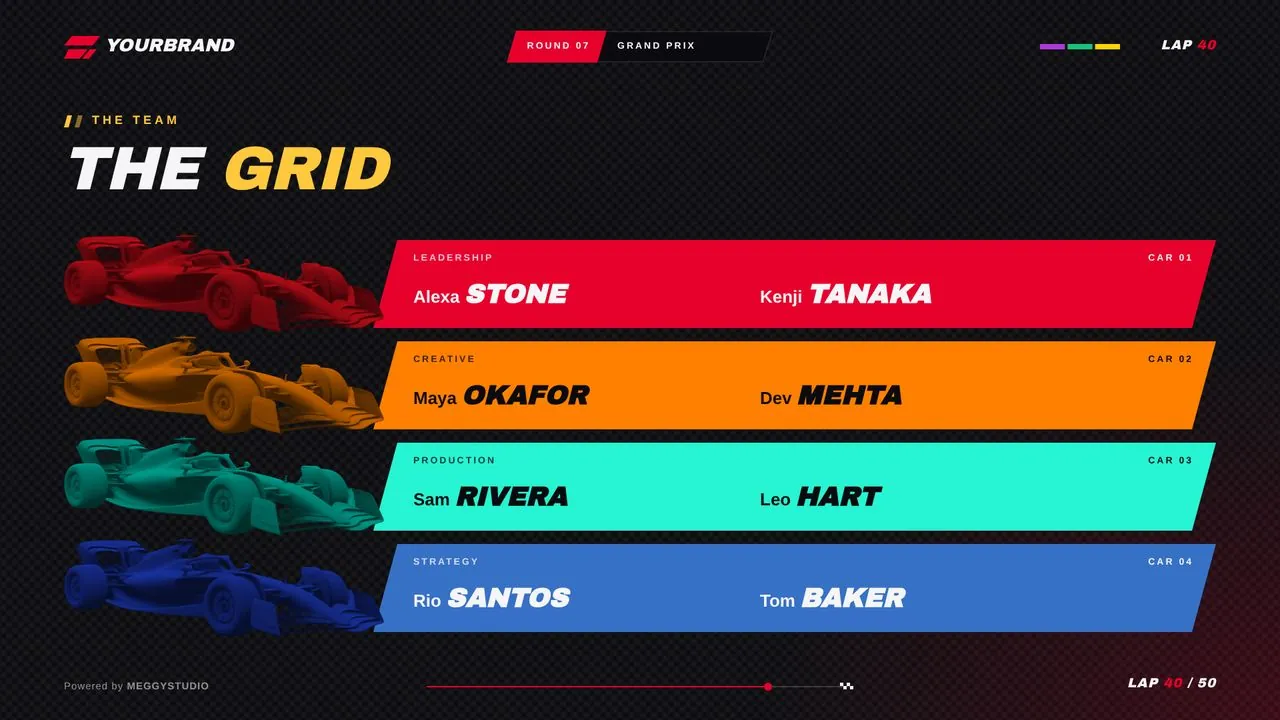
10Team
Leadership or key people with photos and one line each. It turns a company into people the reader can trust.
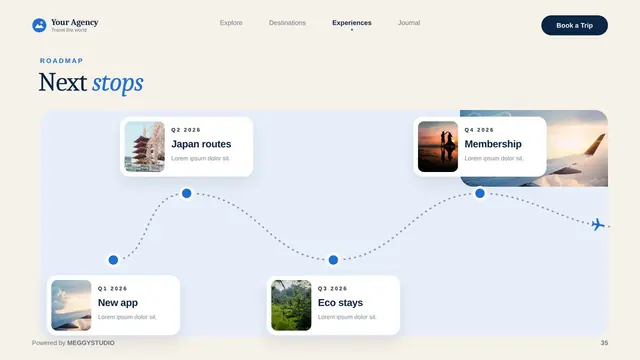
11Locations or coverage
Offices, regions served, or a map. Useful for tenders and partners who need to know your reach.
12Contact and call to action
Email, phone, website, social links, and one clear next step: "Book a call", "Request a quote", or "Visit our showroom".
02Writing tips for a profile people actually read
- Lead with the client's benefit. "We help retailers cut delivery times" beats "We are a leading logistics provider".
- Cut buzzwords. "Innovative", "synergy" and "one-stop solution" say nothing. Use specifics.
- Make titles do the work. Each slide title should be a statement, not a label.
- Prove every claim. If you say "trusted", show the clients. If you say "fast", show the timeline.
03Design rules
- One visual style. Same fonts, colors and spacing throughout. It signals a well-run company.
- Real photos over stock clichés. Your team, office and work beat generic handshakes.
- White space. Crowded slides look cheap. Give each element room.
- Office fonts. If the file will be opened on other computers, fonts like Calibri or Arial keep the layout intact.
- Subtle motion. A Morph transition between sections adds polish without distracting. Learn how.
04Start from a company profile template
Our Corporate template was built for exactly this: about us, vision and mission, services, process, big numbers, clients, case study, team, locations and contact, across 50 Morph-ready slides. Prefer a lighter, calmer look? Liquid Glass works beautifully for consultancies and agencies.
50-slide company profile templates with Morph and Office fonts.
05FAQ
How long should a company profile presentation be?
For a meeting, 12 to 20 slides is usually enough. If it's a leave-behind document people read on their own, you can go longer, but keep each slide focused on one idea.
What is the difference between a company profile and a pitch deck?
A pitch deck asks for something specific, usually investment, and argues why now. A company profile introduces who you are, what you do and why clients can trust you. It's used for sales, partnerships, tenders and onboarding.
Should a company profile include prices?
Only if your pricing is simple and public. Otherwise show packages or service tiers without numbers, and share a quote separately.
Written by MEGGYSTUDIOWe design 50-slide PowerPoint templates with Morph built in.