Most Earth Day presentations show a melting glacier and a big number nobody can picture. Then nothing changes. The good ones pick one local thing and make it easy to act on.
- Lead with one local, measurable action, not global statistics.
- Show before-and-after numbers people can picture.
- Avoid claims you can't prove; greenwashing gets noticed.
In this guide
01A structure that ends in action
02Make numbers people can picture
Large numbers get ignored. Translate them into something people can see.
The office uses 180,000 sheets of paper a year.
That's a stack of paper as tall as a three-storey building, every year.
03Ideas for schools
- A waste audit of the classroom bin for a week, with a chart of what was found
- A map of trees or green spaces near the school
- A before-and-after project, such as a recycling corner, with photos
- A quiz to close the presentation
04Ideas for companies
- Energy or waste numbers from your own building, compared with last year
- A supplier or packaging change, with the measured result
- A team volunteering day, with photos and hours contributed
Be honest about what's not done yet. Saying "we have reduced packaging by 20 percent and still use plastic in shipping" is far more credible than calling a product "eco-friendly" with no numbers. Our sustainability presentation guide goes deeper on reporting.
05Design for a hopeful tone
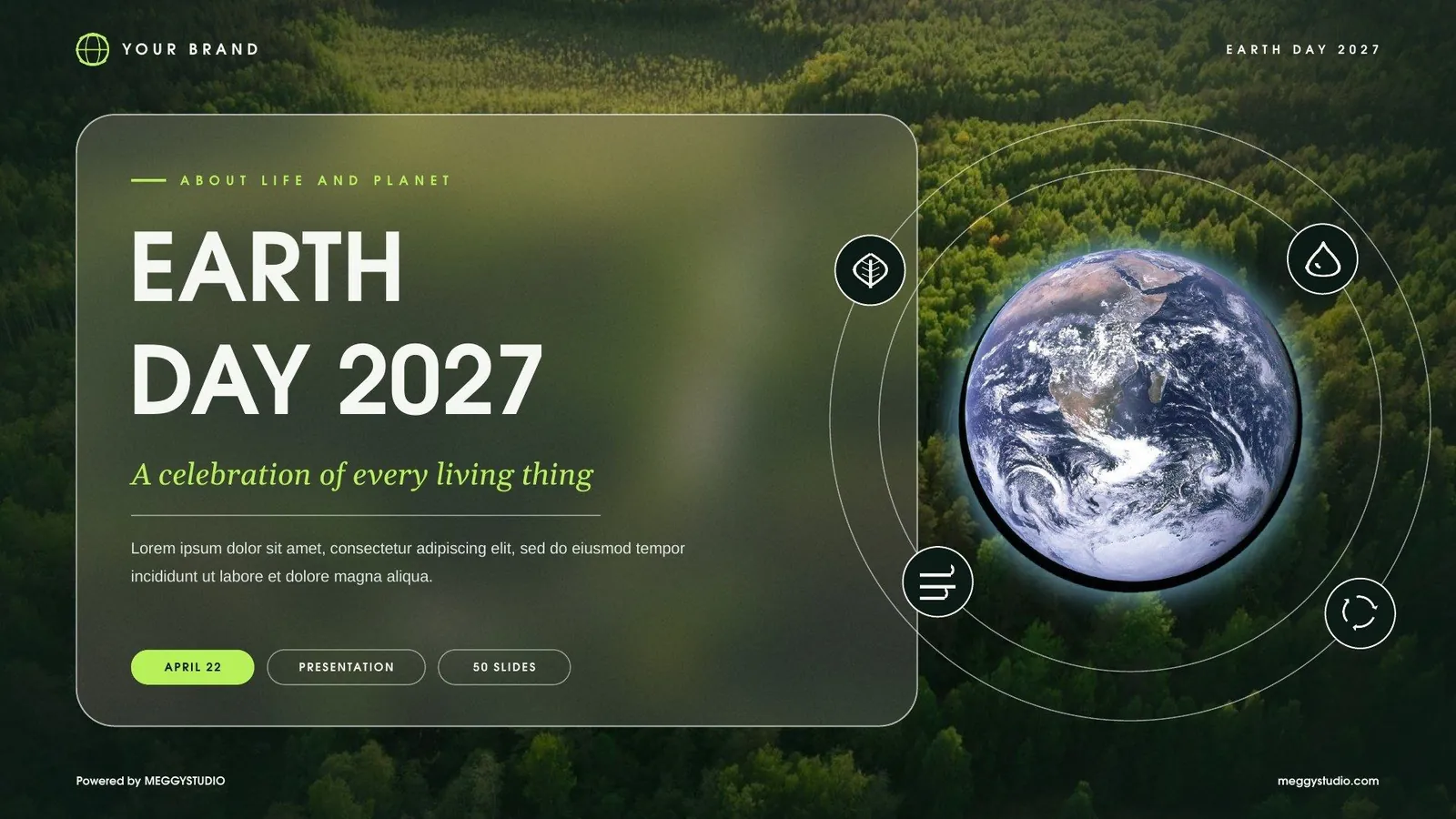
Use natural greens and earthy neutrals, real photos and plenty of white space. Avoid disaster imagery on every slide; it makes people feel helpless. Show people doing something instead.
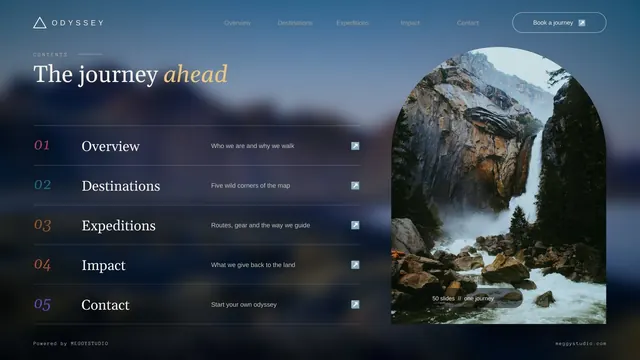
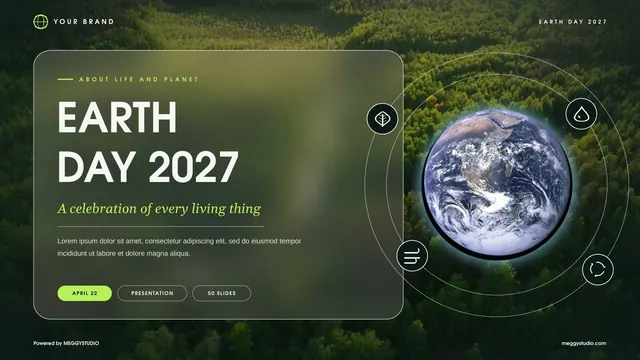
Earth Day and Nature Odyssey have nature photography, impact charts and action slides.
06FAQ
When is Earth Day?
Earth Day is on April 22 every year.
What should an Earth Day presentation include?
A local problem, a few clear facts, one action people can take and how you'll measure the result.
How do I avoid greenwashing in a company presentation?
Only claim what you can measure, show the baseline and the change, and say what you have not solved yet.
Written by MEGGYSTUDIOWe design 50-slide PowerPoint templates with Morph built in.