Every presentation rubric we've seen, from a high school class to a university module to a job interview panel, checks roughly the same five things. The wording changes. The criteria don't. Once you know what they are, it's much easier to aim for full marks instead of hoping for them.
- Most rubrics check structure, visuals, data, engagement and the ending.
- Keep slide text short and let your notes hold the sentences.
- Summarise before you ask for questions.
In this guide
01The rubric, decoded
| Criterion | What the grader is really asking |
|---|---|
| Clear structure | Could I follow where this was going? |
| Visuals | Did the slides help, or just repeat what was said? |
| Data | Were the facts accurate and easy to understand? |
| Engagement | Did I stay interested the whole time? |
| Conclusion | Do I remember the main point now it's over? |
021. Clear structure: tell them what's coming
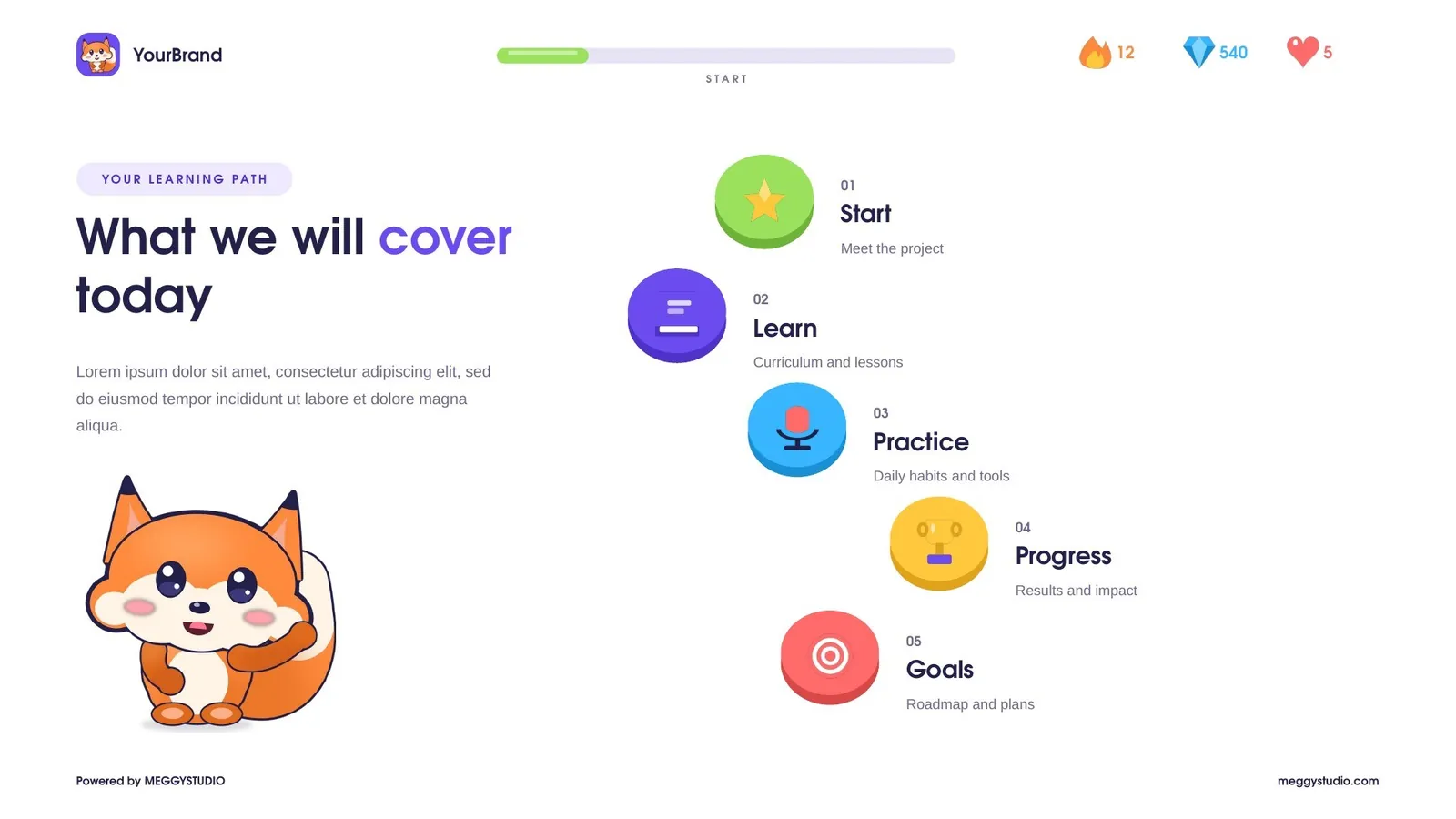
Put an agenda slide right after the title. Three to five items, in the order you'll cover them. It sounds basic, but it's the single easiest point to earn, because it lets the grader tick off each section as you go.
032. Visuals, not walls of text
If your slide has the same sentences you're saying out loud, the audience reads ahead and stops listening. Keep slide text to a few words, and let icons, photos and colour do the explaining. Your notes can hold the full sentences.
Our project aims to improve students' reading habits by providing short daily lessons that are easy to follow and fun to complete.
Short lessons. Every day. Real progress.
043. Data that makes sense
Graders take points off for data that's confusing more often than for data that's missing. Show one number or one comparison per slide. Before and after is the clearest comparison there is.

054. Keep the room awake
Around the middle of any talk, attention drops. Plan for it. A quick quiz question, a show of hands, or a "which one would you pick?" slide resets the room. One interactive moment is usually enough.
065. A strong ending
"Any questions?" isn't an ending. Before you ask for questions, give a one-slide summary: the main point in one sentence, and the one thing you want people to remember or do.
If someone only remembers one slide, make it the last one.
07If it's a group presentation
Agree on one template before anyone starts, so it doesn't look like four different decks stapled together. Assign each person a section, not a set of random slides. Our group presentation guide goes into the details.



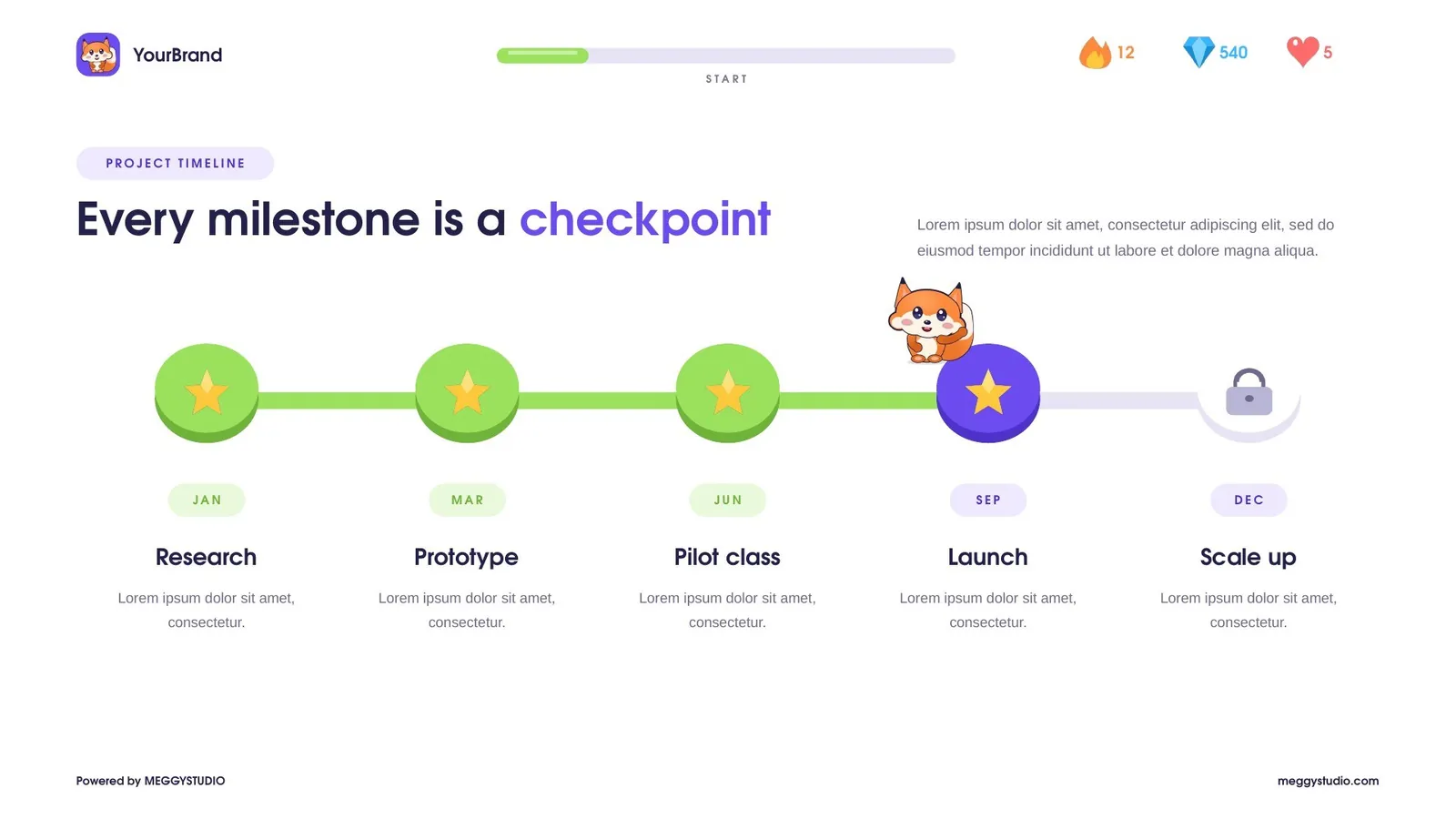
Education Project has agenda, data, timeline and team slides with a friendly, clean look.
08FAQ
What do teachers look for in a presentation?
A clear structure, visuals that support the talk instead of repeating it, accurate data, a delivery that keeps attention, and a strong ending.
How many slides should a 10-minute class presentation have?
Around eight to twelve. One idea per slide is a better guide than a fixed number.
How do I keep the class interested?
Ask a question early, include one interactive moment in the middle, such as a quick quiz or a show of hands, and keep text on slides short.
Does design affect the grade?
Usually under visuals or clarity. A clean, consistent design makes your content easier to follow, which is what those criteria measure.
Written by MEGGYSTUDIOWe design 50-slide PowerPoint templates with Morph built in.