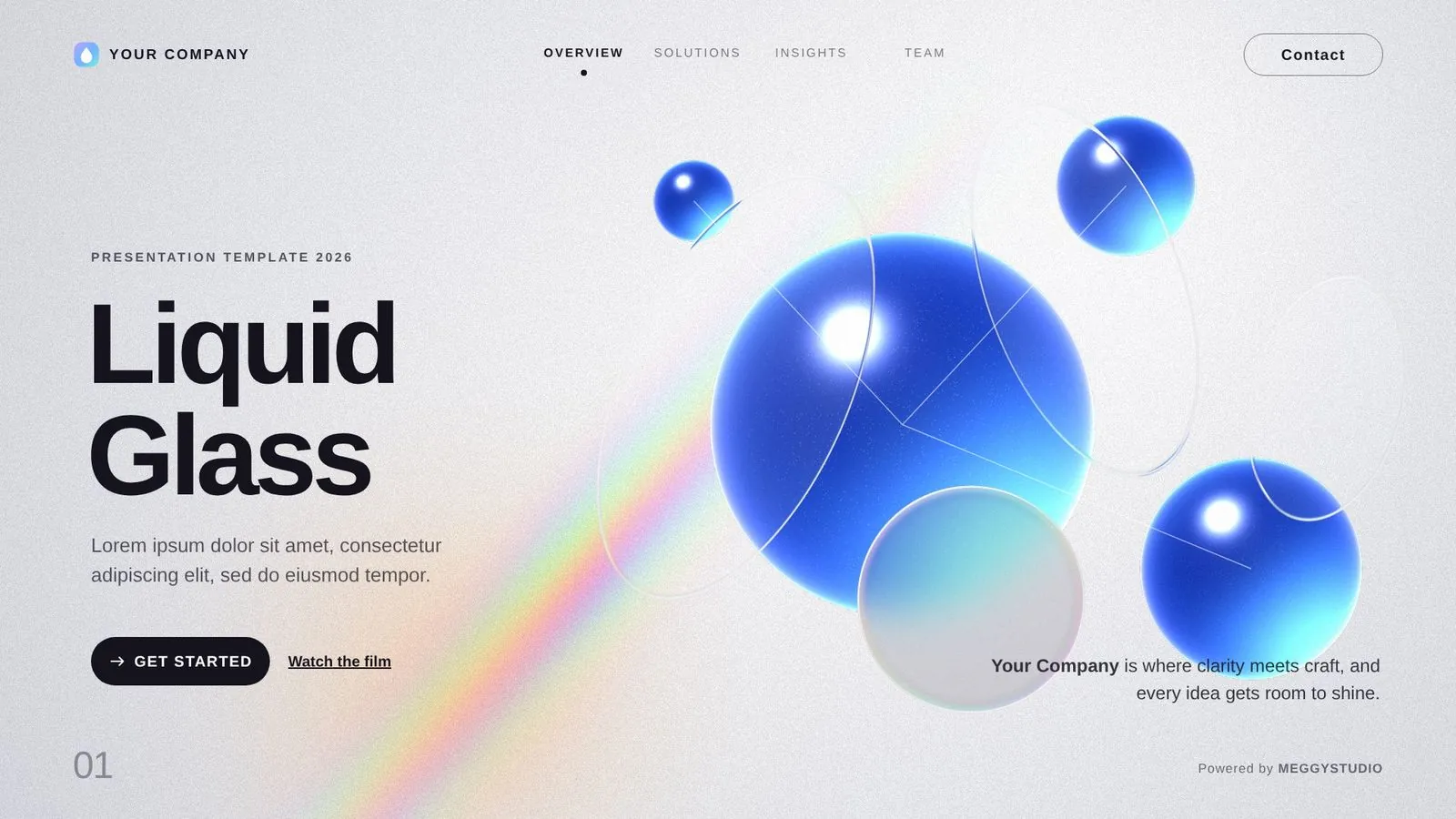
If your template uses theme colours, you can recolour the whole deck in about a minute. If it doesn't, you'll be clicking shapes one by one for an afternoon. Here's how the system works.
- Design, Variants, Colors, Customize Colors.
- Twelve slots: dark, light, six accents and two link colours.
- Only objects that use theme colours change, so build with them.
In this guide
01Change the colours
- Open the Design tab.
- In the Variants group, click the small arrow to open the gallery.
- Choose Colors, then Customize Colors at the bottom of the list.
- Change the slots you need, type a name for the set and click Save.
02What each slot does
| Slot | Used for |
|---|---|
| Text/Background Dark 1 | Main text colour on light slides |
| Text/Background Light 1 | Main background on light slides |
| Dark 2 and Light 2 | Secondary text and background tones |
| Accent 1 to 6 | Shapes, charts, highlights; charts use them in order |
| Hyperlink and Followed Hyperlink | Link text before and after it's clicked |
Need five colours that work together? The colour palette generator gives you background, surface, text and two accents with contrast checks, mapped to these slots.
03Why some shapes don't change
A shape only follows the theme if its colour was picked from the Theme Colors row of the colour menu. Colours from the Standard Colors row, from More Colors or from the eyedropper are fixed. Pictures, including icons saved as pictures, never change.
Pick 'blue' from Standard Colors, or type a hex code.
Pick Accent 1 from the Theme Colors row; it follows the theme forever.
04Do fonts too
Theme fonts work the same way: Design, Variants, Fonts, Customize Fonts. Set a heading and a body font once and every placeholder uses them. Our PowerPoint font pairing tool suggests pairs that are already installed on most computers.
05Templates built on theme colours
Our templates use theme colours for shapes, charts and text, so you can rebrand them with your own colours in the steps above. Read more in how to customise a PowerPoint template.
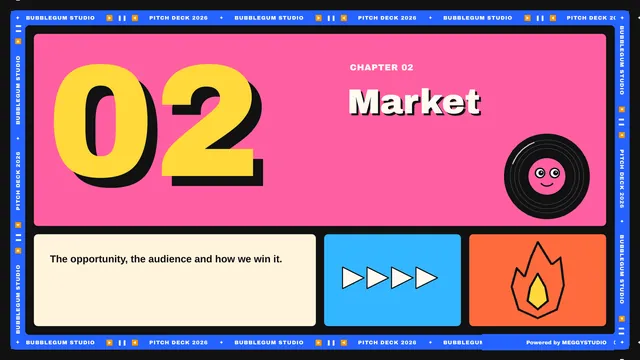
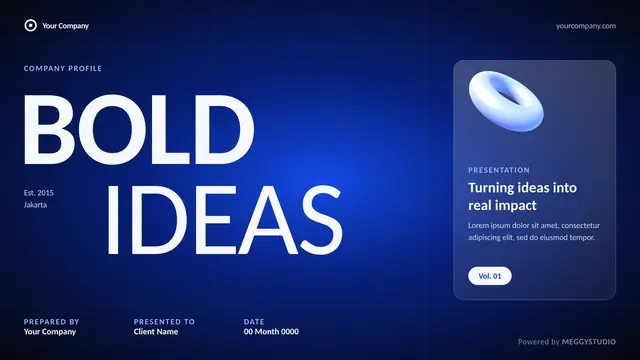
Every MEGGYSTUDIO template uses theme colours and fonts, so your brand goes in once.
06FAQ
Where are theme colours in PowerPoint?
On the Design tab, open the Variants gallery, then Colors, then Customize Colors.
Why didn't some shapes change colour?
They use a fixed colour instead of a theme colour. Select them and pick a colour from the Theme Colors row instead.
Can I save my colours for other presentations?
Yes. Name the colour set when you save it in Customize Colors; it appears in the Colors list for your other decks.
Written by MEGGYSTUDIOWe design 50-slide PowerPoint templates with Morph built in.