We build every template in PowerPoint, so we're biased. But we've opened our files in all three tools more times than we can count, so here's the honest version.
- PowerPoint for design and compatibility, Google Slides for co-editing.
- Keynote is great until you send the file to a Windows client.
- Pick the tool your audience will open the file in.
01Quick comparison
| PowerPoint | Google Slides | Keynote | |
|---|---|---|---|
| Design control | Strongest | Basic | Strong |
| Smooth motion | Morph | Limited | Magic Move |
| Real-time collaboration | Good (365) | Best | Okay |
| Works for clients | Everywhere | Browser link | Mostly Mac users |
| Price | Subscription | Free | Free on Apple |
02How to choose
Team edits together all day, simple design is fine
You need polished design, Morph, and a file clients can open
Keynote is great if you're on a Mac and presenting yourself, but sending a Keynote file to a Windows client is asking for trouble.
03What happens to a PPTX template in each
In PowerPoint: everything works. In Keynote: mostly fine, but Morph becomes a simpler transition and fonts may swap. In Google Slides: layouts and photos come through, but Morph and some effects are lost.
Pick the tool your audience will open the file in, not the one you like best.
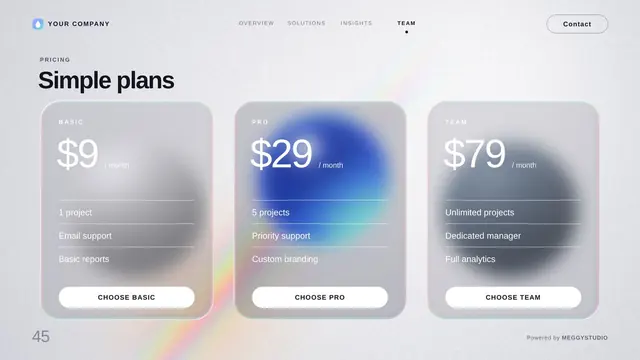
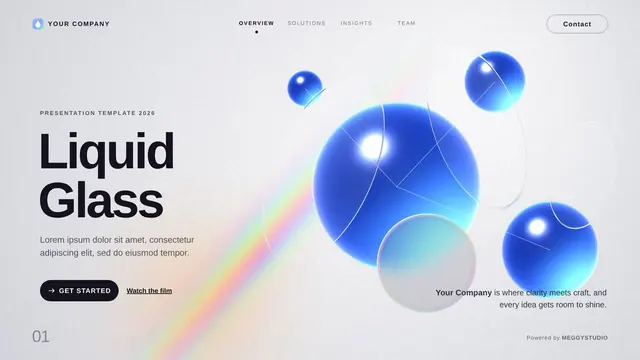
50 slides, Office fonts and Morph, made to open cleanly on any Windows or Mac machine.
04FAQ
Can I open a PowerPoint template in Google Slides?
Yes, Google Slides can import PPTX files, but advanced effects such as Morph and some fonts may not carry over.
Does Keynote open PPTX files?
Yes. Keynote can open and export PPTX, though some transitions and fonts may change.
Which is best for animation?
PowerPoint (with Morph) and Keynote (with Magic Move) are much stronger than Google Slides.
Written by MEGGYSTUDIOWe design 50-slide PowerPoint templates with Morph built in.