
Engineers are good at detail, which is exactly why engineering presentations often go wrong. The audience doesn't need every calculation. They need to see that the design meets the requirements, and what happens next.
- Requirements first, then results against them.
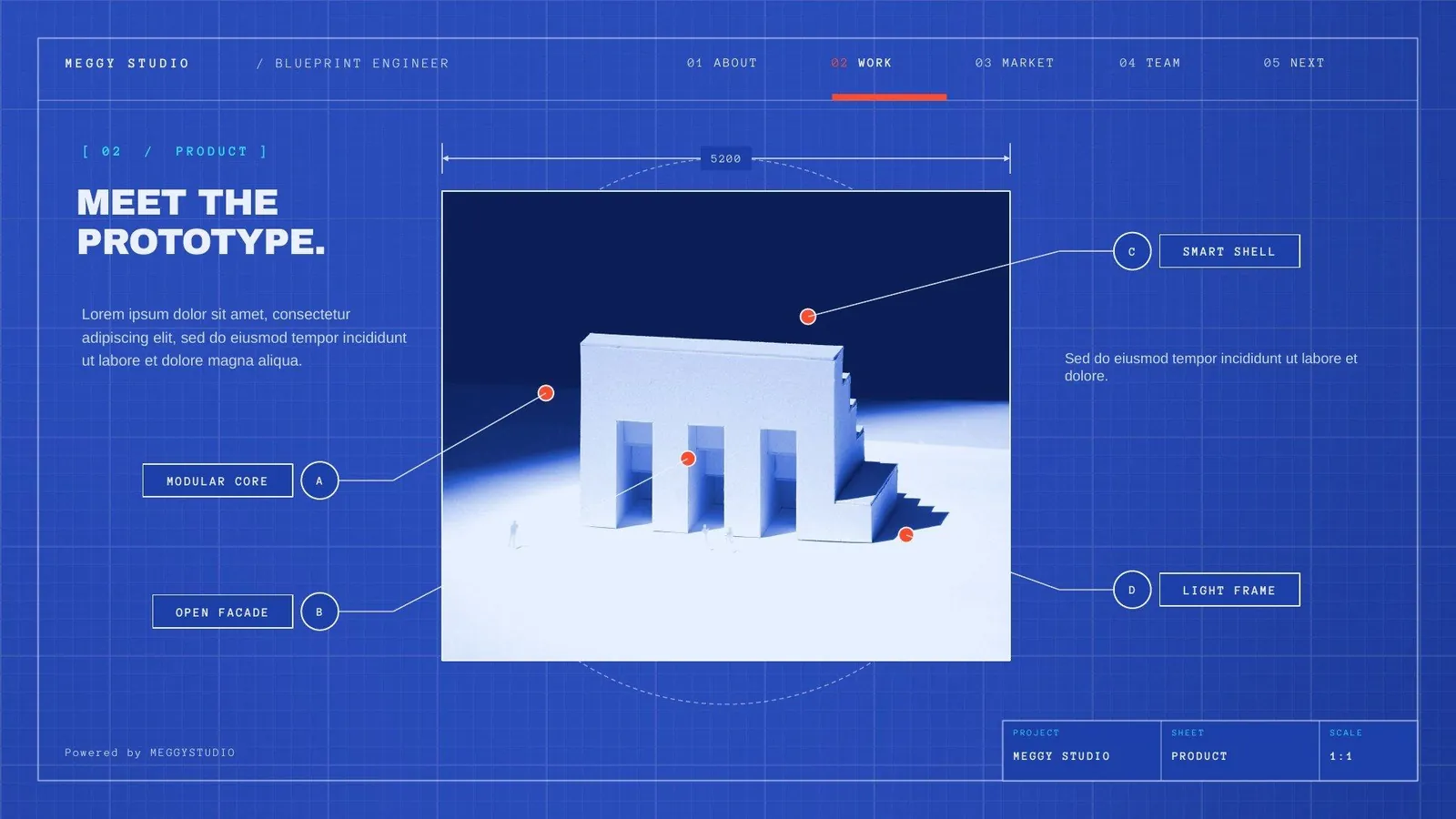
- Show the prototype with labelled callouts.
- Be honest about what did not pass.
In this guide
01A structure that shows rigor
| Slide | What it shows |
|---|---|
| Requirements | What it had to do, with numbers |
| Design | The approach and key decisions |
| Prototype | What you built |
| Field or lab results | Measured against requirements |
| Issues | What didn't work and how you'll fix it |
| Next steps | Timeline and decisions needed |
02Show the thing
A render or photo of the prototype with labelled callouts beats a paragraph of description every time.
03Results against requirements
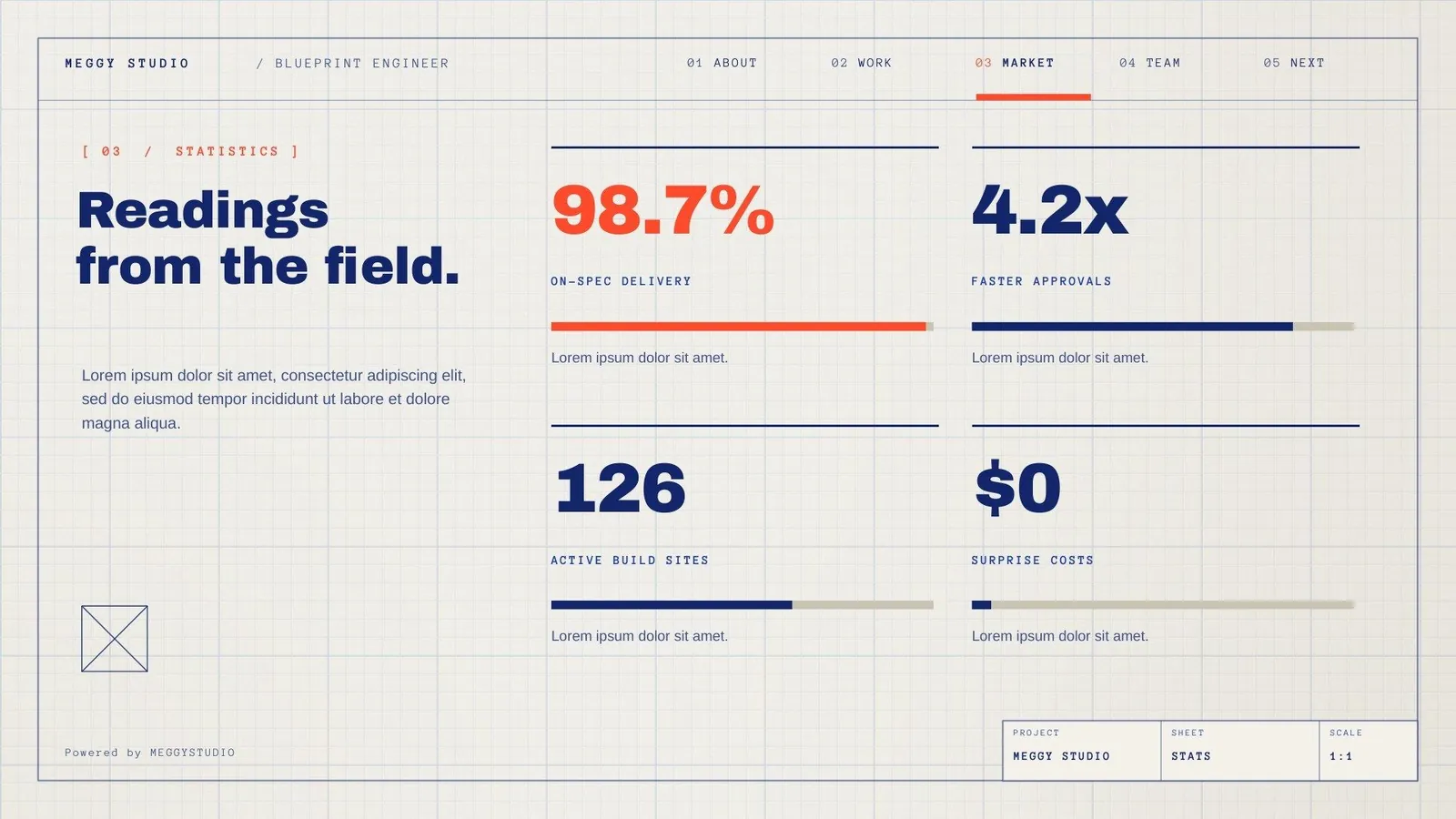
Put the requirement and the measured value side by side. Pass or fail should be obvious without reading.
04Field notes and photos
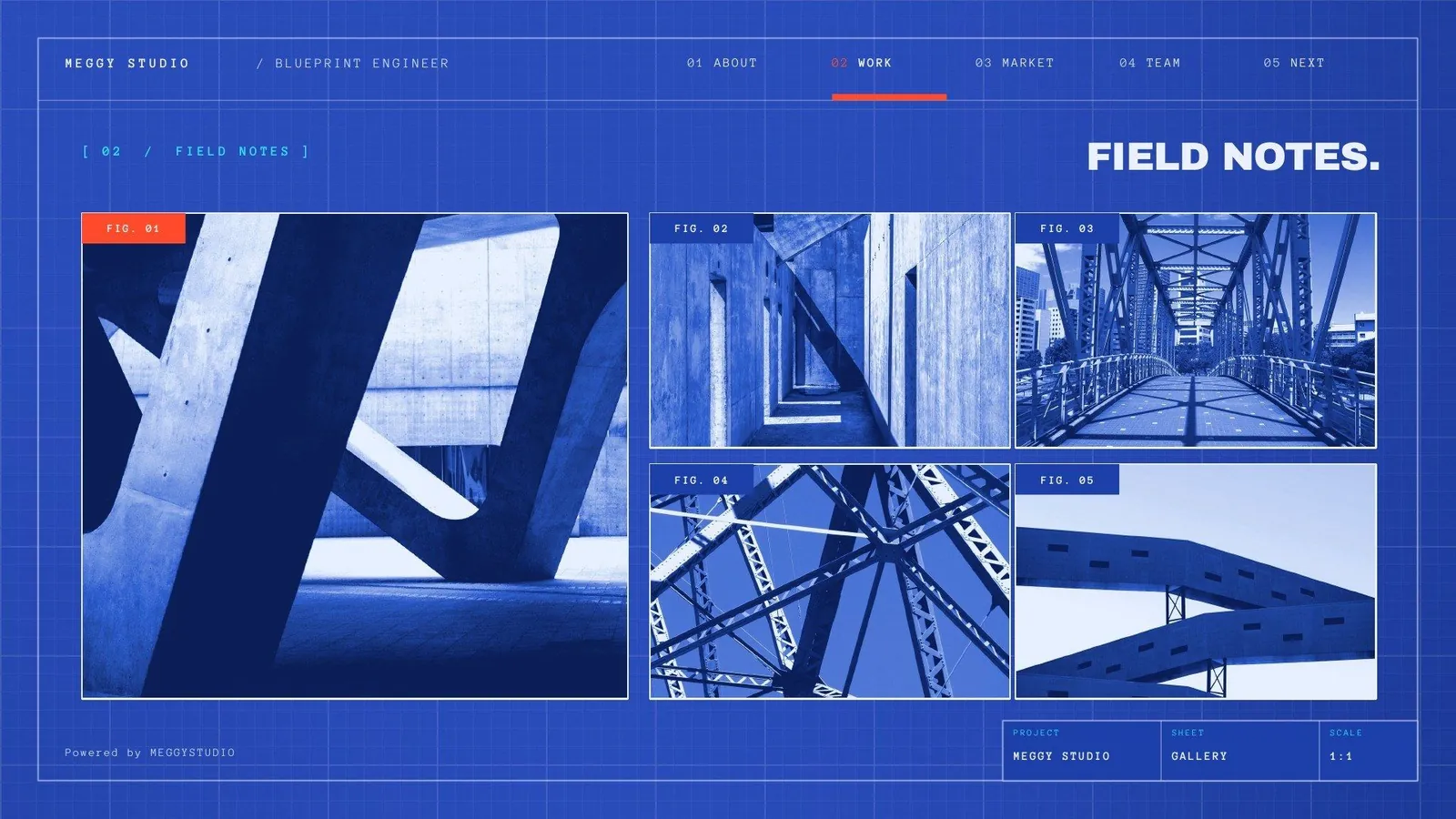
Photos from testing or the site make the work tangible, especially for non-engineers.
05Be honest about issues
A slide listing what didn't meet spec, and the plan to fix it, builds more trust than a deck where everything passed.
The appendix is where calculations live. The slides are where decisions get made.
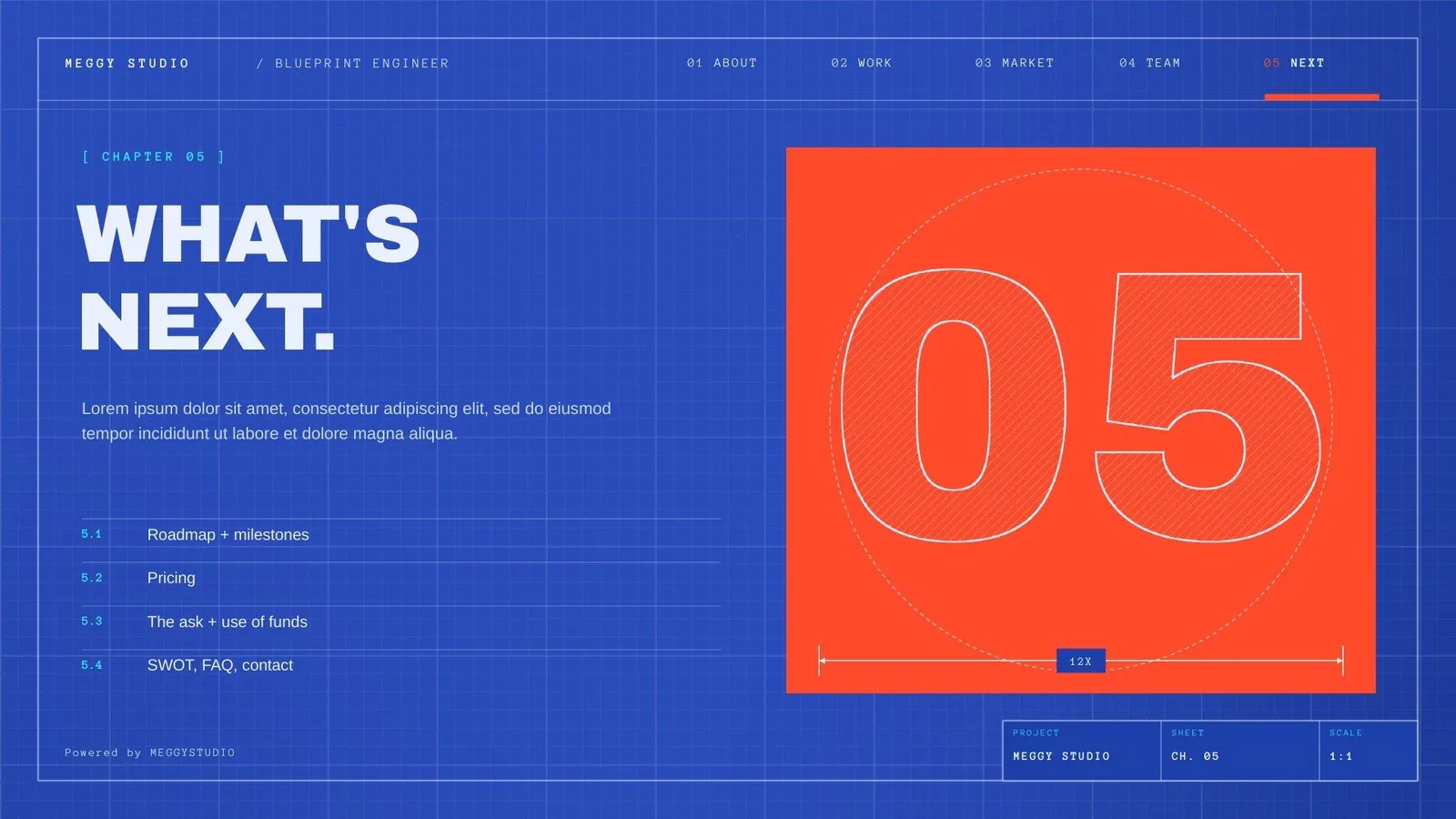
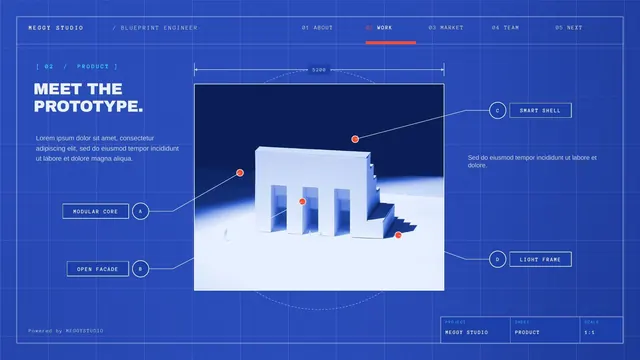

Blueprint Engineer has prototype, results, field and roadmap slides in a technical drawing style.
06FAQ
How do I structure an engineering project presentation?
The problem and requirements, design approach, prototype, test results, issues found, and next steps.
How much technical detail should I include?
Enough for your audience to trust the result. For mixed audiences, show the key numbers on slides and keep calculations in an appendix.
How do I present test results?
State the requirement, show the measured result next to it, and say whether it passed.
Written by MEGGYSTUDIOWe design 50-slide PowerPoint templates with Morph built in.